Your iPhone is engineered for peak performance, but a few common daily habits might be silently killing its battery life and compromising your security. Whether you are trying to squeeze an extra hour out of your battery or protect your most sensitive passwords, adjusting a handful of default settings can dramatically extend your device's lifespan. This guide breaks down the exact habits you need to break to optimize iPhone settings for long-term reliability.
Before making these adjustments, ensure you have the following ready:
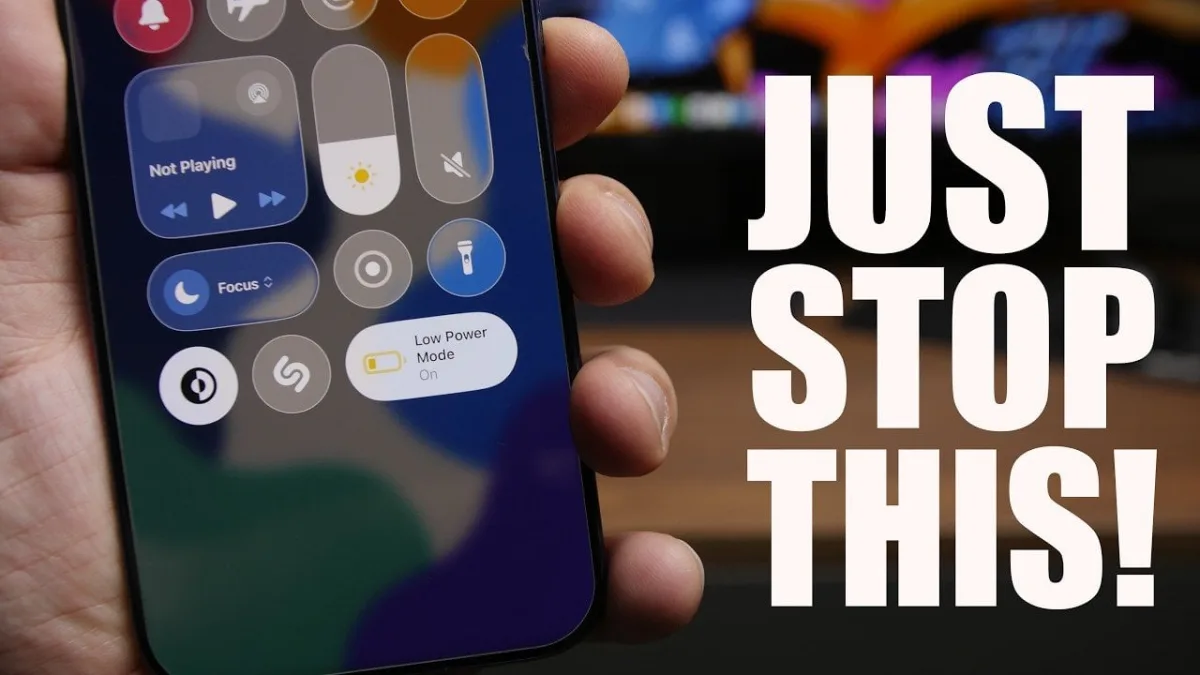
- Toggle Low Power Mode off once your battery surpasses 20 percent.
This ensures your iPhone restores essential background processes, email fetching, and visual effects that are throttled when the mode is active. - Migrate sensitive data from the Notes app to the native iOS Passwords app.
This secures your financial details and passwords behind robust Face ID or Touch ID encryption, protecting them from unauthorized access. - Restart your iPhone at least once a week.
This clears temporary files and system clutter, refreshing the operating system to maintain optimal speed and storage efficiency. - Switch your screenshot format from HDR to SDR if you capture your screen frequently.
This significantly reduces the storage space consumed by screenshots, freeing up memory on devices with limited capacity. - Disable Background App Refresh for non-essential applications by navigating to Settings > General > Background App Refresh.
This prevents unused apps from draining your battery and consuming system resources in the background. - Enable auto-brightness by going to Settings > Accessibility > Display & Text Size.
This allows the system to dynamically adjust screen brightness based on ambient lighting, optimizing battery life and reducing eye strain. - Relocate your device to a cool, well-ventilated area while charging, avoiding pillows or direct sunlight.
This prevents the lithium-ion battery from overheating, which is a primary factor in long-term battery degradation.
The Hidden Cost of Micromanaging iOS
While these adjustments seem minor, they highlight a broader shift in how modern operating systems handle resource management. Apple has increasingly designed iOS to be self-regulating, utilizing machine learning to optimize battery charging and app states. When users attempt to micromanage their devices - such as leaving Low Power Mode on permanently or manually scrubbing background apps - they often disrupt these built-in optimizations.
According to testing insights shared by iReviews, fighting the system's natural thermal and power management usually yields worse results over time. For everyday users, the most effective strategy is to configure these baseline settings correctly once, rely on native tools like the Passwords app for security, and let the hardware manage itself.