Android Auto is widely known as a strict, locked-down interface limited to navigation, music, and calls. For users stuck in traffic or waiting in parked cars, the inability to stream a YouTube video or mirror a smartphone screen can feel unnecessarily restrictive. However, a hidden workaround allows users to bypass Google's walled garden and sideload apps on Android Auto directly onto their vehicle's dashboard.
While Google is planning to introduce native YouTube streaming for parked vehicles from brands like BMW, Ford, Hyundai, Kia, and Mercedes-Benz later this year, power users are utilizing an unofficial storefront to unlock these features today. By leveraging a tool called Android Auto Apps Downloader (AAAD), drivers can install third-party software that Google explicitly blocks from the Play Store.
How to Sideload Apps on Android Auto
The process of installing unapproved applications does not require rooting your device, but it does involve enabling developer privileges on both your smartphone and your car's interface. Follow these chronological steps to unlock the system:
- Enable Developer Mode on your phone: Open the Settings app, navigate to the About section, and tap the build number seven times until you see a confirmation toast notification.
- Unlock Developer Mode for Android Auto: Go to Settings, select Apps, and tap Android Auto. Open Additional settings in the app, scroll down to Version and permissions info, and tap it ten times. Finally, tap the three-dot menu in the top right, select Developer Settings, and enable Unknown Sources.
- Install AAAD: Download the APK directly from the developer’s GitHub releases page. You will need to grant permissions for unknown app installation and disable Google Play Protect. The free tier limits you to installing one app every 30 days, while the Pro version unlocks unlimited downloads for a one-time payment of $4.
The Best Unofficial Dashboard Apps
Once AAAD is installed, it acts as a hub for specialized third-party software designed specifically for vehicle displays. These applications dramatically expand the utility of your dashboard, though they come with significant safety caveats.
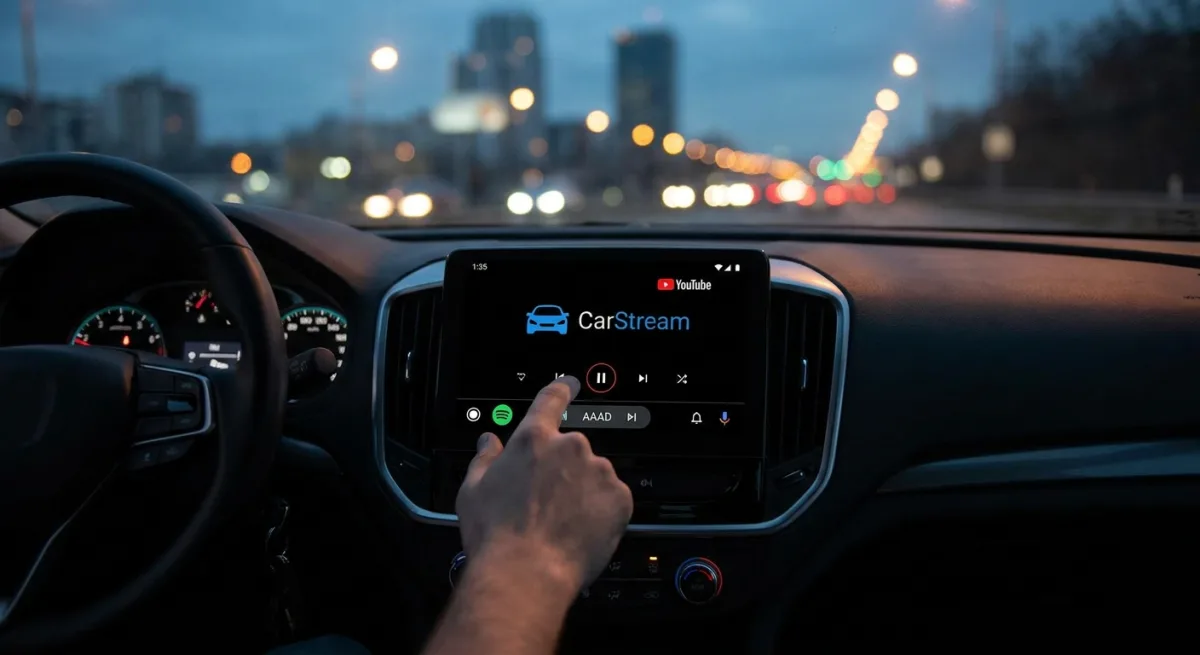
- CarStream: This app unlocks the ability to watch YouTube videos directly on your car's screen. Unlike Google's upcoming official solution, CarStream functions even when the vehicle is in motion, allowing users to sign in to their Google accounts and access YouTube Premium features.
- AAMirror: A straightforward utility that mirrors your Android smartphone's screen onto the dashboard. This is particularly useful for playing locally stored videos or casting content from an unsupported web browser.
- Fermata Auto: The ultimate all-in-one multimedia hub. It supports streaming YouTube, playing local media, screen mirroring, watching live TV via IPTV links, and even running a full web browser to access services like Netflix and Prime Video.
There’s a reason Google doesn’t officially allow most of these apps on Android Auto. They can be distracting, and watching videos or browsing the web while driving is a terrible idea.
- Andy Walker, Android Authority
The Hidden Cost of Dashboard Freedom
The ability to sideload apps on Android Auto exposes a fundamental tension between user control and automotive safety. Google’s strict limitations are not merely arbitrary walled-garden policies; they are designed to minimize driver distraction and comply with global automotive safety regulations. By bypassing these restrictions to run apps like CarStream while in motion, users are taking on significant personal and legal risks.
Furthermore, relying on unofficial storefronts like AAAD is a constant cat-and-mouse game. Google regularly deploys over-the-air (OTA) patches that break sideloading capabilities, meaning a recent Android OS update could render your $4 Pro investment useless overnight. For most consumers, the upcoming official update that enables native YouTube streaming while parked is the most logical compromise, offering entertainment during charging stops without compromising road safety.