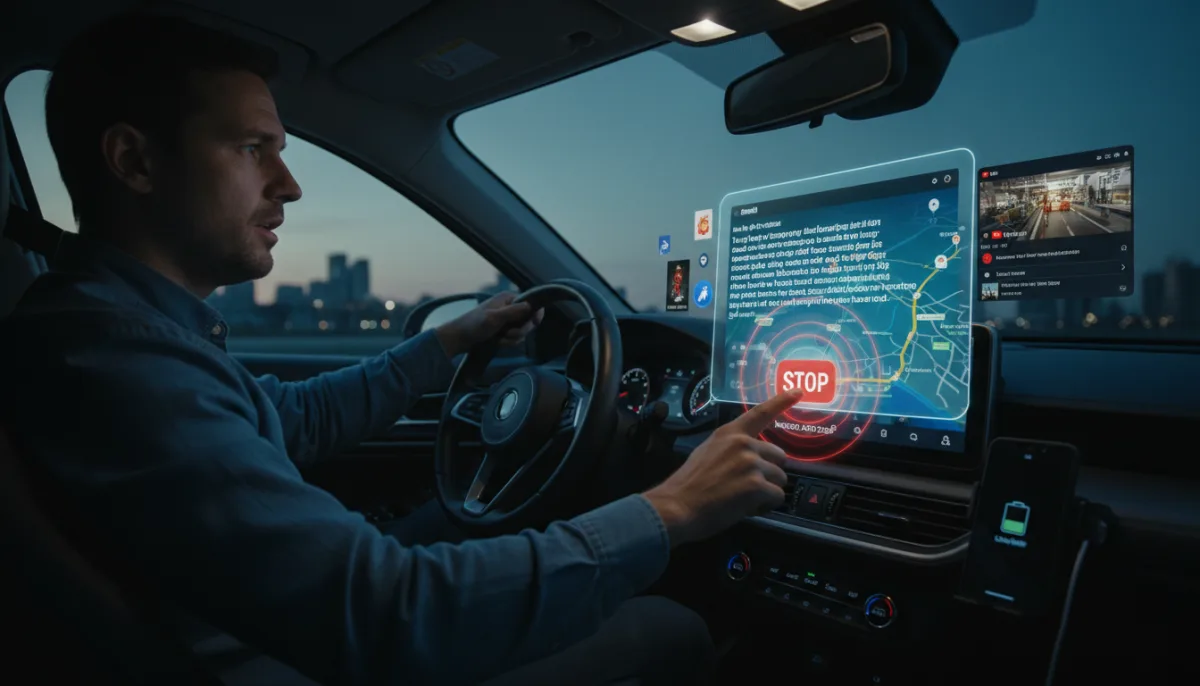
The Android Auto 2026 update brings flashy additions like immersive 3D navigation in Google Maps, YouTube video playback, and home screen widgets, but it still ignores critical usability flaws that frustrate daily drivers. While Google pushes its next-generation AI into the dashboard, basic functions like sending a voice note or stopping a rambling assistant remain surprisingly difficult.
Despite the substantial list of new additions rolling out this year, the platform desperately needs practical refinements to improve the actual driving experience. Based on daily usage and persistent interface bottlenecks, here are the five features Google must prioritize to make the system truly driver-friendly.
- Fixing Gemini's In-Car Experience: The current iteration of Gemini is overly verbose and slow to execute commands like altering navigation or playing Spotify playlists. Google needs to implement specific response settings, situational profiles (such as "work" or "kids"), a dedicated Saved Info page, and a crucial "Stop" word to instantly halt rambling responses in traffic.
- Native Voice Messaging: Despite having access to vehicle microphones, the system forcibly transcribes messages into text with frequent errors. Users need a simple toggle to send raw audio snippets via WhatsApp or RCS, bypassing the AI's tendency to misspell names or dictate punctuation like "comma" and "full stop."
- Resolving Contact Ambiguity: Gemini frequently misunderstands who the driver is trying to call, especially with names that are not spelled phonetically. The system must be updated to prioritize the existing Phonetic First Names, Phonetic Last Names, and Nicknames fields within the Contacts app.
- Advanced Visual Toggles: While the new design language is sleek, drivers need practical customization for accessibility similar to apps like OsmAnd. This includes additional themes for Google Maps, options to resize specific UI elements like the skip button or seek bar, and the ability to revert to legacy layouts to minimize driving distractions.
- Broader Power Saver Mode: Wireless connections drain phone batteries rapidly, yet the system continues running demanding visual effects even when the device enters low-battery mode. A dedicated power-rationing feature should automatically restrict the network to 3G or 4G, disable transparency effects, and limit mapping to basic directions to preserve battery life, similar to features found in some BMW and Nissan vehicles.
The Disconnect Between AI Ambition and Driver Safety
Google’s roadmap for the Android Auto 2026 update highlights a classic Silicon Valley blind spot: prioritizing flashy ecosystem integration over fundamental utility. Pushing immersive 3D maps and YouTube video playback looks great in promotional materials, but it actively contradicts the core purpose of an in-car interface, which is to minimize driver distraction.
The struggles with Gemini perfectly illustrate this issue. By forcing a conversational AI model into a driving environment without a hard "kill switch" or basic phonetic contact recognition, Google is creating new cognitive loads for drivers. If a user has to argue with an AI to send a simple WhatsApp message, the system has failed its primary safety mandate. Future updates must pivot away from entertainment and focus strictly on latency reduction and battery efficiency.