For millions of drivers, wireless Android Auto is pitched as the ultimate in-car convenience, but the reality often involves frustrating disconnects and severe battery drain. While cutting the cord seems like a technological step forward, reverting to a traditional wired setup is proving to be the most reliable solution for uninterrupted navigation and media streaming. This shift is especially critical for drivers who rely on their infotainment screens for long highway trips, where a dropping GPS signal becomes a dangerous distraction.
Recent analysis by Android Police highlights the hidden flaws of the wireless ecosystem. To function without a cable, the platform requires a continuous handshake between Wi-Fi and Bluetooth to stream high-quality audio and maintain real-time location data. This dual-network demand frequently leads to random disconnects, slow initial pairing times, and severe battery degradation over long drives. Even with modern vehicles offering wireless charging pads, the excess heat generated by simultaneous wireless projection and induction charging can permanently damage a smartphone's battery health.
As a consumer, I don't care what causes it to fail. I want a solution, and a USB cable is all I need to fix connection issues.
- Android Police
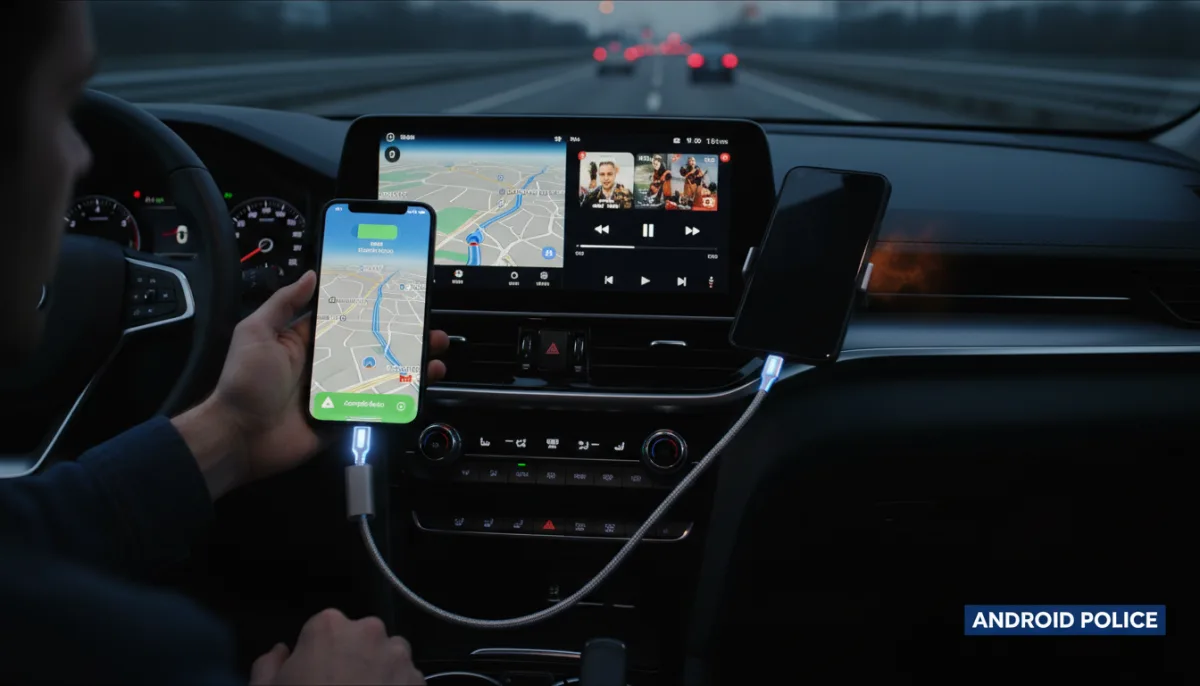
The frustration is compounded when multiple devices are paired to the same vehicle, causing the system to struggle with prioritizing the correct phone upon startup. While software resets and various fixes from Reddit are often suggested by the community, they rarely provide a permanent cure for the underlying protocol instability. A physical cable bypasses these wireless bottlenecks entirely, offering a true plug-and-forget experience that simultaneously charges the device safely.
How to Build the Ultimate Wired Android Auto Setup
Transitioning back to a wired connection requires a minor adjustment, but the right hardware can eliminate the traditional drawbacks of using physical cables in a vehicle. Follow these steps to optimize your dashboard setup:
- Use a High-Bandwidth Data Cable: Ensure your cable supports both high-speed data transfer and fast charging. Cheap charging-only cables will fail to trigger the Android Auto interface.
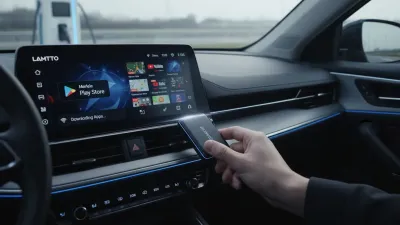
- Install a Magnetic USB Adapter: The biggest concern with wired setups is the wear and tear on the phone's charging port from repeated plugging and unplugging. A magnetic adapter stays inside the phone, allowing the cable to snap on effortlessly while preserving the port's hardware.
- Disable Wireless Projection: To prevent your phone from attempting to connect wirelessly in the background, navigate to the Android Auto settings on your device and toggle off the wireless connection feature.
The Illusion of Wireless Convenience
The automotive industry has spent the last few years aggressively marketing wireless smartphone projection as a premium feature, often locking it behind higher trim levels. However, the underlying technology has struggled to keep pace with the demands of modern multitasking. Since Google first announced Android Auto in 2014 - and Hyundai debuted it in the 2015 Sonata - the core requirement for drivers has always been rock-solid stability. While the 2022 Coolwalk update successfully modernized the visual interface with split-screen capabilities, the wireless transmission protocol remains highly susceptible to interference.
Reverting to a USB cable is not a technological regression; it is a practical workaround for a flawed standard. Until automakers and smartphone manufacturers can engineer a wireless protocol that doesn't cannibalize battery life or drop connections in high-interference areas, the physical cable remains the undisputed champion of in-car connectivity. For drivers who value safety and uninterrupted utility over dashboard aesthetics, the choice is clear.
This article was written by AI from reporting by androidpolice.com.