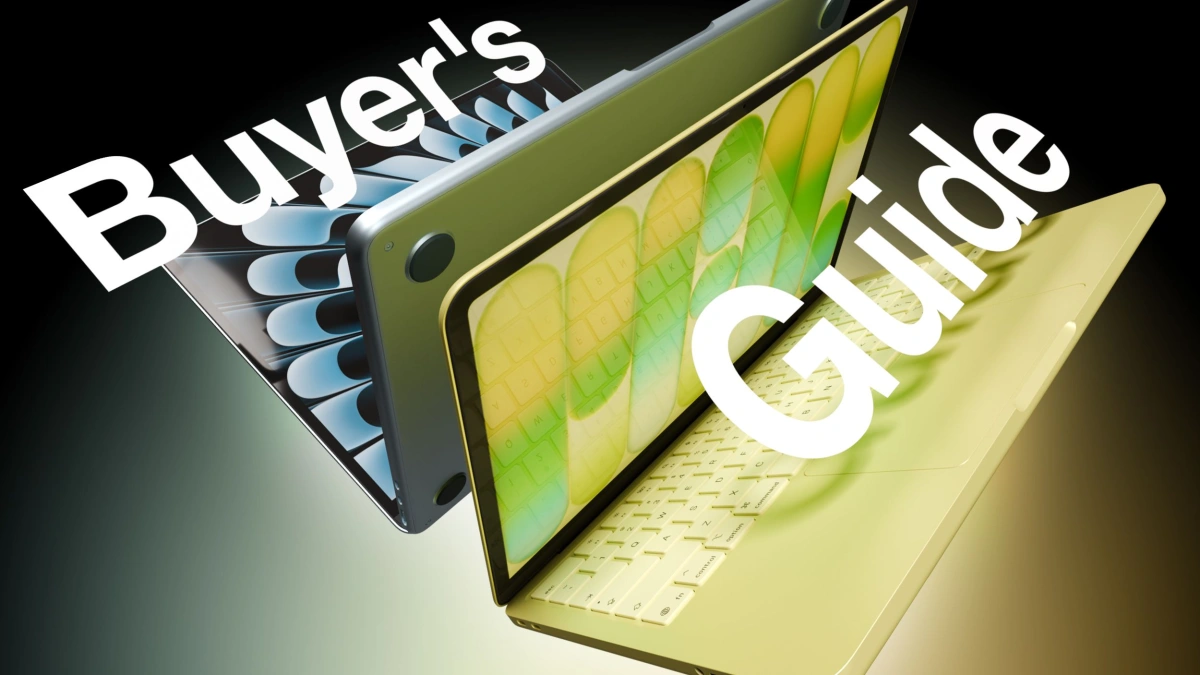
Knowing how to choose between MacBook Neo and MacBook Air is essential for buyers navigating Apple's newly expanded 2026 laptop lineup. With the introduction of the $599 MacBook Neo featuring the A18 Pro chip, Apple has created a $500 price gap below the premium M5-powered MacBook Air. This guide provides actionable steps to help students, families, and professionals determine which entry-level Mac perfectly aligns with their daily computing needs and budget constraints.
This guide is specifically designed for first-time Mac buyers, students, and budget-conscious consumers looking to upgrade from older hardware. By following these steps, you will avoid overspending on unnecessary processing power or under-equipping yourself for professional workloads, ensuring your investment matches your actual daily usage.
Step-by-Step Guide to Selecting Your Ideal MacBook
- Assess your processing and memory requirements: Determine if your daily tasks require heavy multitasking. The MacBook Neo utilizes the A18 Pro chip with a 6-core CPU and 8GB of unified memory, which is perfectly suited for web browsing and basic document editing. If you run creative applications, you must opt for the MacBook Air, as its M5 chip delivers 80% faster multi-core performance and starts with 16GB of unified memory.
- Evaluate your connectivity and external display needs: Inspect the peripherals you plan to connect. The MacBook Neo restricts users to one USB 3 port and one slower USB 2 port, supporting only a single 4K external display at 60Hz. If you require high-speed data transfer or multiple monitors, you should select the MacBook Air to gain access to dual Thunderbolt 4 ports and support for up to two 6K displays.
- Review the physical design and input compromises: Decide if premium hardware features are dealbreakers for your workflow. When purchasing the MacBook Neo, you must accept a mechanical trackpad and a non-backlit keyboard, with Touch ID only available if you pay a $100 premium for the 512GB storage tier. Conversely, the MacBook Air includes a haptic Force Touch trackpad, a backlit keyboard, and standard Touch ID across all configurations.
- Compare battery life and charging options: Calculate your time spent away from a power outlet. The MacBook Neo provides up to 16 hours of battery life and charges via a standard USB-C port. If you travel frequently, choose the MacBook Air to secure 18 hours of battery life, MagSafe 3 magnetic charging, and fast-charge capabilities using the included 40W Dynamic Power Adapter.
Hardware Specifications Comparison
| Feature | MacBook Neo | MacBook Air |
|---|---|---|
| Starting Price | $599 | $1,099 |
| Processor | Apple A18 Pro (6-core CPU) | Apple M5 (10-core CPU) |
| Base Memory | 8GB Unified Memory | 16GB Unified Memory |
| Display | 13-inch Liquid Retina (No True Tone) | 13.6-inch Liquid Retina (True Tone, P3) |
| Ports | 1x USB 3, 1x USB 2 | 2x Thunderbolt 4, MagSafe 3 |
| Keyboard & Trackpad | Non-backlit, Mechanical Trackpad | Backlit, Force Touch Trackpad |
Frequently Asked Questions
What is the exact price difference between the two models?
The MacBook Neo starts at $599, making it exactly $500 cheaper than the base model MacBook Air, which starts at $1,099.
Does the MacBook Neo include a fingerprint reader?
The base $599 MacBook Neo does not include Touch ID. You must upgrade to the 512GB storage model for an additional $100 to get the Touch ID sensor on the Magic Keyboard.
Can I connect two monitors to the MacBook Neo?
No, the MacBook Neo only supports a single 4K external display at 60Hz. If you need dual monitor support, you must purchase the MacBook Air, which supports up to two 6K displays.
My Take
The introduction of the $599 MacBook Neo represents a massive strategic shift for Apple, directly targeting the Chromebook and budget Windows market. By repurposing the A18 Pro iPhone chip for a macOS environment, Apple successfully lowers the barrier to entry without sacrificing the core software experience. However, the inclusion of a USB 2 port in 2026 is a stark reminder of the aggressive cost-cutting required to hit this price. For schools and casual home users, the Neo is an unbeatable value, but anyone relying on external drives or dual monitors will find the $1,099 M5 MacBook Air to be the necessary baseline for modern productivity.
This article was written by AI from reporting by macrumors.com.