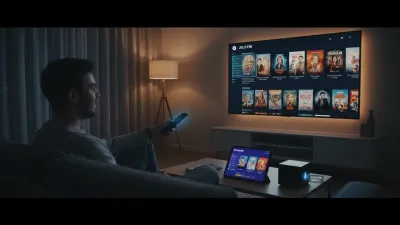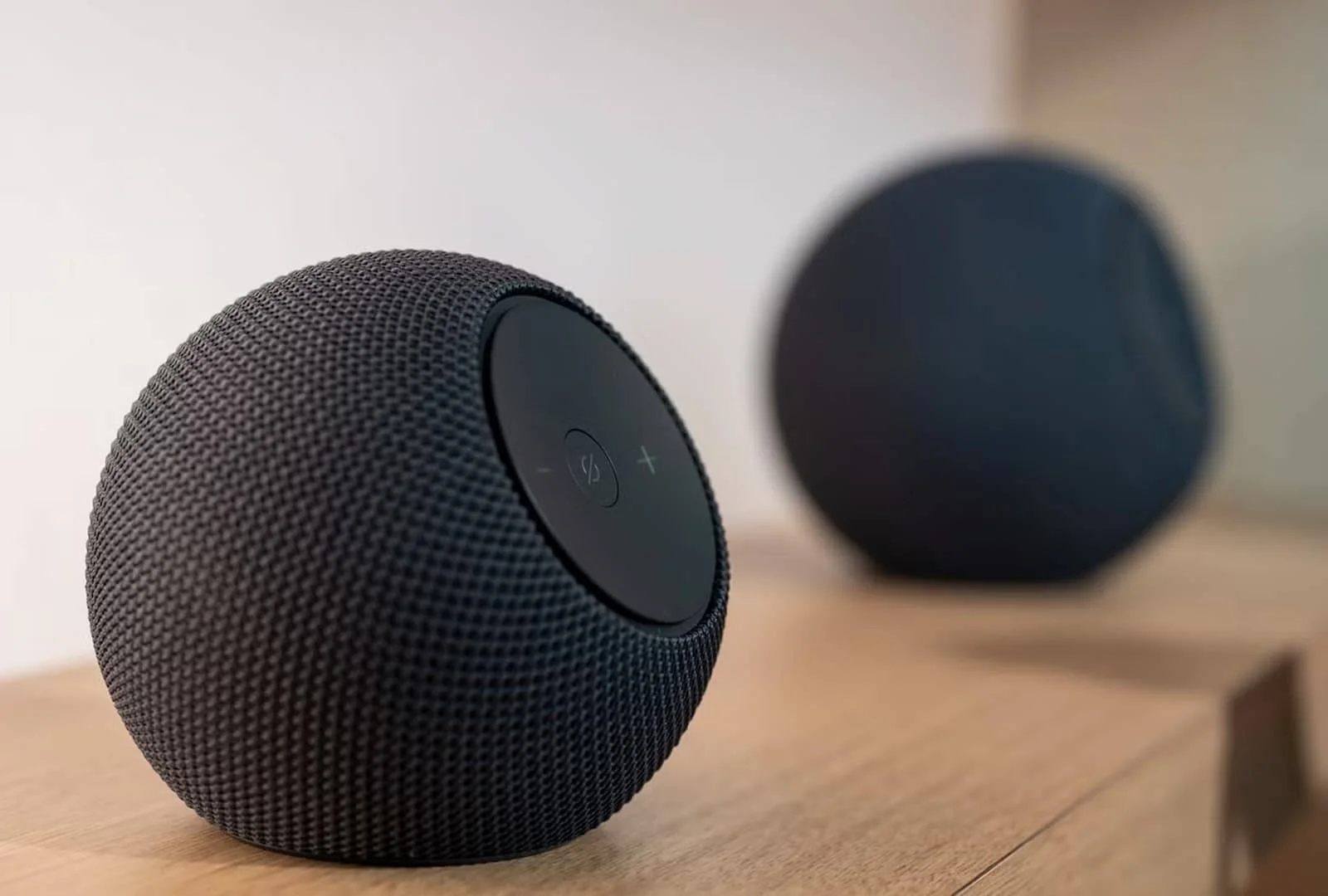
Setting up an Alexa Home Theater allows you to transform your living room into an immersive audio environment without the clutter of traditional wiring. By pairing compatible Amazon Echo speakers with a Fire TV device, users can easily create a wireless surround sound system. This integration leverages your existing smart home ecosystem to deliver synchronized, high-quality media playback.
This guide is designed for smart home enthusiasts and Fire TV users looking to upgrade their home audio experience. Following these steps enables you to bypass expensive soundbars and utilize your existing smart speakers for a cinematic upgrade. As wireless audio technology advances, the seamless connection between streaming devices and smart speakers has become a highly cost-effective alternative to traditional AV receivers.
Hardware Requirements
Before beginning the configuration process, ensure you have the necessary components ready. You will need a compatible Fire TV streaming device or smart television. Additionally, you must have one or more compatible Amazon Echo speakers to serve as your audio output.
Finally, the setup requires the Alexa mobile app installed on your smartphone or tablet. All devices must be registered to the same Amazon account to communicate properly.
Step-by-Step Setup Guide
- Verify hardware compatibility and network connection. Why: Both the Fire TV and the Echo speakers must be connected to the exact same Wi-Fi network to communicate effectively. Result: Prevents audio synchronization issues and latency during video playback.
- Open the Alexa app on your mobile device. Why: The mobile application serves as the central command hub for linking all Amazon hardware. Result: Grants you access to the advanced device grouping and audio routing features.
- Navigate to the Devices tab and select the Plus (+) icon in the top corner. Why: This action initiates the pairing sequence for new home theater configurations. Result: Prompts the system to scan your local network for available, unassigned audio devices.
- Select "Combine Speakers" and then choose the "Home Theater" option. Why: This specific setting optimizes the audio output specifically for video streaming, rather than standard multi-room music playback. Result: Synchronizes the Fire TV video feed directly with the audio output of the Echo speakers.
- Assign your Fire TV and select the specific Echo speakers you wish to use. Why: You must define which screen pairs with which speakers, which is crucial in households with multiple smart devices. Result: Finalizes the wireless surround sound configuration, making the system ready for immediate use.
My Take
The push toward an integrated Alexa Home Theater setup highlights Amazon's broader strategy to lock users into its hardware ecosystem by offering high-value, low-friction features. By eliminating the need for complex wiring and expensive AV receivers, Amazon is democratizing surround sound for the average consumer. As smart speakers continue to improve in audio fidelity, traditional entry-level soundbars will face increasing market pressure from these modular, wireless configurations.
Frequently Asked Questions
Can I use any Echo speaker for the home theater setup?
You must use compatible Amazon Echo speakers. If you are creating a stereo pair, the speakers generally need to be of the exact same model and generation.
Do the devices need to be on the same Wi-Fi network?
Yes, both the Fire TV device and the Echo speakers must be connected to the exact same Wi-Fi network and frequency band for the wireless surround sound to function without lag.
This article was written by AI from reporting by cnet.com.