Google Pixel AI features are quietly transforming everyday smartphones into proactive digital assistants in 2026. For current and prospective Pixel owners, mastering built-in tools like Call Screening and Live Translate eliminates daily friction, saving time and enhancing privacy without relying on third-party applications. Unlike competitors that heavily depend on cloud processing, Google integrates these capabilities directly into the system architecture.
This on-device approach ensures faster performance, seamless ecosystem integration, and robust data security. By shifting the heavy lifting to the phone's internal hardware, users experience fewer interruptions and effortless real-time communication. Here is how to maximize the smartest AI tools on your Google Pixel:
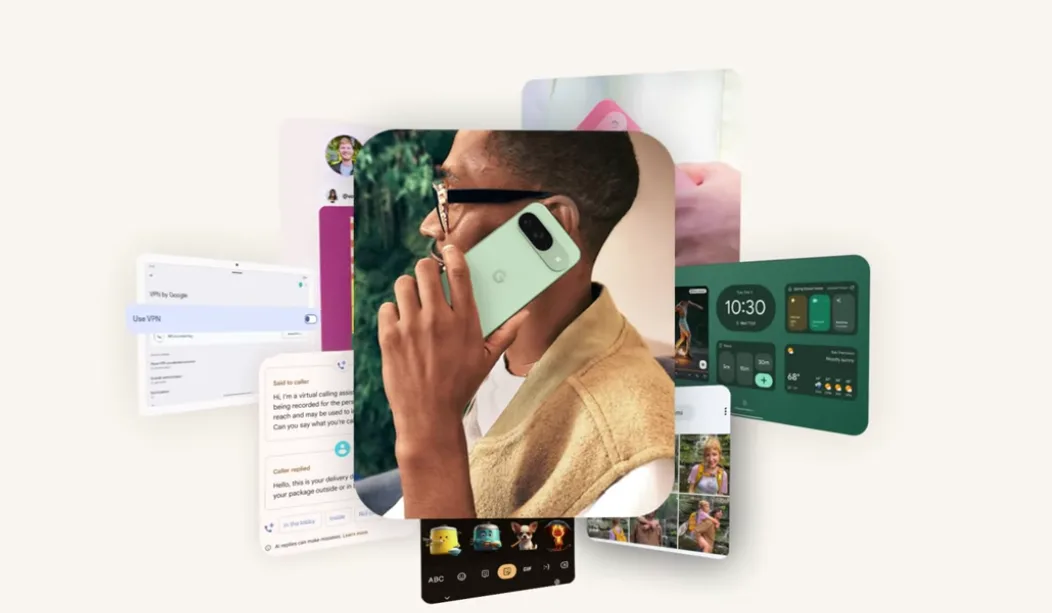
- Deploy Call Screening to eliminate spam: Let the Google Assistant answer unknown numbers on your behalf. Why: It asks the caller for their intent and provides a live transcript directly on your screen. Result: You can decide whether to pick up or block the number without ever speaking a word, instantly saving time and avoiding annoying interruptions.
- Activate Now Playing for instant music recognition: Allow your phone to identify songs playing in your environment automatically. Why: This feature runs entirely offline in the background, displaying the track name directly on your lock screen. Result: You no longer need to open third-party apps like Shazam, ensuring effortless music discovery even without an active internet connection.
- Utilize the Recorder app for live transcription: Record audio during meetings or lectures while the system converts speech to text in real time. Why: The app allows you to search for specific words inside your saved recordings. Result: Students and professionals can instantly locate critical notes and action items without listening to hours of raw audio.
- Leverage Live Translate to break language barriers: Use real-time translation during face-to-face conversations or within messaging apps. Why: The system supports multiple languages and processes the translation seamlessly as you type or speak. Result: Traveling and cross-cultural communication become effortless, bridging language gaps instantly.
- Enforce Smart Privacy controls to secure your data: Monitor your app permission controls and watch for active microphone or camera indicators. Why: Pixel processes sensitive AI tasks, like audio recognition and translation, directly on the device rather than sending it to the cloud. Result: You benefit from advanced AI assistance while maintaining strict control over your personal data and privacy.
My Take
Google's strategy with the Pixel ecosystem proves that the future of smartphones lies in ambient computing rather than just raw hardware specifications. By processing features like Now Playing and Call Screening directly on the device, Google significantly reduces latency and mitigates severe privacy risks. This seamless integration shifts the smartphone's role from a passive screen to an active, context-aware assistant, setting a high benchmark for what consumers should expect from mobile AI in 2026.
Frequently Asked Questions
Does the Now Playing feature require an active internet connection?
No, Now Playing works entirely offline by utilizing an on-device database to identify songs playing nearby, ensuring your microphone data never leaves the phone.
How does Call Screening protect my privacy?
Call Screening processes the caller's audio and generates the live transcript directly on your device, meaning your conversation data remains private and secure from external servers.
This article was written by AI from reporting by nokiapoweruser.com.