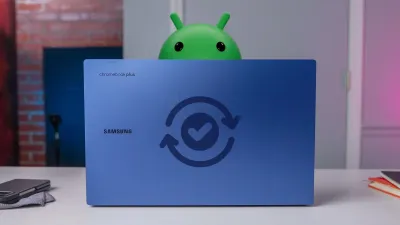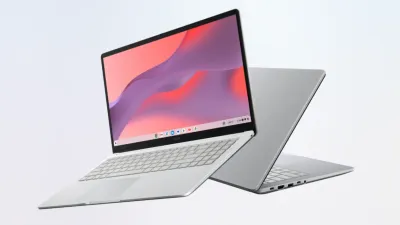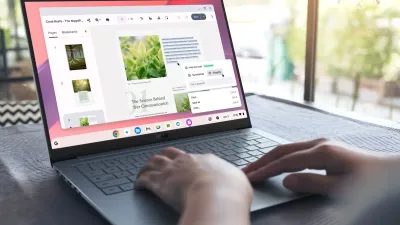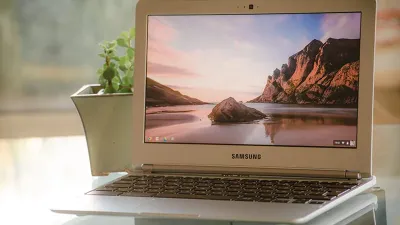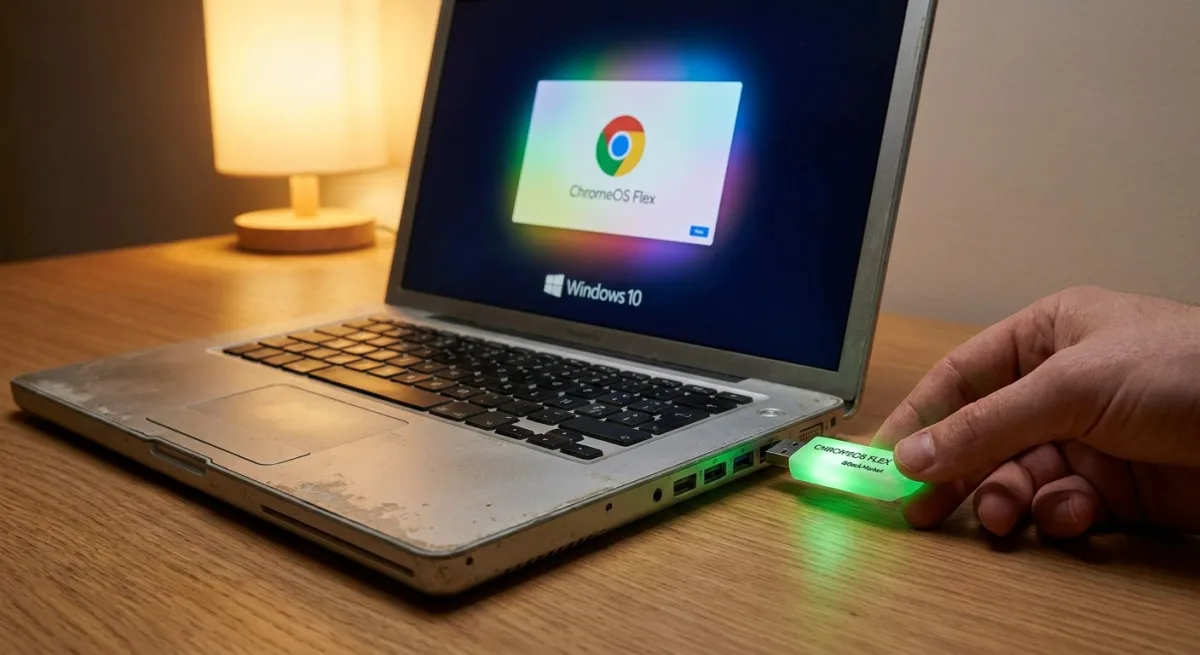
Millions of aging PCs are heading for the landfill as Windows 10 support nears its end, but Google is offering a highly affordable lifeline. Through a renewed partnership with Back Market, the company is distributing $3 ChromeOS Flex USB kits designed to revive older hardware. These simple physical drives, which recently sold out instantly before returning to stock, provide a straightforward installation path for users with vulnerable machines.
This hardware initiative is a direct solution for budget-conscious consumers, educational institutions, and enterprises looking to extend the lifespan of their existing fleets. Beyond the obvious environmental benefits of reducing e-waste, the rapid deployment of these drives sends a clear message about Google's long-term operating system strategy. It aligns perfectly with the company's recent commitment to providing 10 years of automatic updates for Chromebooks.
The recent introduction of the premium "Googlebook" category sparked industry speculation that traditional Chromebooks might be entering a forced obsolescence phase. However, the aggressive push of ChromeOS Flex indicates an expansion rather than a replacement strategy. Google is maintaining a dual approach: pushing high-end, Gemini-infused experiences on new hardware while safeguarding the foundational ChromeOS ecosystem.
We absolutely intend to continue investing in those experiences and supporting those users. All Chromebooks will continue to receive support through their device’s existing date commitment.
- Bryan Lee, VP of ChromeOS Enterprise Go-to-Market, Google
How to Deploy ChromeOS Flex
If you have an aging Windows or Mac computer that is struggling with performance or losing security support, installing ChromeOS Flex is a straightforward process. The operating system is lightweight and designed specifically to run smoothly on older processors.
- Purchase the $3 USB kit from Back Market, or create your own bootable drive using the Chromebook Recovery Utility.
- Insert the USB drive into your aging computer while it is powered off.
- Turn on the machine and immediately press the designated key to boot into the system's BIOS or boot menu, then select the USB drive.
- Follow the on-screen prompts to either test the operating system directly from the drive or fully install it over your old OS.
The Trojan Horse for Enterprise Dominance
While the $3 price tag grabs headlines as an eco-friendly consumer win, the real target of these ChromeOS Flex USB kits is the enterprise sector. By lowering the barrier to entry to essentially zero, Google is positioning its operating system as the default fallback for IT departments panicking over the Windows 10 end-of-life cliff. It is a highly effective customer acquisition strategy disguised as e-waste prevention.
Once businesses lock into the Google Admin console to manage these revived machines, the friction to eventually upgrade them to premium Googlebooks becomes minimal. The strategy ensures that even as Google pushes the boundaries of premium computing, it maintains a massive, loyal user base at the foundational level, securing its footprint in schools and offices for the next decade.