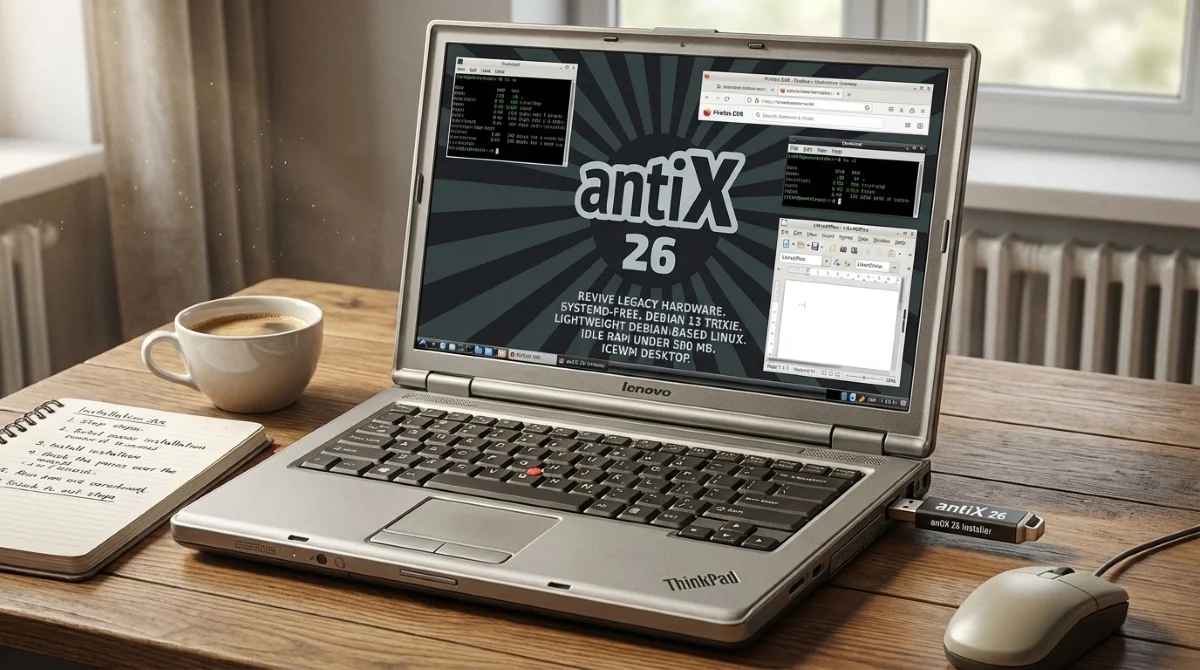
The antiX 26 Linux distro offers a powerful, cost-free solution for users frustrated by sluggish legacy hardware or the steep $350 entry price of modern budget Chromebooks. By replacing bloated operating systems with this highly optimized, systemd-free environment, you can instantly transform a decade-old laptop into a highly responsive daily driver. This guide is designed for budget-conscious users and tech enthusiasts who want to salvage aging PCs, enabling them to achieve smooth web browsing and document editing without spending a dime on new hardware.
Unlike mainstream operating systems that demand heavy resources, antiX 26 is built on Debian 13 Trixie and specifically engineered to bypass heavy background services. By utilizing lightweight init systems like runit instead of systemd, it drastically reduces CPU overhead. This architectural choice is crucial for older processors, ensuring that limited system memory is dedicated entirely to active applications rather than invisible system processes.
The Technical Edge: Performance on Legacy Hardware
What sets the antiX 26 release apart is its aggressive optimization of the desktop environment. Instead of relying on resource-heavy interfaces like GNOME or KDE, the operating system utilizes efficient window managers such as IceWM, Fluxbox, JWM, and the tiling manager herbstluftwm. This configuration keeps idle RAM usage hovering around a mere 200 MB to 500 MB.
In real-world testing on a 2-core, 2nd-gen Intel i3 processor equipped with 4 GB of DDR3 RAM, the system achieved a boot time of under 60 seconds. Day-to-day responsiveness remains surprisingly snappy, with instant search box suggestions and the ability to handle multiple Firefox tabs without freezing. While heavy YouTube playback using the VP9 codec may push an aging CPU to 100% utilization, the system maintains stability far better than legacy Windows installations.
Essential Software and Tools
The antiX-full edition ships with approximately 1,700 preinstalled packages tailored for immediate productivity. Users gain access to Firefox ESR for web browsing, the complete LibreOffice suite for document management, and Claws Mail for communication. Media playback is efficiently handled by mpv and Celluloid, while audio relies on PipeWire for 64-bit installations and ALSA for older 32-bit systems.
For system management, the antiX Control Centre provides a centralized graphical interface to handle networking, appearance, and backups without requiring terminal commands. Additionally, a built-in Snapshot tool allows users to create a bootable ISO of their customized setup. For those who prefer the command line, the included CLI stack features an RSS reader, irssi for IRC, mocp for audio, and rtorrent for downloads, collectively consuming under 50 MB of RAM.
How to Install antiX 26 on Older Hardware
Setting up this lightweight distribution is a straightforward process for anyone familiar with basic system installation. Follow these steps to deploy the operating system:
- Download the official antiX-full ISO file from the project repository.
- Write the image to a USB flash drive using a tool like Ventoy to create a bootable drive.
- Boot the target laptop from the USB drive to enter the live environment and test hardware compatibility.
- Launch the installer, select your target disk, and wipe the drive for a clean installation.
- Create your user credentials, complete the setup, and reboot directly into the IceWM desktop.
My Take: The True Value of Repurposing Hardware
The release of antiX 26 highlights a critical flaw in the modern hardware upgrade cycle. While manufacturers push $350 Chromebooks as the ultimate budget solution, these devices often lock users into a restrictive, web-only ecosystem. By contrast, running a full Debian-based Linux distribution on a 15-year-old machine provides genuine multitasking, a complete offline office suite, and access to thousands of unrestricted software packages.
The performance metrics speak for themselves. Achieving an idle memory footprint of under 500 MB on a 2nd-gen Intel i3 processor proves that software bloat, not hardware degradation, is the primary reason older laptops feel obsolete. While users may encounter occasional hardware quirks, such as dropped network connections or failing brightness controls due to the non-standard hardware management, the trade-off is overwhelmingly positive.
For users willing to navigate a slightly dated user interface and occasionally utilize terminal commands, this distribution is a revelation. It proves that with the right software architecture, hardware destined for the recycling bin can still outmaneuver modern budget devices in both flexibility and cost-efficiency.
This article was written by AI from reporting by makeuseof.com.