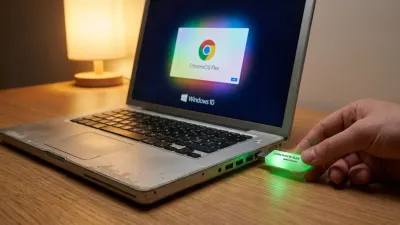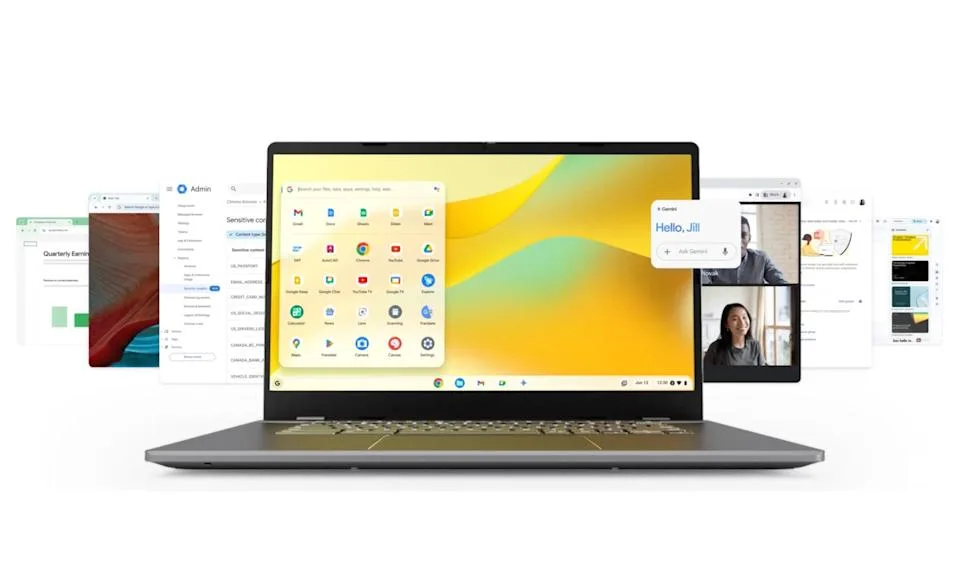
The new $3 ChromeOS Flex USB key from Google and Back Market is offering a frictionless lifeline for aging PCs and Macs struggling to run modern software. By providing a preloaded, plug-and-play installation drive, this initiative targets the massive e-waste problem while giving users a cheap way to resurrect hardware that no longer receives official support. For anyone with a sluggish decade-old laptop gathering dust, this ultra-affordable tool provides an immediate pathway to a faster, cloud-based computing experience.
Announced via a Google blog post, these highly affordable USB-A drives come with straightforward instructions for booting the lightweight operating system on older Windows and Apple machines. Unsurprisingly, the sheer value of a $3 ready-made installer caused the initial inventory on Back Market to sell out within 24 hours. Restock dates remain unconfirmed, leaving many eager buyers waiting for the next drop.
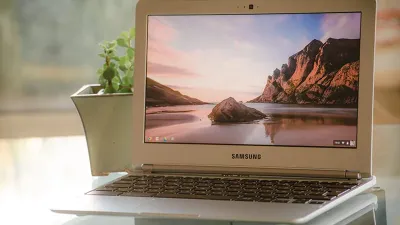
ChromeOS Flex is specifically engineered for devices that originally shipped with different operating systems. While it mirrors the traditional Chromebook experience, Flex relies entirely on web applications and cloud storage, omitting native support for Android apps. This cloud-first architecture is actually a major advantage for older hardware, as it drastically reduces the processing power and local storage required to maintain a snappy user experience.
How to Install ChromeOS Flex Without the Back Market Key
You do not have to wait for the $3 drives to restock to upgrade your aging computer. You can create your own installation media right now using any spare USB drive with at least 8GB of storage.
- Check Google's official list of supported PC and Mac models to ensure your specific hardware is compatible.
- Locate a blank USB drive and install the Chromebook Recovery Utility extension on your current web browser.
- Follow Google's step-by-step instructions to flash the ChromeOS Flex image onto your drive.
- Insert the newly created drive into your old computer, access the BIOS or boot menu, and select the USB drive to begin the installation.
The E-Waste Solution We Actually Need
The immediate sell-out of these $3 drives proves there is massive consumer appetite for extending the lifespan of aging hardware. Most users do not need a $1,000 laptop to browse the web, check email, or stream video, making the lightweight nature of ChromeOS Flex the perfect match for processors that are well past their prime. By partnering with a refurbished electronics retailer like Back Market, Google is smartly positioning its operating system as the ultimate anti-e-waste tool.
However, the lack of Android app support in Flex remains a notable limitation compared to standard Chromebooks. Despite this, the trade-off is entirely justified when the alternative is throwing a perfectly functional laptop into a landfill. If Google can maintain a steady supply of these ultra-cheap installation keys, it could significantly lower the technical barrier to entry for users who are intimidated by the process of flashing their own bootable drives.
This article was written by AI from reporting by androidauthority.com.