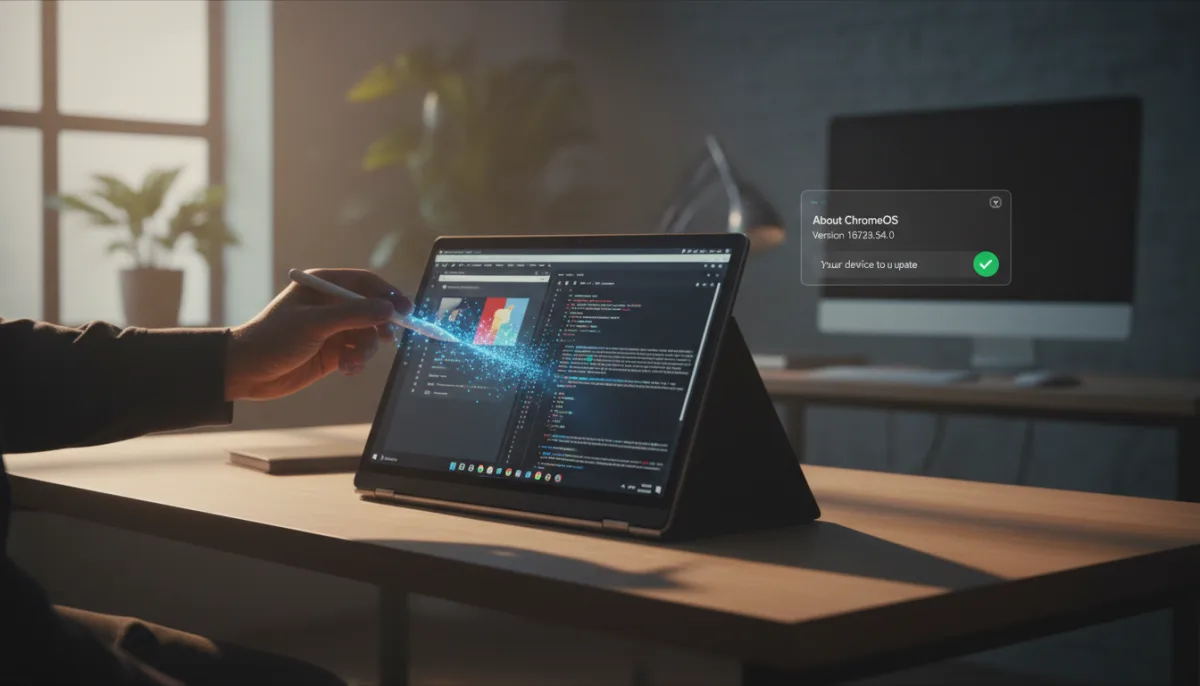
If your Chromebook has been suffering from frustrating UI micro-freezes or stylus input lag over the past week, relief has arrived. Google is officially rolling out the ChromeOS 151 update (version 16733.54.0) to the Stable channel, delivering a critical maintenance patch that resolves severe window manager hangs and rendering performance issues. This incremental release also updates the core browser to version 151.0.7922.168.
This update is essential for power users, students, and professionals who rely on supported Chromebooks and ChromeOS Flex devices for fluid multitasking. While point releases often deploy quietly in the background, this specific patch addresses several highly disruptive platform quirks that slipped into the initial milestone 151 rollout.
Core Fixes in ChromeOS Version 16733.54.0
According to the official Stable Channel announcement, this update targets stability and rendering performance across the core desktop stack. Google has explicitly addressed four major pain points that have been degrading the user experience:
- Aura Window Manager Hangs: Engineers fixed a specific race condition within the Aura compositor. This bug previously caused intermittent micro-freezes when users rapidly snapped windows into split-screen mode or switched between virtual desks.
- Input Subsystem Latency: The update resolves a touch and stylus input polling delay specifically affecting convertible Chromebooks. This restores instantaneous stylus tracking and eliminates phantom gestures on the system shelf.
- Graphics Buffer Synchronization: Google addressed an out-of-sync GPU frame buffer bug within the WebGL and WebGPU rendering pipelines. This flaw occasionally produced noticeable flickering in hardware-accelerated web apps and progressive web apps (PWAs).
- Bluetooth Audio Reconnect Stability: The patch fixes an edge-case audio daemon crash that occurred when waking a Chromebook from sleep while paired with Bluetooth LE headphones.
How to Install the ChromeOS 151 Update
To restore the snappy, lightweight performance expected from your device, you should manually trigger the update process rather than waiting for the automated background rollout. Follow these steps:
- Head into your device Settings.
- Click About ChromeOS at the bottom of the sidebar.
- Select Check for updates.
Your device will immediately download version 16733.54.0. Once the download is complete, you will be prompted to perform a quick reboot to apply the system-level fixes.
The Hidden Cost of a Maturing Operating System
The nature of the bugs patched in this ChromeOS 151 update highlights a fundamental shift in what a Chromebook actually is today. Issues like out-of-sync GPU frame buffers in WebGPU pipelines and race conditions in the Aura compositor prove that ChromeOS is no longer just a glorified web browser. It is a highly complex, hardware-accelerated operating system juggling Linux containers, Android apps, and demanding progressive web apps simultaneously.
While Google’s rapid four-week update cycle ensures new features arrive quickly, it also increases the likelihood of these disruptive micro-stutters slipping into the Stable channel. For users relying on cloud gaming or intensive split-screen workflows, a minor input polling delay is not just a quirk - it is a workflow killer. Moving forward, Google may need to extend its beta testing phases for core rendering components, as the "lightweight" reputation of ChromeOS is increasingly tested by its own heavy-duty ambitions.