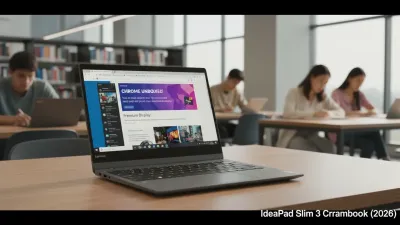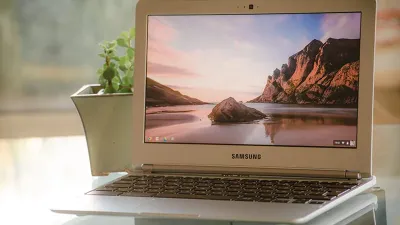
A $3 USB kit promises to resurrect aging Windows PCs and Macs, but Google’s ChromeOS Flex comes with hidden hardware tradeoffs that could leave users stranded. While the low-cost conversion kit frequently sells out, buyers must weigh the software savings against degraded battery life, missing app support, and potential hardware failures. The choice between converting an old machine and buying a purpose-built Chromebook ultimately depends on whether the device will serve as a daily driver or a simple backup terminal.
What the $3 ChromeOS Flex Kit Actually Delivers
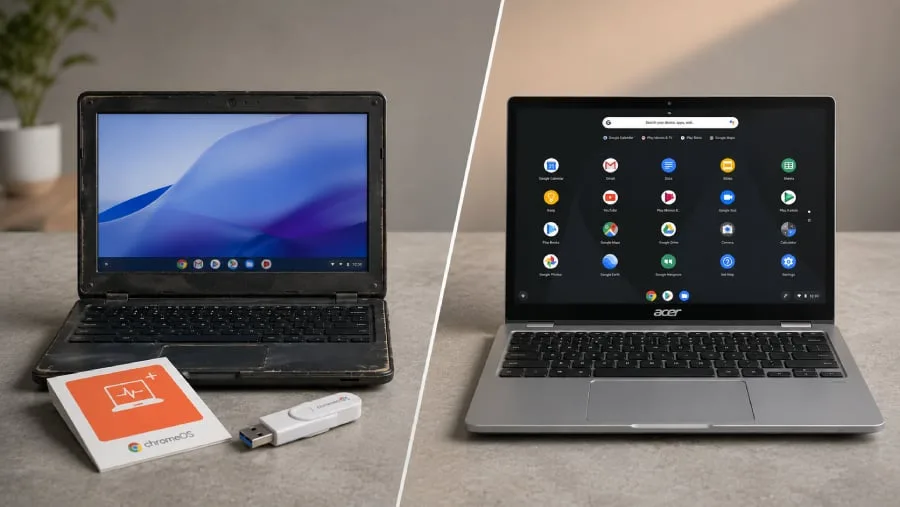
Google introduced its ChromeOS Flex Kit in partnership with the refurbished-device marketplace Back Market. Priced at roughly $3, the package includes a reusable USB drive preloaded with the operating system and printed instructions for installation. Google positions this as a sustainable method to extend the lifespan of older computers that no longer receive security updates from Microsoft or Apple.
While the operating system itself is free to download, the physical kit eliminates the need for users to create their own bootable media. However, the installation process is destructive. Users must back up all critical data, as a permanent installation will completely erase the existing operating system and all stored files. It is highly recommended to boot the computer directly from the USB drive to test hardware compatibility before committing to the wipe.
The Android App Gap and Hardware Risks
The most significant functional difference between the two platforms is application support. Compatible Chromebooks have full access to the Google Play store, allowing users to download and run Android apps natively. ChromeOS Flex completely lacks this capability, restricting users entirely to browser-based services like Google Workspace, Microsoft 365 for the web, and streaming platforms.
Hardware compatibility presents another major hurdle for converted devices. Because ChromeOS Flex relies on components originally designed for Windows or macOS, specialized hardware often fails to translate. Fingerprint readers, active styluses, proprietary docking stations, and specific keyboard shortcuts may stop working entirely after the conversion.
Security architectures also diverge significantly. According to Google’s support documentation, native Chromebooks utilize custom firmware and hardware-backed security chips designed specifically for ChromeOS. In contrast, a Flex conversion relies entirely on the original manufacturer's aging firmware, which may no longer receive critical security patches.
ChromeOS Flex vs Chromebook Comparison
| Feature | ChromeOS Flex | Chromebook |
|---|---|---|
| Upfront Cost | ~$3 (or free download) | Higher (requires device purchase) |
| Android App Support | No (Browser-based only) | Yes (Full Google Play access) |
| Hardware Security | Relies on original OEM firmware | Custom hardware-backed security |
| Setup Process | Requires USB boot and drive wipe | Turn on, connect, and sign in |
| Best Use Case | Secondary or backup device | Primary daily driver |
The Hidden Cost of Hardware Degradation
The true cost of a ChromeOS Flex conversion is rarely the software - it is the inevitable physical degradation of the host machine. While a lightweight operating system can make a five-year-old processor feel fast again, it cannot fix a failing battery, a worn-out Wi-Fi adapter, or a damaged charging port. Once an older laptop requires multiple hardware repairs, the total investment quickly approaches the price of a reliable, refurbished Chromebook.
For enterprise fleets or educational institutions, standardizing on purpose-built Chromebooks drastically reduces IT troubleshooting overhead. The predictable battery life and guaranteed hardware compatibility of a native device make it the only logical choice for a primary workstation. ChromeOS Flex remains a brilliant stopgap measure for reducing e-waste, but it should be strictly reserved for secondary home devices where a sudden hardware failure will not disrupt a workday.