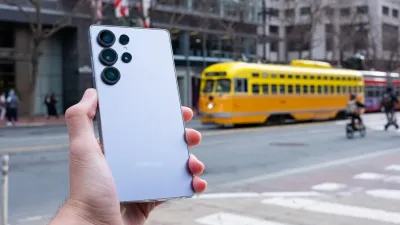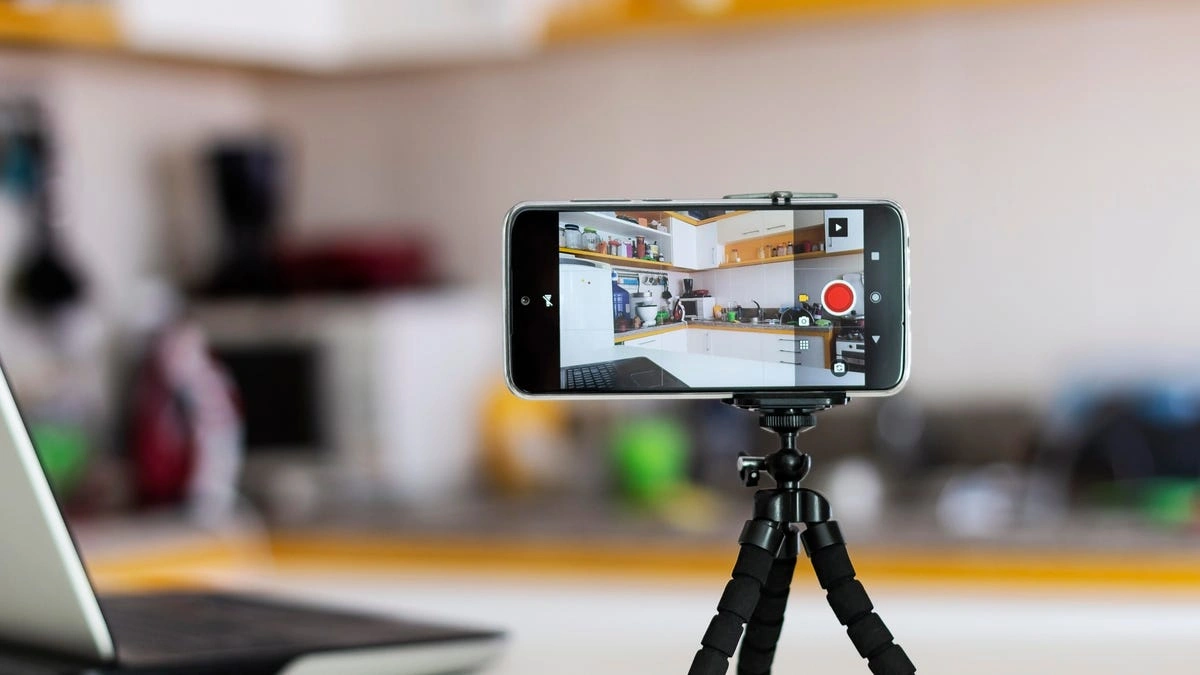
Transforming your retired smartphone into a fully functional security camera is one of the most effective ways to reduce electronic waste while enhancing home safety without spending a dime. Instead of letting that aging iPhone or Android device degrade in a drawer, you can leverage its camera, Wi-Fi connectivity, and processing power to create a robust monitoring system for your baby, pets, or front door.
The Software Ecosystem: Choosing the Right App
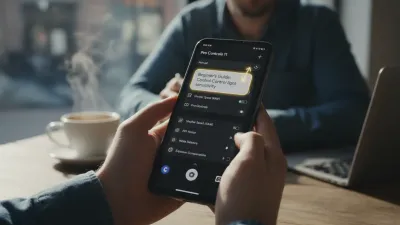
To bridge the gap between an old communication device and a security tool, you need specialized software that handles video streaming, motion detection, and cloud storage. While several options exist, AlfredCamera remains the industry standard for this specific utility due to its cross-platform compatibility and reliability. The application operates on a simple premise: one phone acts as the camera (Viewer), and your current daily driver acts as the monitor. This setup eliminates the need for expensive hardware like Nest or Ring for basic indoor monitoring needs. The software utilizes the phone's existing hardware to provide features often found in premium security cameras, such as two-way talk, low-light filters, and motion alerts.
Step-by-Step Configuration Guide
Setting up your DIY security system requires a stable Wi-Fi connection and two devices. Follow this streamlined process to get your system live:
- Download and Install: Search for a security camera app like AlfredCamera on both your old phone (the camera) and your new phone (the viewer). Ensure both devices are updated to a compatible OS version.
- Pair the Devices: Open the app on both phones and sign in using the same Google or Apple account. Select 'Camera' mode on the old phone and 'Viewer' mode on your current device to establish the link.
- Position and Secure: Place the old phone in the desired location. Ensure the camera has a clear line of sight and, crucially, connect it to a power source to prevent battery drain during continuous streaming.
Hardware Considerations: Power and Mounting
Video streaming is incredibly resource-intensive and will deplete a smartphone battery in a matter of hours. Therefore, the most critical aspect of this setup is ensuring a permanent power solution. You must position the device near a wall outlet and use a high-quality, long cable to keep it charged 24/7. Overheating can also be a concern with older batteries; reducing the screen brightness or using the app's 'Power Save' mode (which dims the screen while recording) is essential for long-term viability. For mounting, inexpensive smartphone tripods or suction cup mounts work perfectly, allowing you to angle the camera precisely towards entry points or cribs.
Feature Comparison: DIY vs. Dedicated Cam
Understanding the trade-offs between a repurposed phone and a dedicated security camera is vital for managing expectations.
| Feature | Old Smartphone Setup | Dedicated Security Cam |
|---|---|---|
| Cost | Free (Hardware owned) | $30 - $200+ |
| Power Source | USB Cable (Battery backup) | Wired or Long-life Battery |
| Night Vision | Software-based (Low light) | Hardware IR Sensors |
| Resolution | Depends on Phone Camera | Typically 1080p / 2K / 4K |
My Take
Repurposing an old phone is a brilliant entry-level solution for home security or temporary monitoring needs, such as watching a pet while you are at work or monitoring a 3D printer. It maximizes the value of hardware you already own. However, for critical exterior security or long-term surveillance, the lack of true infrared night vision and the potential fire risk of keeping an old lithium-ion battery constantly charging means a dedicated security camera is still the superior choice for serious protection.
Frequently Asked Questions
Will this drain my data plan? If you connect the camera phone to your home Wi-Fi, it will not use cellular data. However, viewing the feed remotely from your main phone will consume data if you are not on Wi-Fi. Can I use a phone with a cracked screen? Yes, as long as the rear camera lens is intact and the touch screen still functions enough to set up the app, a cracked display does not affect the video feed quality. Is it safe to leave the phone plugged in 24/7? Generally yes, but old batteries can swell. Use a high-quality charger and cable, and check the device periodically to ensure it is not overheating or showing signs of battery expansion.This article was written by AI from reporting by cnet.com.