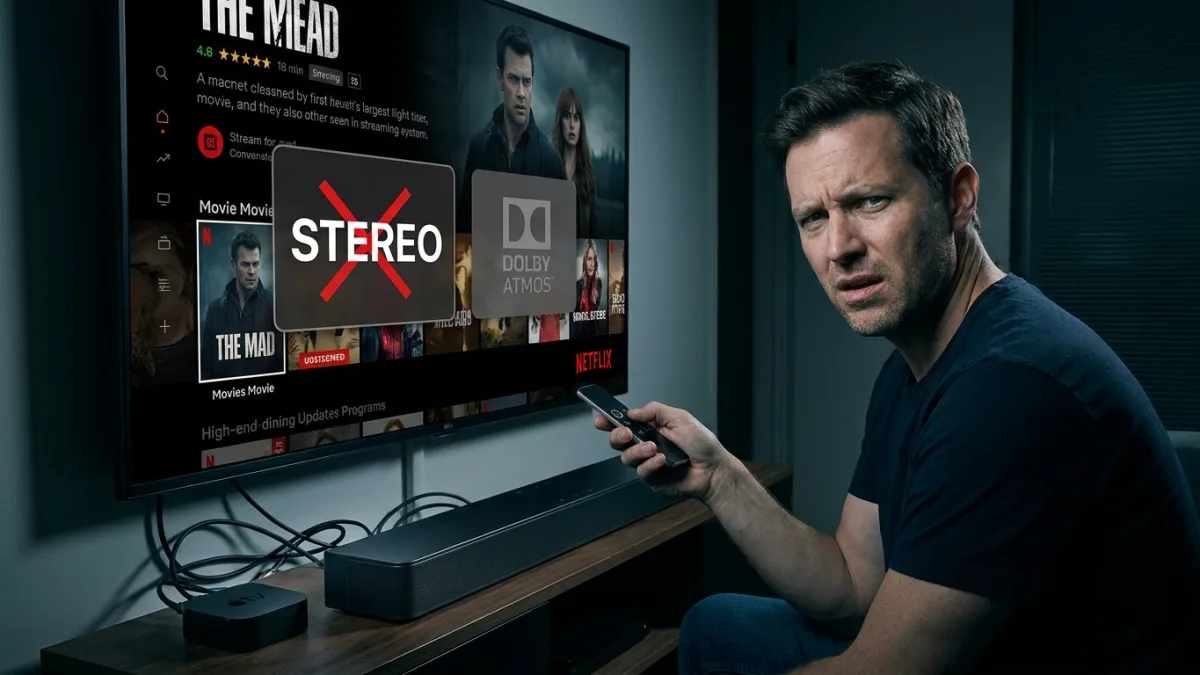
Many home theater owners are paying for premium streaming tiers and high-end soundbars, only to have their systems silently downgrade Dolby Atmos to standard stereo or 5.1 surround. Because Atmos data rides on top of a regular mix, a single incorrect setting in your TV, streaming box, or app will strip the three-dimensional audio without throwing an error. Whether it is a movie or a playlist, the audio passes through your subscription plan, your hardware, and an app setting before it ever reaches your speakers.
Dolby Atmos is a surround format that allows mixers to place individual sounds in a 3D space, including overhead channels. On streaming services, this data is embedded inside Dolby Digital Plus, which is a lossy codec. This means that even a perfectly configured streaming setup will not match the lossless TrueHD track found on a 4K Blu-ray disc. Furthermore, if any device in your HDMI chain cannot read the Atmos metadata, it simply plays the standard 5.1 or 7.1 mix underneath it.
The Hidden Subscription Bottleneck
The first hurdle to getting proper surround sound is your streaming plan, as an ad-free subscription does not automatically guarantee Atmos support. Netflix requires a Premium subscription for Atmos, but the company does not mention this on its plan picker or pricing pages. In fact, Netflix will not even display the Atmos badge on a title unless you are a Premium subscriber using a supported device. Similarly, HBO Max restricts Atmos audio to its Premium tier, leaving users who purchase subscriptions through certain cable providers out of luck.
Amazon Prime Video only provides Atmos on ad-free accounts, restricting its ad-supported tier to Dolby Digital 5.1. In the music streaming space, Apple Music supports Atmos in its standard subscription, and Tidal includes it in both individual and family plans. Amazon Music Unlimited offers thousands of Atmos tracks but requires the Unlimited tier. Spotify, however, does not support Dolby Atmos in any form.
How to Fix Dolby Atmos Down-Mixing on Your TV
Your television is the most common point of failure for surround sound, as a single default menu option can force all audio into a stereo format. Optical cables are limited to stereo PCM or compressed 5.1, so you must use standard ARC or eARC cables to decode the Atmos services embedded in Dolby Digital Plus. If your TV has eARC, ensure it is enabled in the settings.
- Change your Samsung TV audio output to Auto or Pass-through. This ensures the TV stops forcing PCM, which limits output to only the left and right channels. Navigate to Settings > All Settings > Sound > Expert Settings > Digital Output Audio Format.
- Switch your LG TV to Auto or Passthrough. This enables the Digital Sound Out menu to carry Atmos data and skips the TV's internal system sounds.
- Configure your Roku TV audio settings to Auto pass-through. This prevents the TV from converting unsupported soundbar formats into stereo PCM. Go to Settings > System > Audio > S/PDIF and ARC.
Configuring Streaming Boxes and PC Apps
Streaming boxes often play it safe and drop to stereo if they cannot confirm a successful Dolby handshake. The Fire TV will default to stereo output if it does not detect Dolby support, though users can manually force Dolby Digital Plus. The Apple TV 4K requires a specific audio path; Tidal notes that Apple TV's Atmos output does not work over standard HDMI ARC and requires eARC. If your TV only supports ARC, plugging the Apple TV directly into the soundbar's HDMI input can solve the issue.
On computers and mobile devices, the app itself dictates the audio format. Netflix supports surround sound on Windows, but only when using the Microsoft Edge browser or the native Windows Netflix app. Google Chrome supports 4K video but still lacks Dolby Atmos capabilities. To enable it on Windows, you must install Dolby Access and set Spatial sound to Dolby Atmos for home theater or Dolby Atmos for Headphones under Settings > System > Sound.
Headphone support is equally fragmented. Apple Music's Automatic setting plays Atmos, but only with Apple or Beats Bluetooth headphones and select built-in speakers. For wired or third-party headphones, you must navigate to Settings > Apps > Music > Dolby Atmos and select Always On. You can verify the output by checking Apple Music's Now Playing screen, which only displays the badge if the hardware is capable. Meanwhile, Netflix's separate Premium-only spatial audio feature only works with brand-matched headphones, such as AirPods with iPhones, Pixel Buds Pro with Google Pixels, and Galaxy Buds with Samsung phones.
The Hardware Illusion
The current state of streaming audio exposes a massive disconnect between hardware capabilities and software realities. Consumers are purchasing expensive eARC-equipped soundbars and Atmos-branded televisions, only to be bottlenecked by invisible subscription paywalls and convoluted app handshakes. The fact that Netflix actively hides the Atmos badge from users unless their specific hardware and subscription tier align perfectly demonstrates how opaque the ecosystem has become.
This fragmentation forces users to become system administrators just to watch a movie as the director intended. Because streaming Atmos relies on the lossy Dolby Digital Plus codec, the audio is already compromised before it reaches the home network. When platforms like Spotify refuse to adopt the format entirely, and others lock it behind premium tiers, the promise of plug-and-play 3D audio remains an illusion. Until streaming services standardize their delivery methods, users must manually audit their entire signal chain - from the subscription plan down to the HDMI cable - to ensure they are actually getting what they paid for.