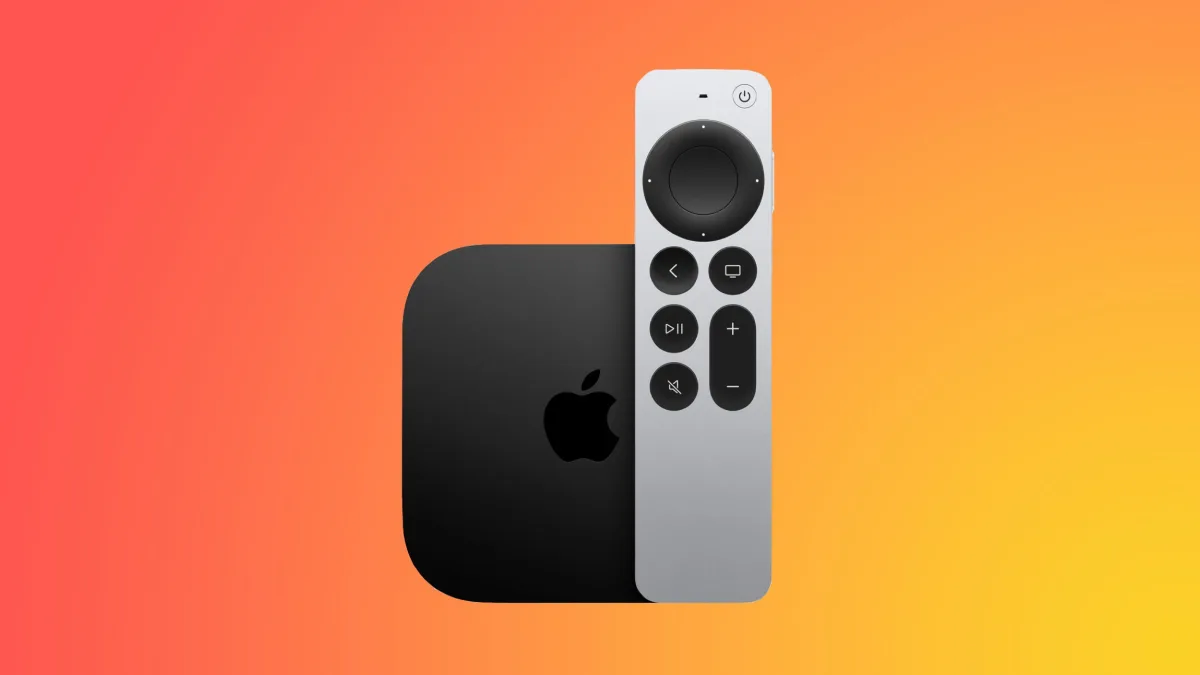
Apple has officially rolled out the tvOS 26.4 update, bringing a refined suite of features to Apple TV users worldwide. This latest software release focuses on streamlining content discovery, resolving persistent audio glitches, and consolidating legacy applications into a unified viewing experience.
Designed specifically for Apple TV 4K and Apple TV HD owners with models released since 2015, this update is essential for home theater enthusiasts looking to optimize their daily streaming habits. By eliminating outdated standalone apps and introducing smarter recommendation algorithms, Apple is clearly pushing users toward a more cohesive, frictionless ecosystem within the primary Apple TV app.
Smarter Discovery with Genius Browse
The standout addition to the Apple TV app in tvOS 26.4 is the new "Genius Browse" section. This content discovery feature provides highly tailored recommendations for TV shows and movies across multiple dynamically updated categories. Suggestions vary based on individual viewing preferences, ensuring a personalized interface.
Apple has introduced highly specific, mood-based categories to help users find exactly what they want to watch. Examples of these new curated sections include "Bittersweet Family Dramas" and "Good for a Pick-Me-Up," which aim to reduce the time spent scrolling through endless menus.
Continuous Audio Connection for Home Theaters
For audiophiles and home theater owners, tvOS 26.4 addresses a frustrating issue with audio playback on the Apple TV 4K. Previously, users might experience audio drops or glitches when sound transitioned between programs with different formats, such as moving from Dolby Atmos to standard stereo.
To resolve this, Apple has added a "Continuous Audio Connection" toggle located in the Settings app under Video and Audio, then Audio Format, and finally HDMI Output. According to Apple, the device now uses a Dolby MAT connection to ensure glitch-free playback across varying formats. While older receivers might constantly indicate an Atmos connection, the original audio mixes remain unmodified.
Subtitle Styling and App Consolidation
Customizing accessibility features is now significantly faster. Users can change the style, size, and background transparency of subtitles directly from the default video player while watching content. By simply clicking the speech bubble button during playback, viewers can adjust captions without needing to exit to the main Settings app.
Furthermore, tvOS 26.4 finally removes the preinstalled iTunes TV Shows and iTunes Movies applications from the home screen. All purchased content and playback functionalities have been entirely consolidated into the main Apple TV app, alongside general performance and stability improvements.
How to Install the Update
To upgrade your device to tvOS 26.4, navigate to the Settings app on your Apple TV. From there, select System, proceed to Software Updates, and click on Update Software to begin the installation process.
My Take
The release of tvOS 26.4 marks the final nail in the coffin for Apple's fragmented media era. By officially sunsetting the standalone iTunes TV Shows and iTunes Movies apps, Apple is forcing a unified viewing paradigm that ultimately benefits the end user. This consolidation reduces home screen clutter and makes the primary Apple TV app the undisputed hub for all digital entertainment.
On the technical side, the introduction of the Continuous Audio Connection is a massive quality-of-life improvement for high-end home theater setups. The HDMI handshake delays and audio dropouts during format transitions have been a long-standing annoyance for Apple TV 4K owners. By leveraging a persistent Dolby MAT connection, Apple has elegantly solved a complex hardware communication issue, proving that tvOS updates are still delivering meaningful refinements.