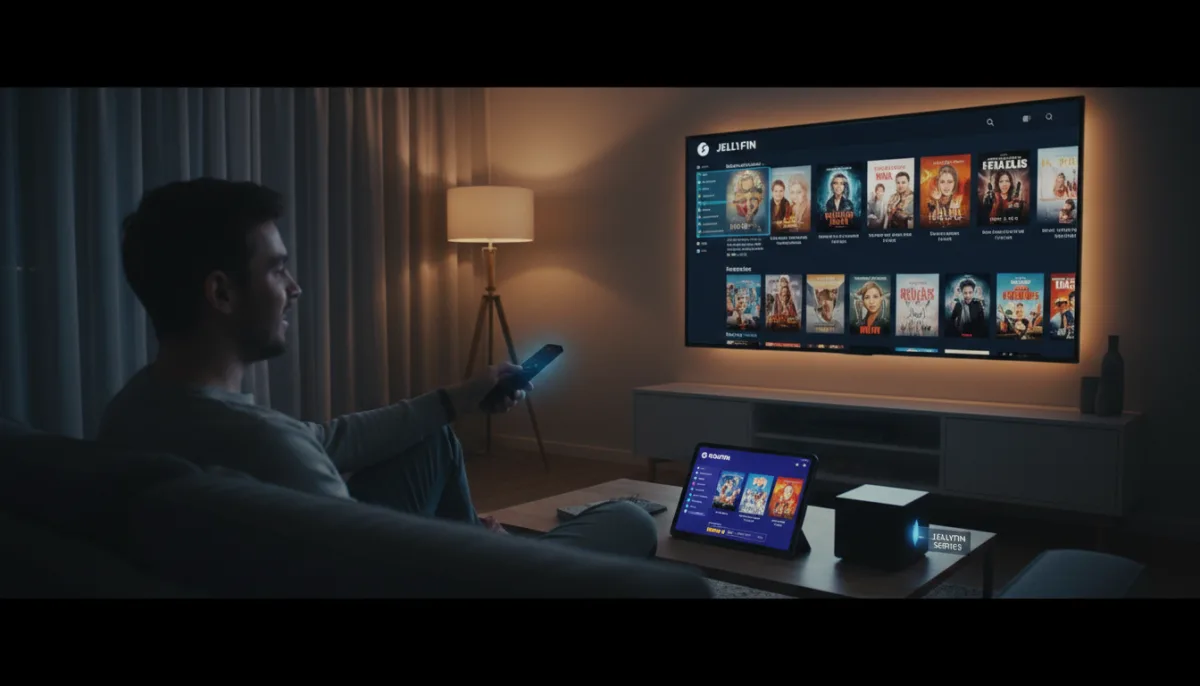
The default Jellyfin app often leaves users underwhelmed with its basic interface, pushing many back to Plex. However, because Jellyfin operates on a strict client-server model, you are not forced to use its official front-end. By swapping the default app for a dedicated third-party client, you can drastically improve aesthetics, format support, and remote access without altering your existing media library.
Your Jellyfin server manages the media library, downloads metadata, and tracks your watch history in the background. The app you use to access it is simply a client, meaning you can switch interfaces without rebuilding your setup. This guide explains how to optimize your self-hosted media setup across all your devices.
How to Upgrade Your TV Experience with Kodi
Kodi is a powerful, open-source media center that transforms Jellyfin into a premium home theater system. It offers flawless playback and extensive customization through community-built skins.
- Download and install the Jellyfin Kodi repository on your device. This enables Kodi to communicate directly with your self-hosted server.
- Link Kodi to your Jellyfin server using the six-digit quick connection code. This syncs your watch history and metadata without requiring a manual library rebuild.
- Apply a custom skin like Bingie to emulate a Netflix-style interface. This provides a highly dependable, visually appealing front-end that handles a huge range of video and audio formats natively.
Best Alternative Clients for Mobile and Desktop
You do not have to commit to a single client. You can mix and match apps based on the operating system you are using to get the best performance on each screen.
- Findroid (Android): A lightweight, clean interface optimized for Android smartphones.
- Moonfin (macOS & iOS): A free, uncluttered Apple client that categorizes media into genres, integrates with IMDb and Rotten Tomatoes, and features a random shuffle button. Available for MacBook and iOS devices.
- Infuse (Apple TV): A premium media player that handles heavy lifting for 4K playback. Available as Infuse for Apple TV.
- Jellyfin Media Player (Desktop): A dedicated desktop client that integrates well with Windows, macOS, and Linux. You can download the Jellyfin Media Player from GitHub.
The Separation of Server and Interface
The true power of Jellyfin lies in its strict separation of the backend server and the frontend client. While Plex forces users into a unified, heavily monetized ecosystem, Jellyfin’s open-source nature allows the community to build specialized apps for specific hardware.
By utilizing apps like Moonfin on an iPad and Kodi on a living room TV, users can tailor the playback experience to the exact capabilities of each screen. This flexibility proves that a self-hosted, subscription-free platform can rival, and often exceed, the user experience of commercial streaming giants, provided you are willing to look beyond the default installation.