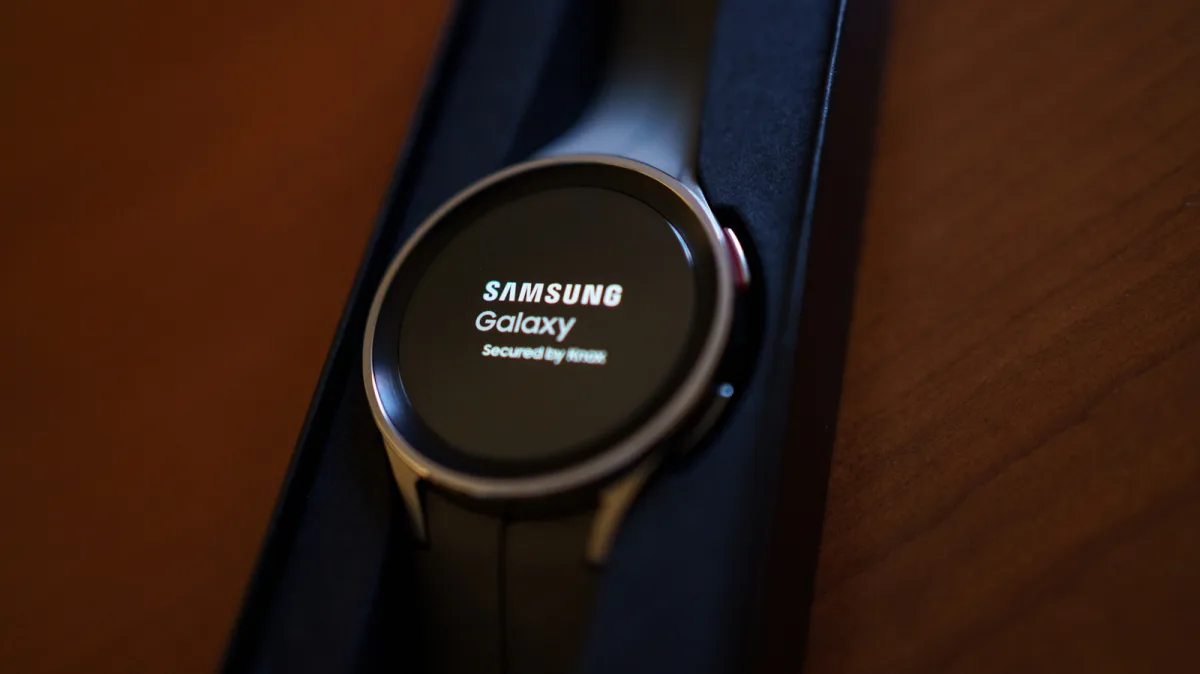
Samsung Galaxy Watch problems can quickly turn a premium wearable into a frustrating wrist weight. Whether you are dealing with severe battery drain, a laggy touchscreen, or missed notifications, these recurring issues affect both older models and the latest Galaxy Watch8 series.
Since the transition to the Wear OS platform, Samsung has solidified its position as the primary competitor to the Apple Watch. However, this deep integration and advanced health tracking come with specific hardware and software quirks. If your device is acting up, here are the five most common issues and exactly how to fix them.
- The Touchscreen Responds Slowly: A laggy interface is rarely a hardware failure. It is usually caused by a buildup of cached data or too many background processes. According to Samsung, the best fix is to clear your background apps, restart the watch, and install the latest software update. If the issue persists, a factory reset may be required.
- Severe Battery Drain: While Samsung claims the Galaxy Watch8 can deliver up to 30 hours of battery life, some Redditors report getting only 15 to 20 hours. To combat this, follow Samsung's official checklist: reduce screen brightness, disable the Always On Display (AOD), and turn off unused sensors like Wi-Fi and GPS. Disabling automatic health trackers will also significantly extend your runtime.
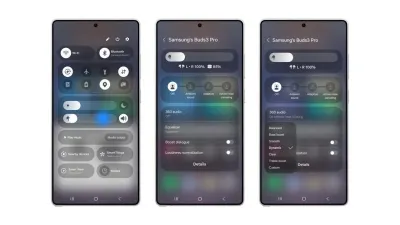
- Failure to Connect to Your Phone: Connectivity hiccups often occur after a software update, leaving your daily step goals unsynced. To resolve this, toggle your Bluetooth off and on, or forget and re-pair the device inside the Galaxy Wearable app. If you are not using a Samsung phone, Samsung advises checking your Google Play Services permissions. Community members also recommend completely reinstalling the Galaxy Wearable app as a last resort.
- Missed Notifications and Alerts: If your phone buzzes but your wrist remains silent, your notification permissions may have been reset. Samsung's troubleshooting page suggests verifying that the Galaxy Wearable app still has notification access. Additionally, ensure that "Mute all sounds" under Hearing enhancements is toggled off, and verify that Theater mode or Do Not Disturb are not accidentally enabled.
- Inaccurate Heart Rate Readings: Optical sensors read your pulse by bouncing light off blood flow, making them highly sensitive to movement and fit. While Samsung clearly states these are not medical devices, community forums are filled with reports of inconsistent readings during exercise. To improve accuracy, ensure the watch band is securely fastened flush against your skin and regularly clean the sensor.
The Hidden Cost of Continuous Tracking
The ongoing frustration with smartwatch battery life and sensor accuracy highlights a fundamental flaw in how we use modern wearables. Manufacturers market these devices as 24/7 health monitors, but the optical sensors required for continuous heart rate and stress tracking are the exact components draining the battery and causing system lag.
By disabling continuous monitoring and relying on manual health checks, users can solve two of the most common Galaxy Watch problems simultaneously. This approach not only extends the battery life closer to Samsung's 30-hour claim but also frees up system resources, resulting in a much smoother, lag-free touchscreen experience.
This article was written by AI from reporting by slashgear.com.