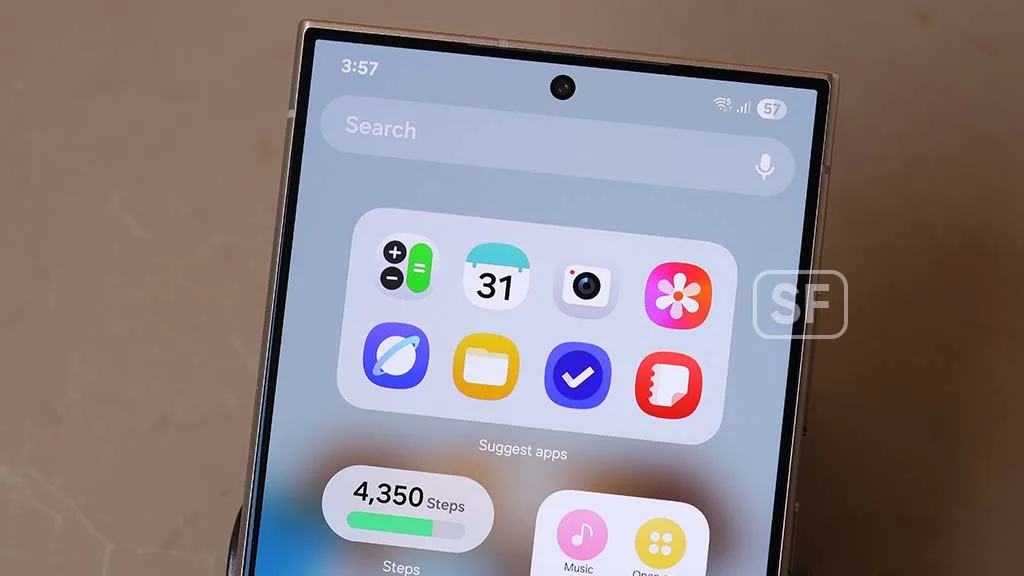
The new Samsung Galaxy Connect app finally solves the frustrating disconnect between custom desktop PCs and mobile devices. By bringing exclusive Galaxy Book features to standard Windows 11 environments, this tool eliminates the need to constantly juggle hardware for basic tasks. For years, users building custom desktop PCs had to sacrifice the seamless ecosystem integrations that Samsung reserved for its proprietary laptops, but this release bridges that gap entirely.
Core Features of Samsung Galaxy Connect
Once you download Galaxy Connect from the Microsoft Store, you gain access to four distinct ecosystem tools. While the base download includes clipboard and file syncing, unlocking the advanced display features requires additional in-app downloads.
- Multi Control: Similar to Apple's Universal Control, this allows you to use your PC's mouse and keyboard to navigate your Samsung phone or tablet while it continues running Android. It is ideal for managing mobile-first apps like Google Keep or keeping YouTube Music and Telegram open on a secondary device without cluttering your main monitors.
- Second Screen: This transforms a Galaxy tablet, such as the Galaxy Tab S10 Plus, into a wireless secondary monitor. The app fixes historical latency issues by prompting you to disconnect the tablet's Wi-Fi, creating a direct, lag-free connection to the PC that perfectly supports S Pen input.
- Storage Share: This integrates your mobile device directly into Windows File Explorer. You can seamlessly drag and drop photos, videos, or documents from your phone's storage directly into PC folders or media libraries without messing with cables.
- Continue on other devices: This feature syncs your clipboard across hardware. It is incredibly useful for copying two-factor authentication (2FA) codes from mobile apps like Google Authenticator and pasting them instantly on your desktop. It also supports tab syncing for Samsung Internet users.
Current Hardware Limitations
Despite its utility, the current build of the software has some frustrating hardware restrictions. Surprisingly, ARM-based PCs are currently unsupported, which is a strange omission considering Samsung's own Galaxy Book 4 Edge runs on an ARM architecture and features these tools natively. Additionally, early user reports indicate that the app may fail to function entirely on computers lacking Intel network adapters.
Breaking the Walled Garden
Samsung’s decision to decouple its best software features from its proprietary laptop hardware is a massive win for consumer choice. By releasing the Samsung Galaxy Connect app to the broader Windows 11 market, the company is acknowledging that power users often prefer custom-built desktop PCs over ultra-thin laptops for heavy workloads.
This move directly challenges Apple’s tightly locked ecosystem. Instead of forcing users to buy a Galaxy Book to enjoy Universal Control-like features, Samsung is using its software to make its smartphones and tablets more valuable to the average Windows user. If they can patch the current ARM and Intel network adapter limitations, this app will become an absolute necessity for anyone heavily invested in the Android ecosystem.