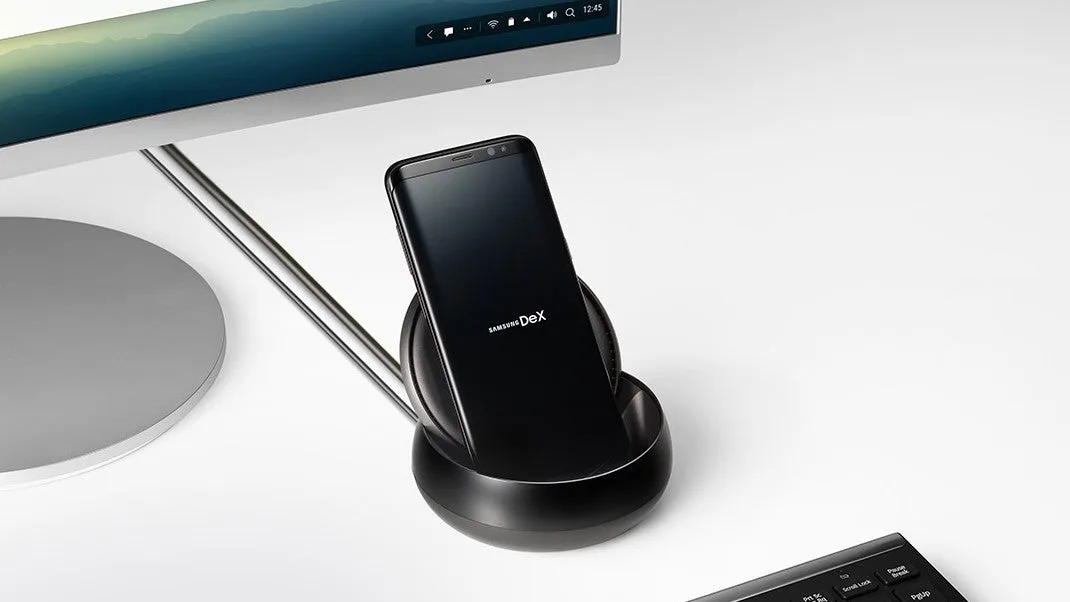
For professionals constantly juggling laptops, tablets, and smartphones, maintaining a seamless workflow is a daily struggle of cloud syncing and file transfers. Android's desktop mode on the Google Pixel 10 Pro eliminates this friction by transforming the mobile device into a unified, large-screen workstation. By simply connecting the phone to an external monitor, users can bypass the tedious process of logging into multiple accounts across different hardware.
According to hands-on testing conducted by Android Police, instead of merely mirroring the smartphone screen, this environment delivers a traditional desktop layout complete with a taskbar, an app launcher, and full cursor support. Applications open in resizable windows that can be snapped side-by-side, enabling genuine multitasking. This setup allows users to keep their messaging apps open right next to a full desktop-class web browser, retaining all active tabs from their mobile session.
How to Maximize Your Pixel Desktop Setup
- Connect Peripherals: Pair a wireless keyboard and mouse to your Pixel, then plug the device into an external monitor to trigger the desktop interface.
- Streamline File Management: Utilize Android's native file manager to directly access Network Attached Storage (NAS) drives, allowing you to edit and organize files without transferring them to a PC.
- Optimize Multitasking: Snap your primary work application next to your browser and messaging tools to replicate a traditional dual-monitor workflow.
While the system is highly capable, it is not without its growing pains. Certain mobile applications do not scale appropriately in a windowed environment, and some user interfaces remain unoptimized for desktop-sized displays. However, for specific workflows like writing quick drafts, sorting through photos, or trimming video clips, the convenience far outweighs these minor scaling quirks. It presents a compelling case for leaving the laptop at home during short weekend trips, relying solely on the phone and a compact keyboard-trackpad combo.
Google Pixel 10 Pro Specifications
| Feature | Specification |
|---|---|
| SoC | Google Tensor G5 |
| RAM | 16GB |
| Storage | 128 GB / 256 GB / 512 GB / 1 TB (with Zoned UFS) |
| Battery | 4870mAh |
| Operating System | Android 16 |
| Front Camera | 42 MP Dual PD selfie camera |
| Pricing | $999 at Amazon |
The Editor's Take: The Future of Mobile Computing
The evolution of Android's desktop mode signals a critical shift in how we view smartphone utility, especially at the premium tier. With the Google Pixel 10 Pro priced at $999, consumers rightfully expect more than just a communication device; they demand a versatile computing hub. The integration of the Tensor G5 chip and 16GB of RAM provides the necessary overhead to run a windowed environment without the aggressive background app closures that plagued older versions of the operating system.
What makes this implementation particularly successful is its focus on continuity rather than raw power. By eliminating the need to rely on cloud synchronization for local NAS files or active browser tabs, Google is solving a tangible workflow bottleneck. While it may not replace a dedicated laptop for heavy video rendering or complex software development, it perfectly targets the modern hybrid worker who needs a capable workstation on the go.
This article was written by AI from reporting by androidpolice.com.