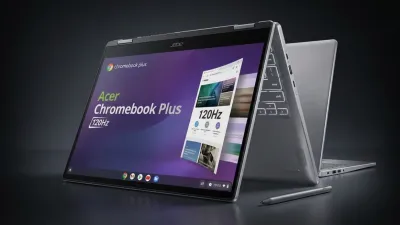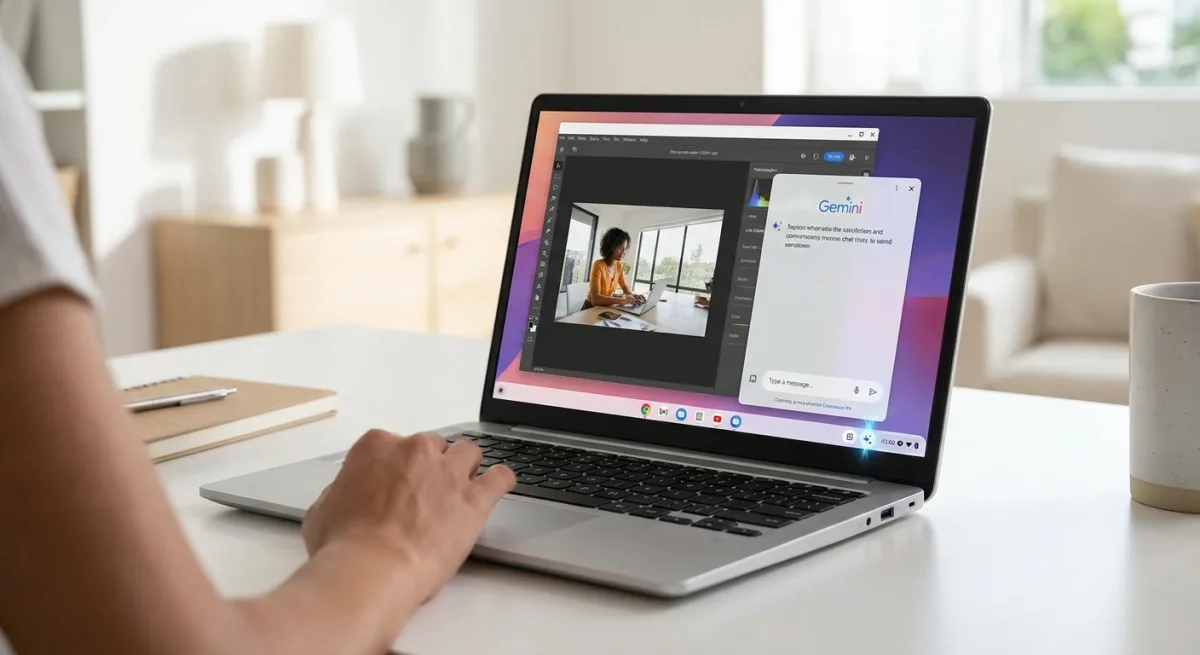
Google is officially untethering its AI assistant from the browser window, rolling out a persistent Gemini button directly to the ChromeOS system tray for Chromebook Plus users. This subtle but powerful update in ChromeOS M148 transforms Gemini from a browser-bound side panel into a system-wide floating assistant, allowing users to access AI tools without losing their primary workspace layout.
Previously, the Gemini in Chrome feature was strictly chained to the active browser window. If a user minimized Chrome to work in a progressive web app (PWA) or manage local files, their quick access to the AI vanished. The new update places a dedicated Gemini icon right next to the Phone Hub and Tote sections on the system shelf, ensuring the assistant is always one click away regardless of the active application.
When clicked outside of Chrome, the tray icon summons the familiar Gemini interface as a detached, floating window UI. This allows users to seamlessly drag context, copy data, and consult the AI while bouncing between native applications or system directories.
How the Context-Aware Integration Works
The new system tray button adapts its behavior based on your current workflow. Here is how the integration functions across the operating system:
- System-wide access: Click the tray icon while using PWAs or local apps to open a floating Gemini panel that hovers above your current window, keeping your workspace intact.
- Browser anchoring: If you navigate to a fresh Chrome tab and click the new tray button, the system instantly recognizes your active browser context.
- Seamless transition: Inside Chrome, it functions exactly like the standard Ask Gemini toolbar button, automatically anchoring itself to the active tab rather than floating independently.
The Quiet Shift Toward OS-Level AI
While Google has not made a grand official announcement for this specific UI tweak, moving Gemini to the system tray signals a fundamental shift in how ChromeOS handles artificial intelligence. By decoupling the assistant from the browser, Google is positioning Gemini as a core operating system feature rather than just a web search companion.
This context-aware floating panel directly rivals Microsoft's integration of Copilot in Windows, proving that Chromebook Plus devices are evolving into serious productivity machines. As the M148 update continues to trickle out, it is clear that Google's strategy is to weave AI deeply into the daily workflow, ensuring it is always accessible but never intrusive.