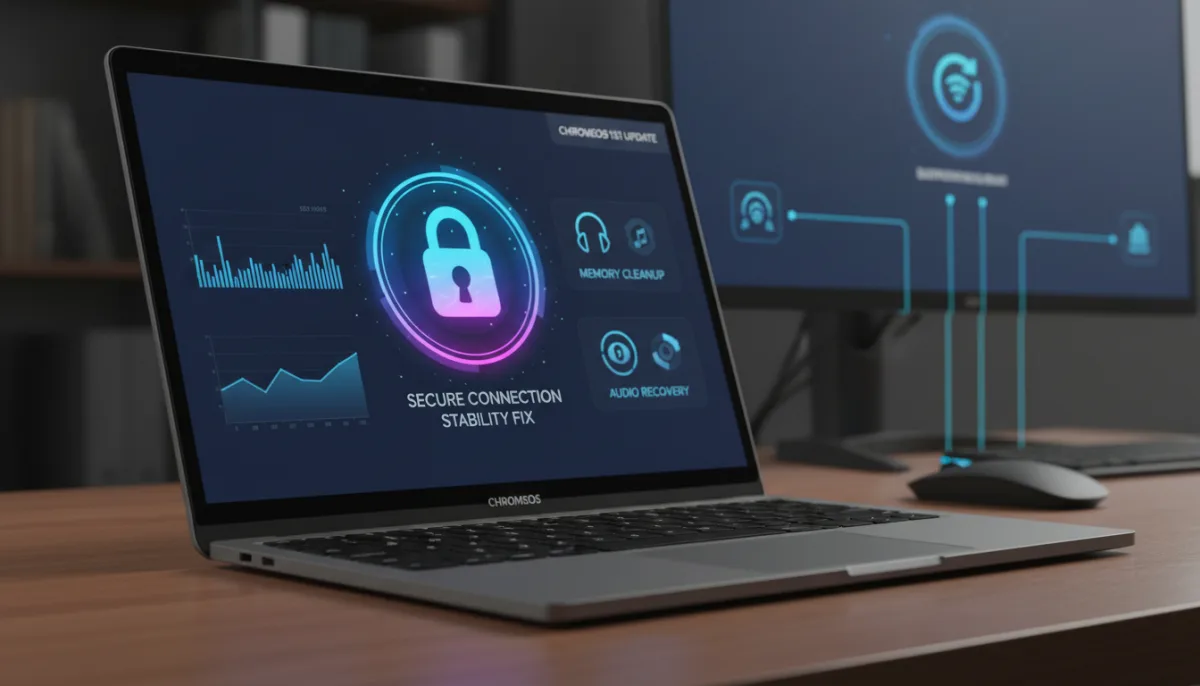
Google is rolling out a second rapid-fire ChromeOS 151 update, targeting a frustrating batch of Bluetooth connectivity drops and memory retention bugs. Just a week after pushing an initial patch to resolve window stuttering and touch latency, the development team is deploying version 16733.57.0 to supported Chromebooks and ChromeOS Flex devices on the Stable channel.
Seeing two maintenance updates within a single week of a major milestone release is a clear indicator that Google is aggressively tightening platform stability. The core ChromeOS 151 release introduced heavy under-the-hood changes, including real-time Safe Browsing hooks for Gemini and the retirement of legacy Chrome Apps in Kiosk mode, which inevitably allowed a few edge-case bugs to slip through.
What is Fixed in ChromeOS 16733.57.0
According to the official release notes, this specific build targets four lingering issues that survived the previous.54 update. These fixes focus heavily on peripheral connectivity and system resource management:
- Bluetooth peripheral wake-from-sleep stability: Resolves an intermittent handshake failure where paired wireless keyboards and mice failed to reconnect immediately after waking a Chromebook from an extended sleep state.
- Renderer process memory cleanup: Fixes a subtle memory retention bug during tab discard operations. This ensures background tabs properly release system RAM, which is critical for devices constrained to 4GB or 8GB of memory.
- Aura compositor frame pacing: Applies micro-optimizations to window animations when dragging applications across displays with mismatched refresh rates (e.g., moving a window from a 60Hz laptop screen to a 144Hz external monitor).
- Audio daemon sleep recovery: Patches a rare audio routing hang that caused media playback to freeze entirely when unplugging USB-C headphones or DACs during an active video.
How to Install the ChromeOS 151 Point Update
This update is currently rolling out over the air (OTA) across all supported hardware. If your device has not automatically downloaded the patch in the background, you can force the installation manually.
- Open your Chromebook Settings.
- Click About ChromeOS in the bottom left menu.
- Select Check for updates.
Your device will download version 16733.57.0 (Browser version 151.0.7922.221). Once the download is complete, you will be prompted to perform a quick restart to apply the fixes.
The Hidden Cost of Rapid Feature Drops
The necessity of back-to-back point updates highlights a broader shift in the ChromeOS ecosystem. Historically celebrated as a lightweight, bulletproof operating system, ChromeOS is rapidly transforming into a heavier platform burdened by deep AI integrations like Gemini and complex enterprise security hooks. When you alter the foundational architecture of an OS in a tight four-week release cycle, collateral damage in the form of memory leaks and peripheral handshakes is almost guaranteed.
The most critical fix in this batch is the renderer process memory cleanup. As the browser engine demands more resources to handle modern web apps and AI tasks, budget Chromebooks equipped with only 4GB of RAM are feeling the squeeze. By ensuring discarded background tabs actually release their hold on system memory, Google is throwing a vital lifeline to entry-level hardware that was likely struggling to keep up with the demands of the initial ChromeOS 151 rollout.
This article was written by AI from reporting by chromeunboxed.com.