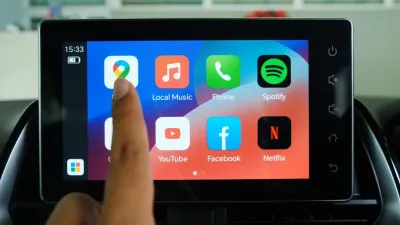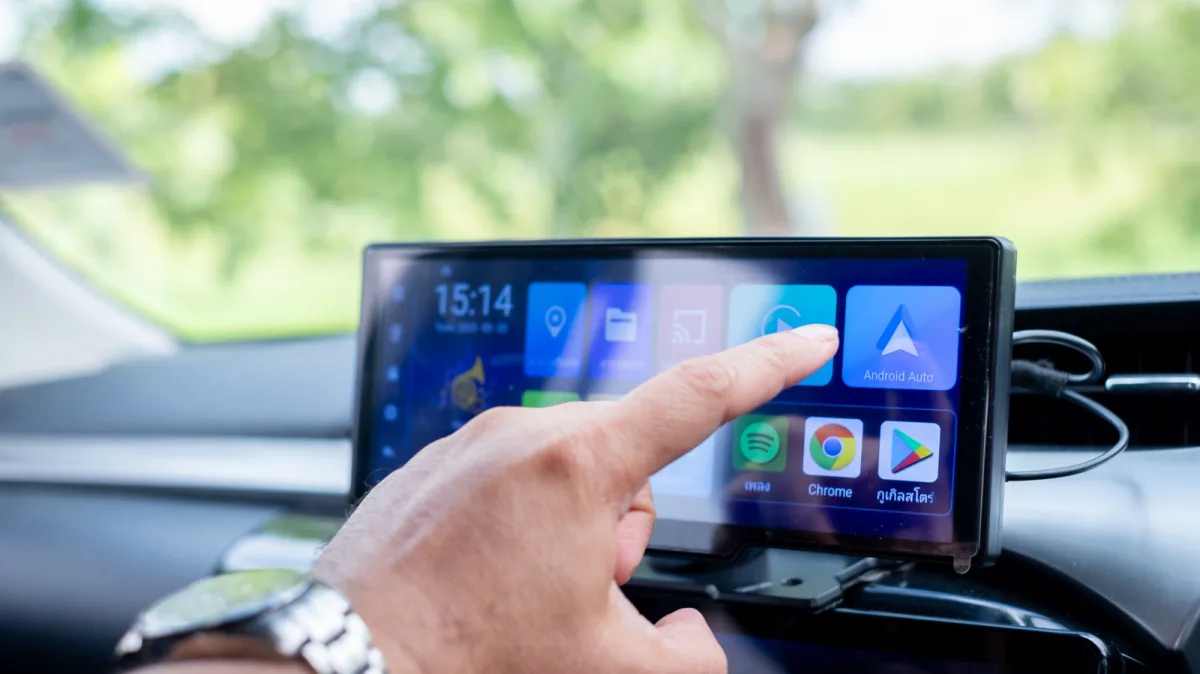
Most drivers treat their car's infotainment screen as a glorified display for Google Maps and Spotify, completely ignoring the broader ecosystem of Android Auto apps. If you are only using your dashboard for basic navigation and music playback, you are missing out on powerful tools designed to eliminate parking headaches, browse the web, and entertain passengers. The platform is capable of handling a wide variety of daily services that many users do not realize have built-in automotive support.
To access this expanded functionality, you simply need a compatible vehicle and a smartphone running Android 9.0 or newer. Once connected via a data cable or Bluetooth, the system syncs your progress seamlessly between your phone and your car. Here is a breakdown of the most effective, free-to-use applications that can immediately elevate your driving experience.
SpotHero: Eliminating Parking Anxiety
Driving through heavy traffic is frustrating, but circling unfamiliar blocks to find a convenient parking spot can be worse. SpotHero solves this by listing available parking locations nearby, including dedicated garages and airport lots. Users can input specific dates and times to fetch the best available spaces in the immediate area.
For supported locations, the app allows you to reserve a spot in advance and pay directly via Google Pay. Operating across all major cities in the U.S., SpotHero is particularly useful for finding affordable parking around ongoing events like concerts. The application currently holds a 4.4-star rating on the Google Play Store with over a million installs.
Audible: Seamless Audiobook Integration
While Spotify and YouTube Music dominate standard commutes, audiobook listeners require dedicated playback controls. Audible offers native Android Auto support, allowing users to access its massive library directly from the dashboard. You can easily summon Google Assistant or Gemini to skip chapters or request specific titles using hands-free voice commands.
If your vehicle does not natively support Android Auto, Audible still provides a dedicated driving interface. You can manually enable this feature to ensure safe playback control while connected via Bluetooth.
- Open the mobile app and navigate to your Profile (Profile).
- Go to the Settings menu, then select Player (Player).
- Enable the Automatic Car Mode (Automatic Car Mode) toggle. This automatically switches the app to a larger, simplified interface when your phone connects to your car's Bluetooth.
Vivaldi Browser: Full Web Access on Your Dashboard
Just when you think you have maxed out your infotainment screen's capabilities, the Vivaldi Browser unlocks full web surfing designed specifically for the car. This application comes with a built-in ad blocker and privacy-oriented features, allowing you to access virtually any website directly from your dashboard. If a specific streaming platform lacks native Android Auto support, Vivaldi bridges the gap, letting you watch video content safely while parked.
The browser also offers robust customization options. Users can swap between light and dark modes, change the start page background, and even capture screenshots. Standard desktop features, such as bookmarking pages, viewing recently closed tabs, and a clutter-free reader view, are all fully integrated into the automotive version.
GameSnacks: Dashboard Entertainment
Waiting in a parking lot or outside a friend's house is a universal driving experience. GameSnacks, a service developed by Google, is designed specifically to kill time during these stationary moments. It offers a collection of simple, touch-friendly games directly on the infotainment screen, including titles like Classic Solitaire and match-three games like Fruit Cube Blast.
The catalog includes several multiplayer options if you have a passenger in the car. Because these games are built on HTML5, they run smoothly without requiring heavy processing power. Naturally, the system restricts gameplay to when the vehicle is safely parked.
The Dashboard is the Next Developer Battleground
The inclusion of full web browsers like Vivaldi and HTML5 gaming hubs signals a fundamental transition in how tech companies view the car. We are moving rapidly from simple phone mirroring to treating the vehicle as a distinct, standalone computing environment. As electric vehicles (EVs) force drivers to spend 20 to 40 minutes parked at charging stations, the demand for stationary entertainment and productivity apps is set to skyrocket.
Google's push with GameSnacks and the integration of robust browsers prove that the infotainment screen is no longer just a utility panel - it is a captive-audience display. Developers who optimize their applications for automotive interfaces today will dominate this emerging screen real estate, especially as autonomous driving features eventually free up the driver's attention entirely.