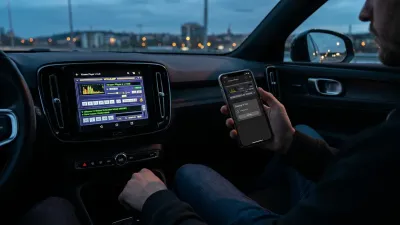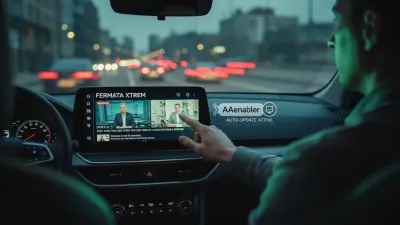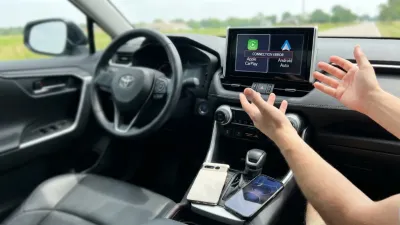
Long drives can quickly lead to mental fatigue and distraction, but optimizing your Android Auto features can transform a grueling road trip into a seamless, focused experience. While many drivers rely on the default settings of their vehicle's infotainment system, taking a few minutes to configure specific preferences can drastically reduce cognitive load. By minimizing unnecessary interactions and automating your digital environment, you can keep your eyes on the road and make extended travel significantly more enjoyable.
Whether you are navigating cross-country highways or enduring a tedious daily commute, the friction of manually connecting devices or managing incoming alerts adds unnecessary stress. Customizing your in-car software ensures that navigation, entertainment, and communication work in the background without demanding your active attention.
5 Underrated Android Auto Features to Configure
- Start Android Auto Automatically: Eliminating the friction of manually launching the system ensures your digital companion is ready the moment you start the engine. To configure this, navigate to your phone's Settings, search for Android Auto, and locate the Start-up section. Change the Start Android Auto automatically preference to Always. Additionally, ensure the Start Android Auto while locked toggle is enabled so the connection establishes without requiring you to unlock your device.
- Disable Message Notifications: Constant pings from group chats or colleagues can severely disrupt your focus and ruin the tranquility of a long drive. To silence these distractions, open the Android Auto settings on your phone and scroll down to the Messaging section. Toggle off Show message notifications; doing this will automatically disable the Show group conversations option as well, ensuring a completely interruption-free environment.
- Enforce Night Mode for Maps: Driving for hours in the dark with a glaringly bright infotainment screen causes significant eye strain. While the default automatic mode attempts to switch themes based on your headlights, aftermarket units often fail to trigger this change. To protect your vision, open Android Auto settings, find the Maps section, tap Day/Night mode for maps, and manually select the Night option.
- Prepare Offline Maps and Media: Network dead zones are inevitable on long road trips, making reliance on live data a risky gamble. Before leaving your Wi-Fi network, download your route area in Google Maps to guarantee uninterrupted turn-by-turn navigation, even without live traffic updates. Similarly, download your favorite playlists locally and enable the Start music automatically toggle in the Android Auto Start-up menu to maintain your entertainment when cellular signals drop.
- Activate Voice Commands: Keeping your hands on the wheel is paramount for safety, making Google Assistant integration an essential tool. By setting up 'Hey Google' detection in the Android Auto settings, you can control navigation, initiate phone calls, and manage media playback entirely hands-free. You can even use the digital assistant to ask complex questions, request trivia about local landmarks, or brainstorm ideas to pass the time during monotonous stretches of highway.
The Strategic Value of a Distraction-Free Cabin
The push toward highly connected, app-heavy infotainment systems has inadvertently created a safety hazard, making the deliberate restriction of these features a necessary countermeasure. By actively disabling notifications and forcing automated startups, drivers are reclaiming their cabin environment from the constant demand of the attention economy. This shift highlights a broader industry trend where the ultimate luxury in modern automotive technology is not having more features, but having the ability to seamlessly silence them.
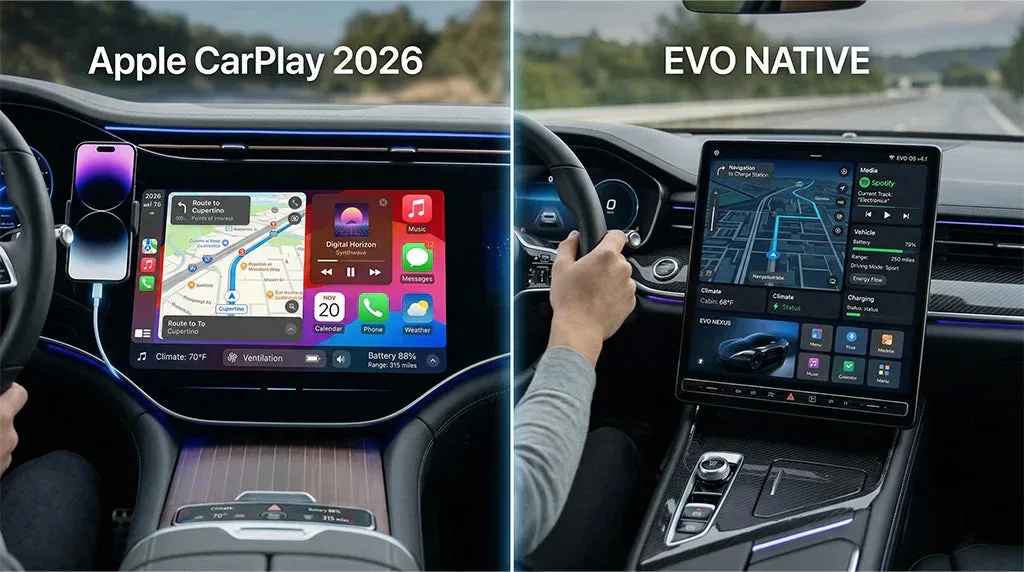
Looking ahead, as platforms like Android Automotive OS become more deeply integrated into vehicle hardware, the reliance on smartphone-projected interfaces like Android Auto will evolve. However, the core principle demonstrated by these five adjustments - prioritizing offline reliability and voice-activated automation - will remain the gold standard for user experience. Drivers who take the time to configure these settings now are essentially future-proofing their driving habits, ensuring that technology serves as a passive assistant rather than an active distraction.
This article was written by AI from reporting by androidpolice.com.