

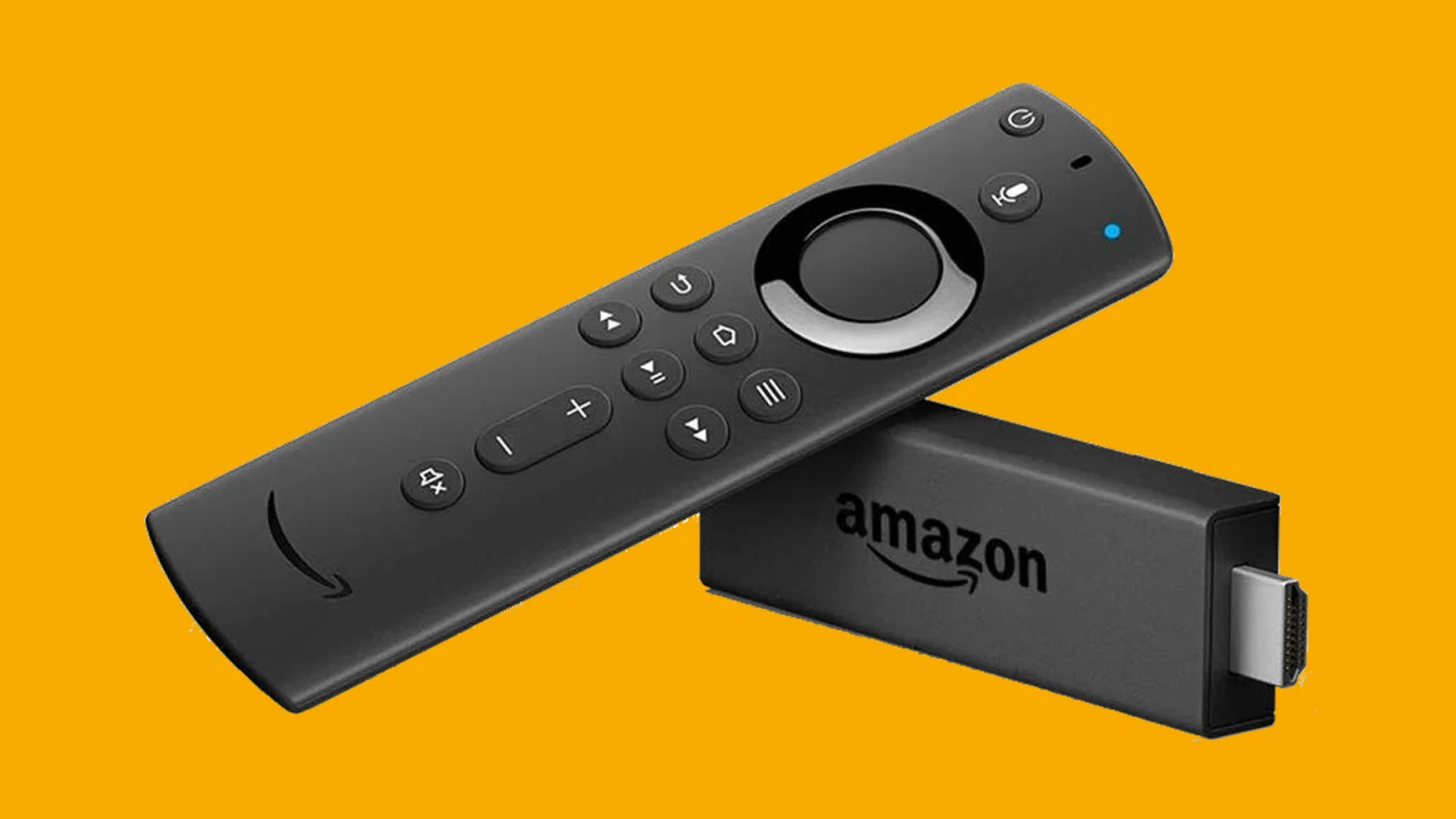
Managing a streaming device with its default remote can quickly become a frustrating experience, especially when attempting to sideload applications or clear internal storage. The Android utility app Easy Fire Tools eliminates these bottlenecks by transforming any Android smartphone into a comprehensive command center for the streaming hardware. This powerful tool allows users to bypass clunky on-screen keyboards and streamline their digital entertainment setup with unprecedented ease.
This guide is essential for streaming device owners and Android power users who frequently install third-party applications or struggle with limited hardware storage. By utilizing the Easy Fire Tools application, users can drastically reduce the time spent navigating tedious menus, enabling one-tap application installations and effortless file management directly from their mobile touchscreens. It replaces cumbersome workarounds with a direct, wireless bridge between your phone and your television.
Streaming devices like the standard Fire TV Stick often ship with highly restrictive storage capacitiescommonly limited to just 8GBwhich quickly fill up with application caches and residual system files. Traditionally, managing this storage or installing unlisted applications required tedious methods, such as using the native Downloader application and navigating web pages with a directional pad. Easy Fire Tools solves this industry-wide user experience flaw by leveraging the open Android ecosystem to manage the locked-down television interface remotely.
Setting Up the Wireless Connection
Establishing the initial connection between your smartphone and the streaming dongle requires a brief, one-time configuration process. Users must locate their device's network identifier to link the two platforms securely. Follow these specific steps to pair the hardware:
- Navigate to the advanced network settings within the Fire TV Stick settings menu.
- Locate and write down the specific IP address assigned to the streaming device.
- Open the Easy Fire Tools application on your Android smartphone.
- Enter the noted IP address into the application's connection menu.
- Ensure both the smartphone and the streaming device are connected to the exact same Wi-Fi network.
- Tap the connect icon located in the upper-right corner of the mobile interface to finalize the pairing.
Core Features and Capabilities
Once connected, the application acts as a digital Swiss Army knife for power users. The standout feature is its one-tap sideloading capability. Instead of hunting for download links using a television browser, users can simply download an APK file directly to their Android phone. With a few taps in the utility app, the file is beamed wirelessly to the streaming device and installed in the background. This makes testing new IPTV services, media players, or the latest build of Kodi incredibly efficient.
Beyond installation, the utility offers robust file and storage management to combat the restrictive 8GB hardware limit. Users can browse the internal storage of the television directly from their phone, moving movie files or deleting massive cache folders that accumulate over time. When the streaming interface begins to stutter or lag, users can bypass the native uninstallation process entirely. The mobile interface allows for rapid uninstallation of irrelevant games and applications, instantly reclaiming precious storage space without interrupting the viewing experience.
The utility also includes built-in screen capture and video recording functionalities. This is particularly useful for remote troubleshooting. If a family member encounters an issue on their television, a user can capture a screenshot of the interface via the mobile app, annotate it with arrows, and share it through messaging platforms like WhatsApp. It is even possible to record a video of the navigation process to provide a visual step-by-step fix.
Frequently Asked Questions
Do the smartphone and the streaming device need to be on the same network?
Yes, both devices must be actively connected to the exact same Wi-Fi network for the IP address pairing to establish a successful connection.
Can I install files directly from my phone's local storage?
Absolutely. The utility allows you to select any compatible APK file stored locally on your Android device and wirelessly push the installation to the television in the background.
My Take
The reliance on third-party utilities like Easy Fire Tools highlights a glaring user experience flaw in modern streaming dongles: the friction of closed, low-spec ecosystems. The manufacturer's decision to stick with a mere 8GB of base storage on standard models forces consumers into a constant cycle of storage micromanagement. Easy Fire Tools is not just a convenient add-on; it is a necessary patch for these hardware limitations. As streaming platforms continue to bloat in size, mobile-to-television management utilities will transition from niche power-user tools to indispensable requirements for anyone wanting a smooth, frustration-free home theater setup.
