Windows 11 users frustrated by sluggish performance, high RAM usage, and lingering background processes are finally getting relief. Microsoft is rolling out the optional Windows 11 KB5083631 update for versions 24H2 and 25H2, specifically targeting severe memory leaks and startup delays that make the operating system feel heavier than it should. For power users and everyday consumers alike, this update provides a critical fix for the friction caused when background services hoard system resources.
While recent updates have heavily focused on artificial intelligence and interface tweaks, this release prioritizes under-the-hood stability. By addressing core functionality rather than adding new features, Microsoft is directly responding to complaints about the operating system's resource management. This shift ensures that the underlying architecture can support daily tasks without unnecessary strain.
Key Performance Fixes in KB5083631
The update tackles several specific bottlenecks that degrade the daily user experience. The most notable improvements include:
- Delivery Optimization: This background service, responsible for Windows Update and Microsoft Store downloads, has been linked to severe memory leaks. The patch reduces its footprint, freeing up RAM for strained PCs.
- Faster Startup Apps: Programs listed under Settings > Apps > Startup will now launch significantly faster after a reboot. This is a crucial fix for older laptops and work machines burdened by crowded startup lists.
- File Explorer Resource Management: The update corrects a frustrating
explorer.exebehavior where the process would remain running in the background even after all File Explorer windows were closed, needlessly wasting system resources.
Visual Glitches and Minor Corrections
Beyond raw performance, the patch cleans up several persistent visual and navigational bugs. It resolves the jarring dark mode flash in File Explorer, ensures that View and Sort preferences are properly saved, and fixes taskbar system tray loading issues. Additionally, Microsoft has patched crashes tied to Task View, taskbar menus, and Quick Access.
While these fixes seem minor on paper, they touch the elements of Windows that people interact with constantly. Cleaner startup behavior, retained folder layouts, and fewer stuck processes can make a PC significantly easier to live with, even when raw speed gains are hard to measure.
How to Install the Update
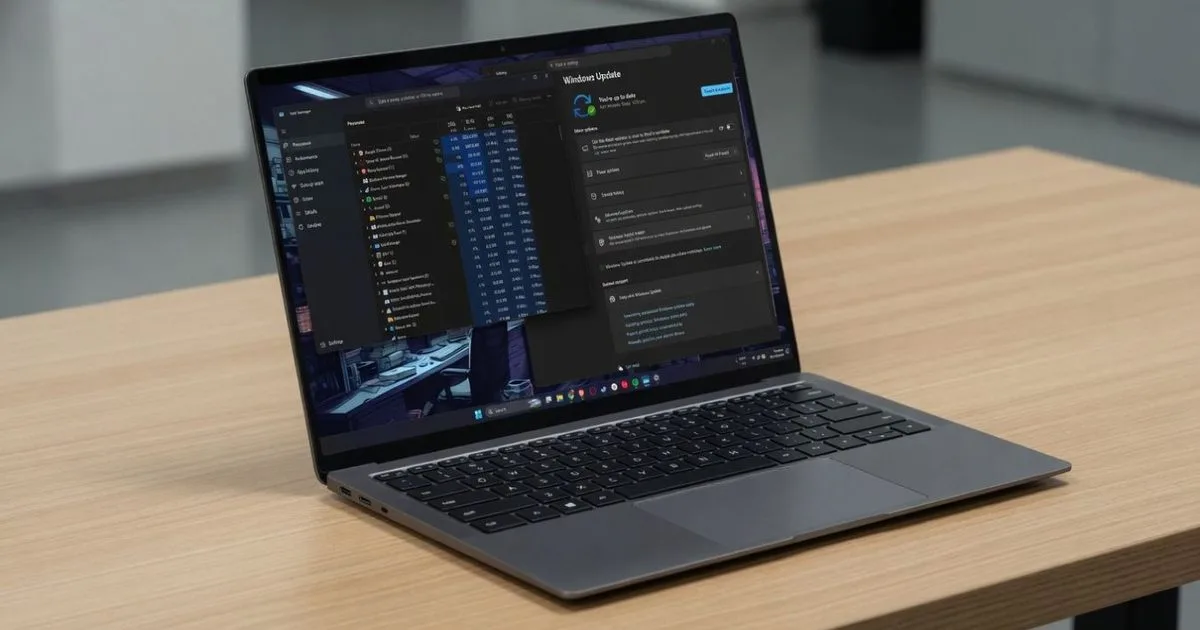
Because the Windows 11 KB5083631 update is currently an optional preview release, it will not install automatically. If your PC is suffering from obvious slowdowns or high background memory use, you can manually trigger the installation by navigating to Settings > Windows Update and checking for updates.
However, if your system is running smoothly, there is no need to rush. These exact performance fixes will be bundled with mandatory security patches during the upcoming May 12, 2026, Patch Tuesday update. Waiting for the mandatory release remains the safer default for anyone who depends on a stable PC for work or school.
The Shift Toward Core Stability
Microsoft’s decision to dedicate an entire update cycle to "boring" foundational fixes is a highly encouraging signal for the Windows ecosystem. For the past year, the narrative surrounding Windows 11 has been dominated by AI integration and UI overhauls, often at the expense of basic system optimization. By directly addressing the explorer.exe lingering process and Delivery Optimization memory leaks, Microsoft is acknowledging that a feature-rich OS is useless if the underlying architecture feels sluggish.
This approach also highlights a growing awareness of hardware constraints. Not every user is running a next-generation machine with massive amounts of RAM. By optimizing startup times and reducing background resource hoarding, Microsoft is extending the viable lifespan of older laptops and work machines. If this focus on core stability continues, Windows 11 could finally shed its reputation as a resource-heavy operating system.