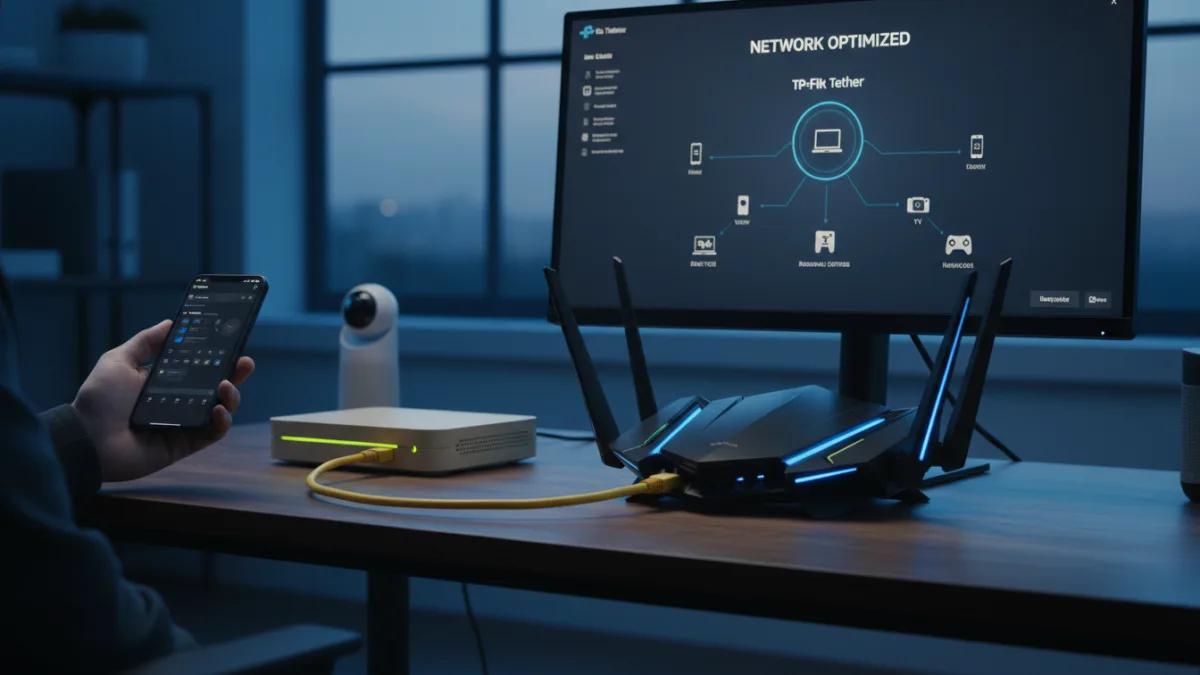
Millions of users suffer from buffering streams and laggy gaming simply because they rely on the default ISP Wi-Fi router provided by their internet company. While these all-in-one modem and router units are designed for quick setup, they often bottleneck your home network with cheap components and locked-down settings. Upgrading to a dedicated router is one of the most effective ways to reclaim control over your internet performance.
Internet Service Providers prioritize cost-efficiency over cutting-edge technology when distributing hardware. These default routers rarely feature the latest standards like Wi-Fi 6E or Wi-Fi 7, and they often lack multi-gigabit LAN ports required by high-bandwidth devices. Furthermore, the internal antennas are usually restricted, leading to poor coverage and dead zones in larger homes.
Beyond hardware limitations, ISP routers severely restrict software customization. Essential features like custom DNS configuration, Quality of Service (QoS) prioritization, and the ability to connect to a home VPN are frequently locked away or entirely missing. In some cases, users are even paying a hidden monthly rental fee for this subpar equipment without realizing it.
How to Bypass Your ISP Wi-Fi Router Using Bridge Mode
You do not need to completely discard your ISP's equipment to upgrade your network. By utilizing a feature called Bridge Mode, you can force the ISP device to act solely as a modem, allowing your new, high-performance router to handle all the Wi-Fi and routing duties.
- Access your ISP router's settings by typing its IP address into your web browser and logging in with the admin credentials. This enables you to modify the core network configurations that dictate how the device operates.
- Enable the setting labeled Bridge Mode or Modem Mode, then save your changes and wait for the device to reboot. This ensures the ISP router stops broadcasting its own Wi-Fi signal and disables its internal routing firewall, preventing network conflicts.
- Connect your new dedicated router to the ISP modem using a high-quality Ethernet cable plugged into the WAN port. This enables your new hardware to take full control of network traffic, granting you access to advanced features and superior wireless range.
The Hidden Security Cost of Rented Hardware
While the immediate benefits of ditching an ISP Wi-Fi router are faster speeds and better range, the most critical advantage is network security. ISPs are notoriously slow at pushing firmware updates to their massive fleets of rented hardware. This leaves millions of home networks vulnerable to newly discovered exploits for months, or even years, before a patch is deployed.
In contrast, dedicated router manufacturers are incentivized to maintain their competitive edge by actively supporting their devices. Companies producing high-end networking gear frequently release security patches and offer advanced threat protection suites directly within their mobile apps. As smart home devices multiply, the limited device capacity and outdated security protocols of ISP routers become a critical failure point.
Taking control of your home network is no longer just an enthusiast project; it is a necessary step for digital hygiene. By relegating the ISP hardware to a simple modem role, you isolate your local network from provider-level vulnerabilities and ensure your data flows through hardware designed for performance rather than cost savings.
This article was written by AI from reporting by makeuseof.com.