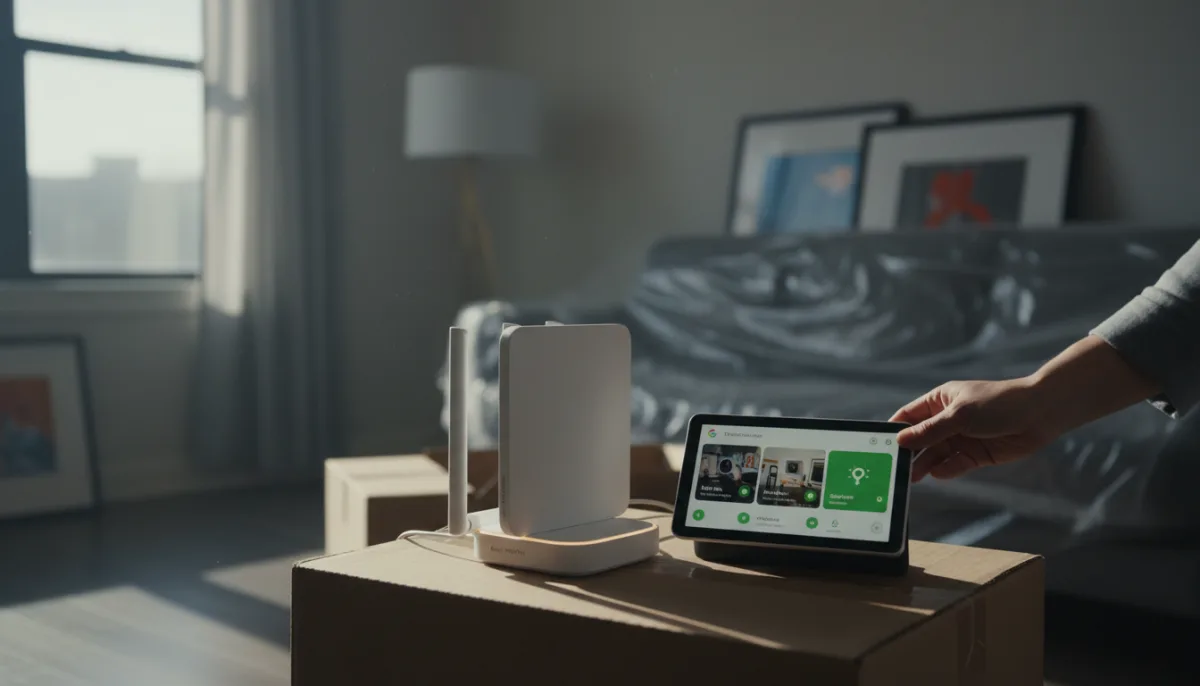
Moving apartments is stressful enough without having to spend hours reconfiguring a new internet service provider (ISP) router and reconnecting dozens of smart home devices. Investing in a personal Wi-Fi router eliminates this headache entirely, allowing you to plug in and instantly restore your entire network. While many buildings now offer free combo modems and Wi-Fi 6E routers, relying on them traps your network configuration in a single physical location.
The Hidden Cost of Skipping a Personal Wi-Fi Router
Relying on default hardware often means sacrificing granular control over network performance. Optimizing a home network requires tweaking specific settings, such as using a Wi-Fi analyzer app to identify the least congested channels across the 2.4 GHz, 5 GHz, and 6 GHz bands. In dense apartment complexes, manually selecting these channels is crucial to avoid interference from hundreds of competing devices.
Furthermore, changing the default Domain Name System (DNS) at the router level can drastically improve browsing speeds based on physical location. Advanced features like Quality of Service (QoS) also allow users to prioritize bandwidth for specific tasks, such as video calls. If these configurations are tied to an ISP-owned router, users lose all their custom settings the moment they move and return the hardware.
Seamless Smart Home Migration
The most significant advantage of owning a mesh system, such as the Google Nest Wi-Fi Pro, is the ability to bypass the tedious setup process when relocating. Because network information is tied to the router rather than the physical address, devices look for a known Service Set Identifier (SSID) and password combination.
When a personal router is plugged into a new modem, every saved device - from laptops and phones to complex smart home ecosystems - reconnects automatically. For users heavily invested in platforms like Google Home, this means smart displays, cameras, video doorbells, and thermostats come back online instantly. The only required step is updating the physical address within the smart home application.
How to Keep Your Network if You Use an ISP Router
If purchasing a personal router is not an option and you must use the hardware provided at a new apartment, you can still trick your devices into reconnecting automatically. Follow these steps to replicate your old network:
- Locate the IP address of your new ISP-supplied router, which is typically printed on a sticker on the back or bottom of the device.
- Enter this IP address into a web browser to access the router's admin panel (Admin Panel).
- Navigate to the wireless settings and manually change the new router's SSID and password to exactly match the combination used by your previous network.
- Save the changes and restart the router to force your smart devices to recognize the familiar credentials and connect automatically.
Beyond Convenience: The Case for Hardware Ownership
While the immediate benefit of a plug-and-play move is clear, the long-term value of owning a router extends far beyond convenience. ISP-supplied hardware is notoriously slow to receive critical security patches, leaving home networks vulnerable to emerging threats. By purchasing a dedicated system, users gain direct access to faster firmware updates and advanced privacy controls that ISPs typically lock down or monetize.
Moreover, the financial math heavily favors ownership. While a system like the Google Nest Wi-Fi Pro requires an upfront investment of around $150 to $200, it eliminates the monthly equipment rental fees charged by many ISPs, which can exceed $150 annually. As the industry shifts toward faster standards like Wi-Fi 7, owning your hardware ensures you dictate when it is time to upgrade, rather than waiting for an ISP to replace an aging, bottlenecked modem.
This article was written by AI from reporting by makeuseof.com.