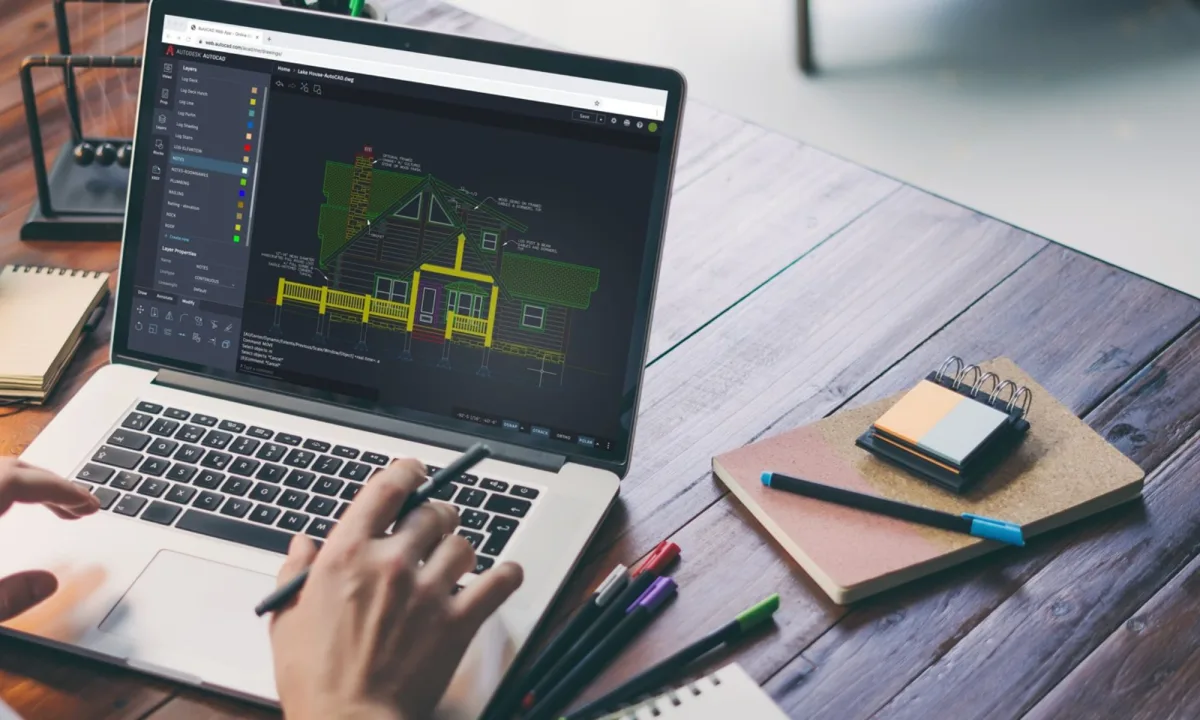
Shopping for the best laptop for AutoCAD can feel like a massive gamble when a single hardware freeze could ruin a semester's worth of studio work. Architecture students often find themselves torn between buying a heavy gaming rig or an underpowered ultrabook, but the reality of drafting requires a very specific balance of single-core processing power and portability.
This guide is built specifically for architecture students and drafting professionals who need to run demanding software like Revit and AutoCAD without being tethered to a wall outlet. Choosing the right machine ensures you will not be dependent on campus computer labs when deadlines loom, allowing you to render and draft from anywhere.
Core Hardware Requirements for Architecture
Architecture software rewards a specific set of priorities that look very different from what a gamer or a video editor would chase. Sorting these priorities out first will narrow down your shortlist immediately.
- Windows is almost mandatory: AutoCAD runs on Mac, but the Mac version drops the Specialized Toolsets, including the Architecture toolset. Furthermore, Revit and Civil 3D do not run on macOS at all.
- Portability and battery life: You will haul your machine across campus daily. A 1.4 to 2 kg laptop with an all-day battery beats a 3 kg desktop replacement that dies in two hours.
- Targeted processing power: AutoCAD leans hard on single-core CPU clock speed, so a 3 GHz-plus processor is critical. Autodesk recommends 32 GB of RAM and a dedicated GPU with 8 GB of memory.
- Display quality: A 16-inch panel at 2.5K or higher keeps fine linework crisp. You do not need a 4090-class GPU or an 18-inch chassis for student work.
Top 5 Laptops for Architecture Students
- Acer Predator Helios 16: The sensible default for most students. It features reworked thermals, a 16-inch screen, and either an RTX 4060 or a newer 50-series GPU with 8 GB of VRAM. It handles AutoCAD, SketchUp, and Lumion smoothly without the extreme bulk of a desktop replacement.
- ASUS ROG Zephyrus G14: Best for extreme portability. Weighing just 1.5 kg, it packs a Zen 5 Ryzen 9 processor and a dedicated RTX 5070. The vapor chamber cooling prevents throttling, and the 3K OLED panel is perfect for detailed linework and presentation boards.
- HONOR MagicBook Pro 14: Ideal for first-year students focused on 2D drafting. Priced at £1299.99, it weighs 1.39 kg and features a 3.1K OLED screen with an Intel Core Ultra 9 chip. The integrated Intel Arc graphics handle light 3D, while the 92 Wh battery easily lasts a full day.
- ASUS ProArt P16: Built for visualization and presentation. It features a unique physical Dial on the touchpad, a 16-inch OLED touch screen, up to 64 GB of RAM, and a current-generation RTX GPU. Prices range from £2,090 to over $2,400.
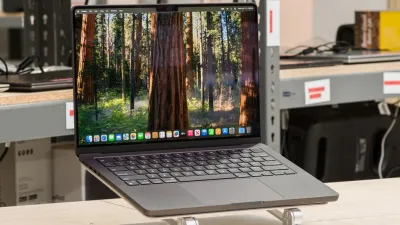
- Apple MacBook Pro (14-inch, M5): The premium choice for macOS users, provided their coursework does not require Revit. The M5 Pro chip delivers 10 to 14 hours of battery life and features a 120 Hz display. A 32 GB memory configuration costs around $2,400.
Hardware Traps to Avoid
A few common traps catch architecture students every year. Dodging them will save you both money and back pain during your degree.
- Skip the 18-inch desktop replacements: Heavy rigs weighing over 3 kg with RTX 5090 power will drain their battery in two hours and become a miserable burden to carry between lecture halls.
- Do not overspend on the GPU: AutoCAD cares far more about CPU clock speed and memory than raw graphics horsepower. An RTX 5060 or 5070 covers school work comfortably.
- Avoid the Mac trap if Revit is required: A beautiful laptop that cannot run your required syllabus software is the most expensive mistake you can make.
The Hidden Cost of Software Ecosystems
In the professional architecture world, Building Information Modeling (BIM) is the absolute standard, and Autodesk dominates this space entirely. Buying a Mac as a student might work for early conceptual design in Rhino or SketchUp, but it creates a severe friction point when transitioning into professional internships where collaborative Revit models are mandatory. Students must look beyond the hardware specs and consider the software ecosystem they are buying into.
Furthermore, the push towards cloud-based rendering and AI-assisted drafting means that local GPU power might become less critical over the next five years, shifting the bottleneck entirely to RAM and network speed. Students investing heavily in local RTX 5090s are fighting yesterday's war. A balanced machine with 32 GB of RAM and a mid-tier GPU is not just a budget compromise; it is a strategic alignment with where architectural technology is actually heading.