Finding the best laptop for programming and gaming as a computer science student is a delicate balancing act between compiling code, running virtual machines, and unwinding with demanding titles. With RAM prices surging in 2026, choosing the wrong machine can leave you with a bottlenecked system by your sophomore year or a drained bank account before classes even start.
Students don’t realize it at first, but playing video games and having related hobbies is often really helpful when choosing a career and even while job hunting.
- Eliza Peterson, Research Analyst, Rutgers EERC
A software engineer at J.P. Morgan echoed this sentiment, noting that the "sloppy hobbyist coder" background is exactly where many IT professionals shine. To foster that environment, you need hardware that supports both academic rigor and personal projects.
Building the Right Development Environment
The most common mistake incoming CS students make is defaulting to a MacBook when their priorities are coursework and gaming. While Apple hardware is premium, a Windows laptop offers significantly more freedom to build a custom development environment and leaves more room in a tight college budget. Memory is the ultimate bottleneck; 8GB of RAM is obsolete for coding. You need a strict minimum of 16GB, though 32GB is the comfortable floor once virtual machines (VMs) and containerization enter your syllabus.
Additionally, do not overlook keyboard quality for long coding sessions. A mushy keyboard will quickly become frustrating during essay-length commits. While TikTok developer setups heavily feature mechanical keyboards, you can always buy an external one later if your laptop's built-in keys lack tactile feedback.
Top Laptop Picks for CS Students
Here are the top machines that balance development workloads, gaming capabilities, and student budgets:
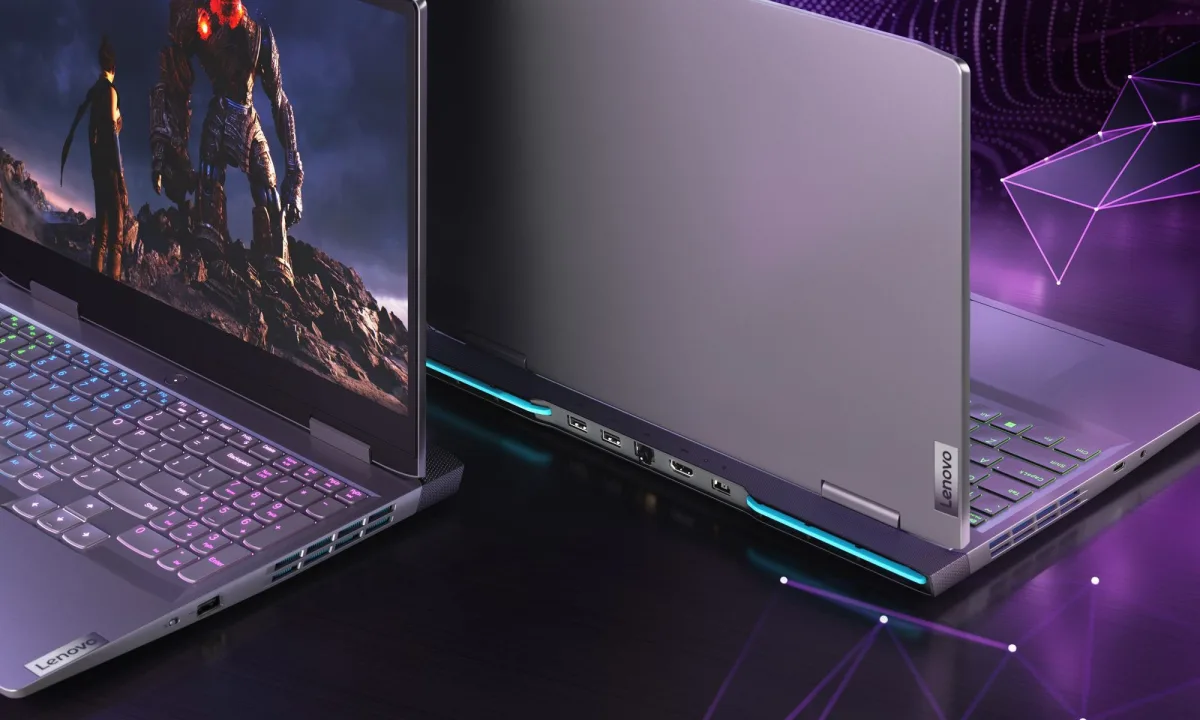
- Lenovo LOQ 15: The best single machine for handling both Calculus 2 and 007 First Light. Equipped with an RTX 5060, it manages weekend gaming and CUDA-based machine learning projects without a premium markup. However, it is bulky at 5.3 pounds and only delivers 2.5 to 3.5 hours of battery life, requiring you to carry a charger on campus.
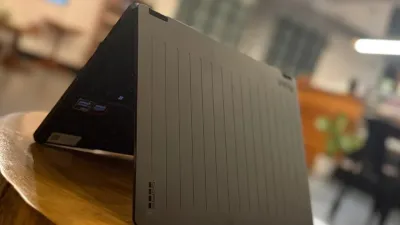
- Lenovo Yoga 7i 2-in-1 Aura Edition (14-inch Intel): The Yoga 7i 2-in-1 Aura Edition is the ideal choice for long days in lecture halls without power sockets. Powered by a Core Ultra 5 322 processor and 16GB of RAM, it breezes through coding workloads with all-day battery life. The trade-off is its integrated graphics, which severely limit gaming performance, and a slightly heavy chassis for a 14-inch device.
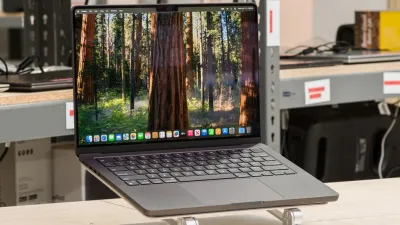
- Apple MacBook Air (13-inch, M5, 2026): The best macOS option if your toolchain allows it. It offers up to 16 hours of battery life, a silent 2.7-pound design, and an M5 GPU capable of light gaming like Resident Evil 4. Following Apple's June 2026 price increase, it starts at $1,399 ($1,499 for higher tiers). Because the memory is soldered, you must purchase your maximum required RAM during your freshman year.
- Framework Laptop 13 (AMD Ryzen AI 300 Series): The ultimate upgrade path in a tightening memory market. Weighing 2.9 pounds with 14 hours of battery life, it runs Linux flawlessly and allows you to swap parts using an included screwdriver. You can buy 16GB today and upgrade to 32GB in your junior year, bypassing the soldered RAM trap entirely.
Models to Skip
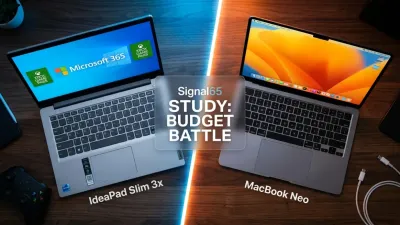
Avoid the MacBook Neo despite its attractive student pricing; its phone-class processor and 8GB of soldered memory make it a terrible VM host. If you are on a strict budget, look for refurbished MacBook Air models with the M3 chip instead. Furthermore, skip any Windows laptop running an outdated RTX 4050 or 3050 GPU, as these will be obsolete before you graduate.
Conversely, avoid $2,400 desktop replacements like the 18-inch Razer Blade. These machines cost a semester's rent, are too massive for a standard backpack, and do not compile code any faster than the more practical picks listed above.
The Soldered Memory Trap Dictates the Market
The current landscape of student laptops exposes a frustrating industry shift: the weaponization of soldered memory. By eliminating upgradability in mainstream models like the MacBook Air and various ultrabooks, manufacturers are forcing college freshmen to predict their senior-year computing needs on day one. This artificial scarcity turns a standard $1,000 laptop purchase into a $1,500 anxiety-driven investment, as students overpay for RAM just to future-proof their virtual machine workloads.
This dynamic makes modular systems like the Framework Laptop 13 not just a niche enthusiast project, but a vital financial shield for students. As machine learning and local AI models become standard in computer science curricula, the ability to slot in a 32GB RAM module for a fraction of Apple's upgrade tax is a massive competitive advantage. Until the broader industry reverses its anti-repair trends, CS students must prioritize modularity or risk being financially penalized by their own hardware before graduation.