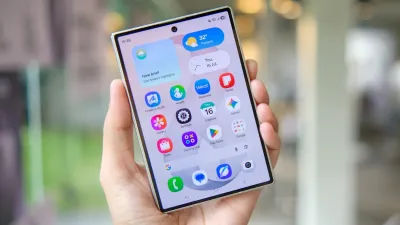
Googlebook laptops launched earlier this month with the promise of tight integration with Android phones, but a major segment of users was initially left out. Owners of Samsung Galaxy devices running the latest One UI 9.0 on Android 17 did not have the same instant access to these functions as users with Pixel, Xiaomi, and OnePlus phones. That gap is now closing, as updates rolling out this week bring the complete set of Better Together capabilities to compatible Galaxy models.
The shift arrives via background fixes to Google Play services and supporting apps, rather than a dramatic hardware overhaul. According to Android Central's October 12 coverage, the rollout allows Samsung phones to stream apps, resume tasks, mirror notifications, and browse files directly from the Googlebook desktop. The timing follows the October 4 start of Googlebook sales and subsequent user complaints, with Google delivering the fix faster than its initial promise of the coming weeks.
Four Key Better Together Features
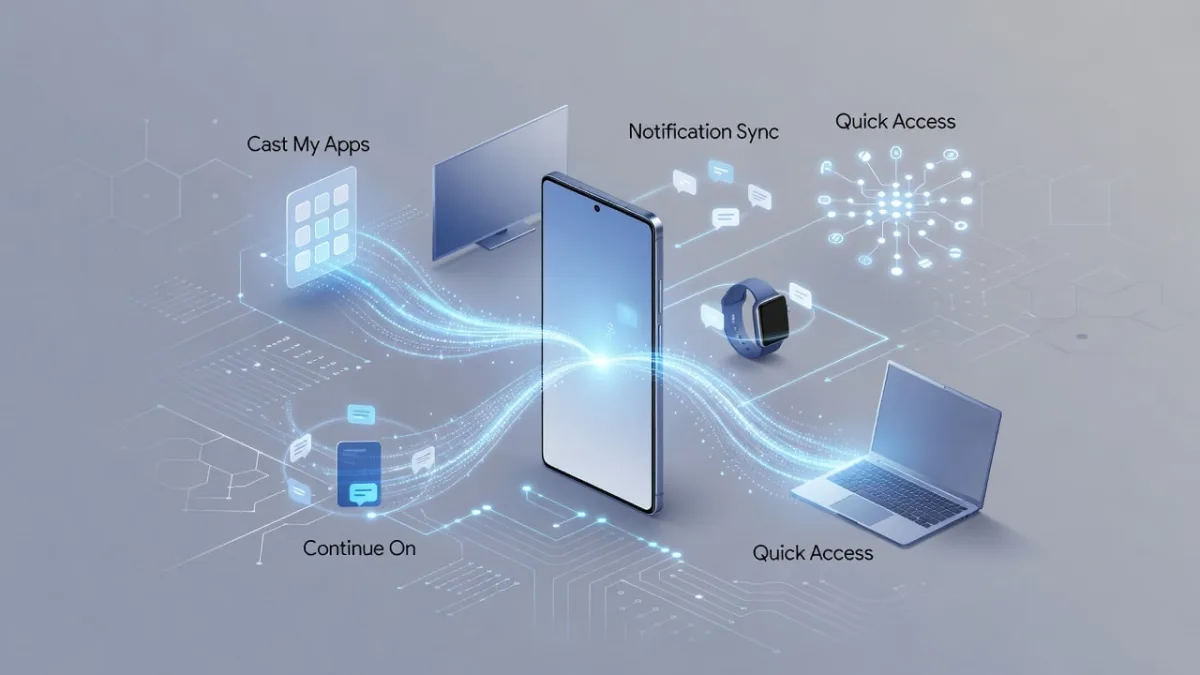
The update activates four standout cross-device tools for Samsung Galaxy users. Cast My Apps runs phone software in a window on the larger laptop display, allowing control via keyboard and trackpad while the app remains active on the handset. While battery drain on the phone is a factor, the convenience appeals for light work or quick checks.
Continue On lets users start an activity, such as drafting an email or editing a note, on the Galaxy phone and resume it on the laptop with supported apps carrying over their state. Notification Sync pushes real-time alerts from the phone to the computer; dismissing an alert on one device clears it on the other.
Finally, Quick Access provides a searchable view of phone files, documents, and photos directly from the Googlebook interface. This allows users to share files without cloud uploads or cables, which is effective for many daily workflows.
System Requirements and Setup
The requirements for these features remain strict. The Galaxy phone must run One UI 9.0 based on Android 17, while Google Play services requires version 26.37 or higher. Additionally, cross-device services must be updated to version 1.0.1346 or newer. Both the phone and the laptop must share the same Google account, with Bluetooth and Wi-Fi turned on.
Using the same private network helps avoid firewall blocks that are common on public connections. Users must restart both gadgets after the updates to clear cached states and activate the new hooks. A separate fix also targets first-time pairing, smoothing the setup process by removing a bug in earlier versions that left the QR code on the screen even after a successful connection.
Google’s Mishaal Rahman confirmed the changes in a Reddit post, noting, “Better Together features are rolling out across all Android 17 supported Samsung devices.” Users are already reporting success on flagship models like the Galaxy Z Fold and Galaxy S26 Ultra.
Industry Context and Mixed Results
The initial absence of these features for Samsung devices raised eyebrows, given that the company sells more Android phones than any other manufacturer. Some attributed the delay to Samsung-side dependencies in One UI, while others pointed to testing priorities favoring Pixel devices first. Regardless of the cause, the quick fix shows Google treating the broader Android base as more than an afterthought.
If you’ve been craving the kind of direct-device and account-level integration from your current PC laptop or Chromebook with your Android phone, then this is Google’s long-awaited answer.
Joe Osborne, Deputy Managing Editor of Hardware, PCMag
Recent coverage adds further context to the rollout. On October 10, 9to5Google reported that the updates improve general Android sync beyond Samsung, offering smoother pairing and better task continuity. On October 12, SamMobile echoed the setup details and highlighted reports that Samsung is developing its own Android-based Galaxy Book laptops, indicating heating competition.
Practical tests shared on X and forums show mixed early results. While some users report instant notification mirroring after a restart, others struggle with Cast My Apps on certain titles. File access works reliably for documents and images but hits snags with app-specific data. Battery impact also varies, with video app streaming draining the phone faster than expected. Furthermore, older Galaxy models without One UI 9 and budget devices miss out entirely, as the feature set favors flagship owners.
Rollout and Next Steps
The rollout continues automatically over the coming days, reaching users sooner if their devices are charging and connected to Wi-Fi. Users can check versions in the Play Store settings and force updates if needed, then test the features one by one. Googlebook support pages recommend using a home setup with the same private network and account match, as public hotspots at offices or cafes often interfere.
For now, Galaxy owners with Googlebooks gain the tools they expected at purchase. While the integration is not flawless and does not replace every Samsung-specific link, it narrows the gap between Google’s vision and the reality users experience.
This article was written by AI from reporting by webpronews.com.