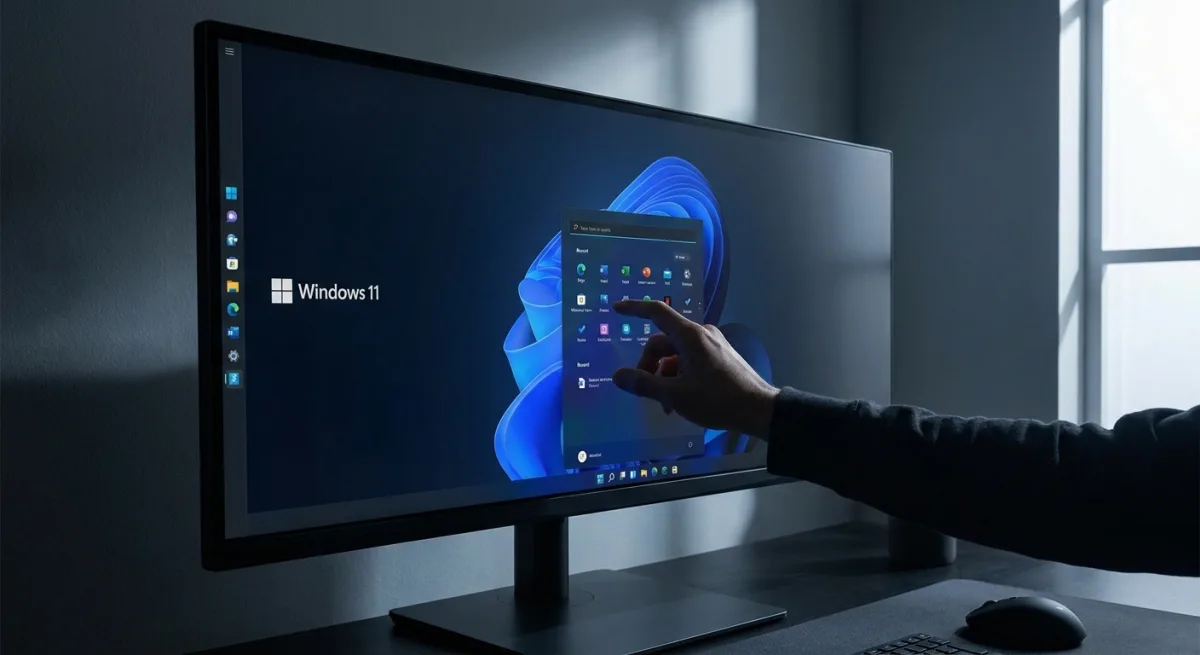
Windows 11 users have long requested more control over their desktop interface, and Microsoft is finally delivering. A new update rolling out to Windows 11 Insiders in the Experimental channel introduces a fully adjustable taskbar and a resizable Start menu. This shift addresses some of the most persistent user complaints since the operating system's initial launch, signaling a return to the deep customization that power users expect.
The update fundamentally changes how users can interact with their workspace. Previously locked to the bottom of the screen, the taskbar can now be repositioned to the top, left, or right edges of the display. Additionally, users can adjust the alignment of icons within the taskbar and open the Start menu drawer seamlessly from any new position.
We have talked about earning trust through steady and visible progress. Start and taskbar are where that trust is tested most, every time you sit down at your PC.
- Diego Baca, Design Director, Microsoft
New Customization Features to Try
Beyond simply moving the taskbar, Microsoft is introducing several granular controls to refine the desktop experience. These features are expected to roll out to the Experimental Channel over the coming weeks:
- Smaller Taskbar Option: Insiders can now select a shorter taskbar, which reclaims valuable screen real estate on devices with smaller displays.
- Resizable Start Menu: Users can toggle between a Small or Large Start menu footprint based on their workflow needs.
- Layout Toggles: New settings allow users to explicitly show or hide the Pinned, Recommended, and All sections within the Start menu.
- Recent Replaces Recommended: The often-criticized Recommended section is being renamed to Recent to accurately reflect its contents, which include recently installed apps and accessed files.
- Privacy Controls: You can now hide your name and profile picture from the Start menu, a highly requested feature for professionals who frequently share their screens during presentations.
The Return of Power User Flexibility
This update is more than just a cosmetic tweak; it represents a strategic concession by Microsoft. When Windows 11 first launched, the decision to lock the taskbar to the bottom of the screen alienated a vocal segment of power users who relied on side-mounted taskbars for ultrawide monitors. By restoring this functionality, Microsoft is directly addressing a major barrier that kept some users clinging to Windows 10.
Furthermore, renaming the Start menu's Recommended section to Recent highlights a subtle but important shift in design philosophy. It moves away from algorithmic, predictive suggestions - which often felt intrusive - toward practical, user-driven utility. If these experimental features graduate to the stable build, Windows 11 will finally offer the ergonomic flexibility that modern workflows demand.
This article was written by AI from reporting by theverge.com.