For years, Windows users have battled against forced system restarts that strike right in the middle of critical workflows. Microsoft is finally addressing this notorious pain point by testing a radical new feature that allows you to pause Windows updates indefinitely. Currently rolling out to the Windows Insider channel, this overhaul gives users unprecedented control over when their machines install new software, drivers, and security patches.
Historically, Windows 11 allowed users to delay updates for a short period, but eventually forced the installation, often at the most inconvenient times. The latest Insider build introduces a revamped update mechanism that lets you pause all incoming updates for up to 35 days at a time. Crucially, Microsoft has removed the cap on how many times you can trigger this delay, meaning you can manually extend the pause period forever if you choose to do so.
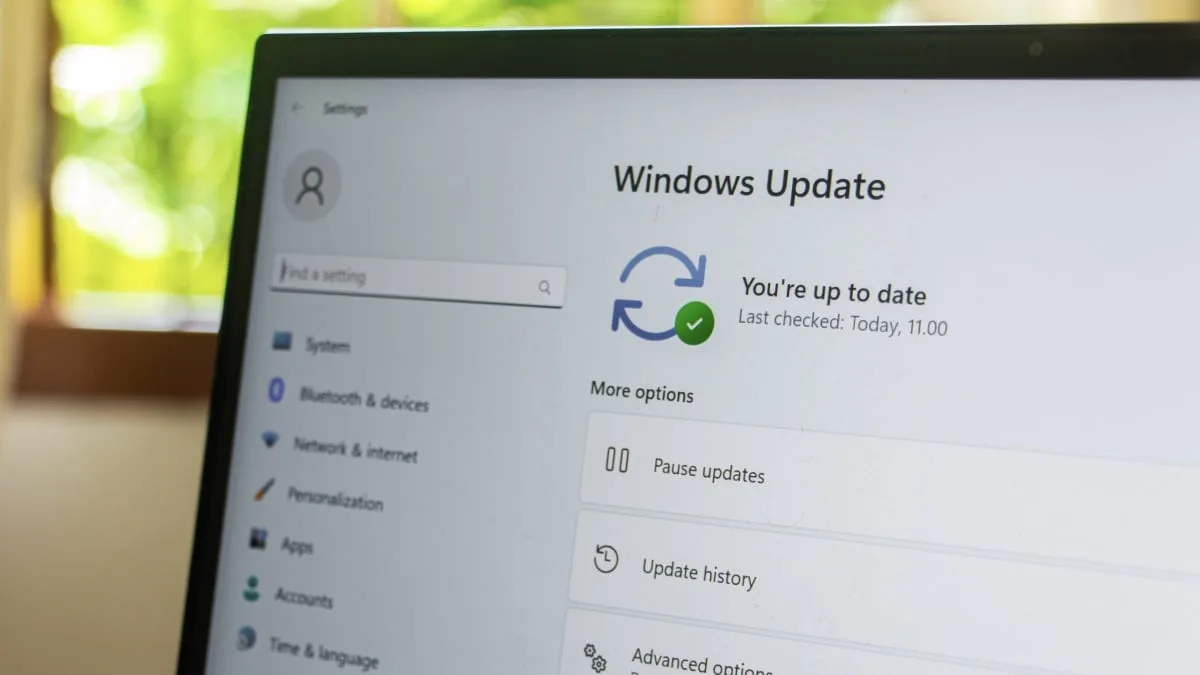
How to Pause Windows Updates
To take advantage of this new flexibility, your PC must currently be enrolled in the Windows Insider beta program. Once active, follow these steps:
- Open the Settings app on your Windows PC.
- Navigate to the Windows Update section.
- Click on Pause Updates to reveal the new date picker tool.
- Select the exact date you want the system to resume installations, ensuring it falls after your critical projects or deadlines.
Setup Changes and Coordinated Rollouts
Beyond the pause functionality, Microsoft is streamlining the entire update ecosystem to reduce user fatigue. When setting up a new Windows PC, users will now see an Update Later button, allowing them to bypass lengthy initial downloads and reach the desktop much faster. Furthermore, Microsoft is coordinating feature, driver, and security patches to arrive simultaneously once a month.
The company is also restoring the standard "Shutdown" and "Restart" power options to be available at all times. This means you will no longer be trapped into an "Update and restart" cycle just because you previously delayed an installation, giving you the freedom to power down your machine without triggering a lengthy update process.
The Security Risks of Indefinite Delays
While the freedom to block updates is a massive win for productivity, it comes with severe security caveats. The pause feature is a blanket toggle; it does not allow you to cherry-pick which updates to delay. By pausing the system, you are actively blocking critical security patches that protect against zero-day vulnerabilities, as well as essential firmware and driver updates that optimize GPU and memory performance.
Security experts strongly advise using the 35-day window to bypass immediate workflow interruptions rather than abandoning updates entirely. Delaying updates indefinitely leaves your system exposed to known exploits and prevents you from receiving crucial bug fixes that stabilize the operating system.
The End of Forced Compliance
Microsoft’s decision to surrender control over the update cycle marks a massive philosophical shift for the Windows ecosystem. For the better part of a decade, the company prioritized aggressive, mandatory patching to ensure the global Windows install base remained secure against rapidly evolving cyber threats. However, this heavy-handed approach alienated power users and enterprise workers who simply cannot afford unexpected downtime.
By introducing an indefinite pause loop and decoupling standard power options from forced updates, Microsoft is finally acknowledging that user productivity must coexist with system security. This change will likely reduce the friction associated with "Patch Tuesday," though it places the burden of device security squarely back on the user's shoulders. If this feature graduates to the stable channel, it will fundamentally change how professionals manage their daily drivers.