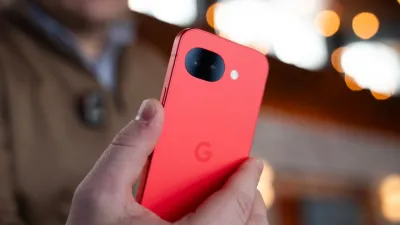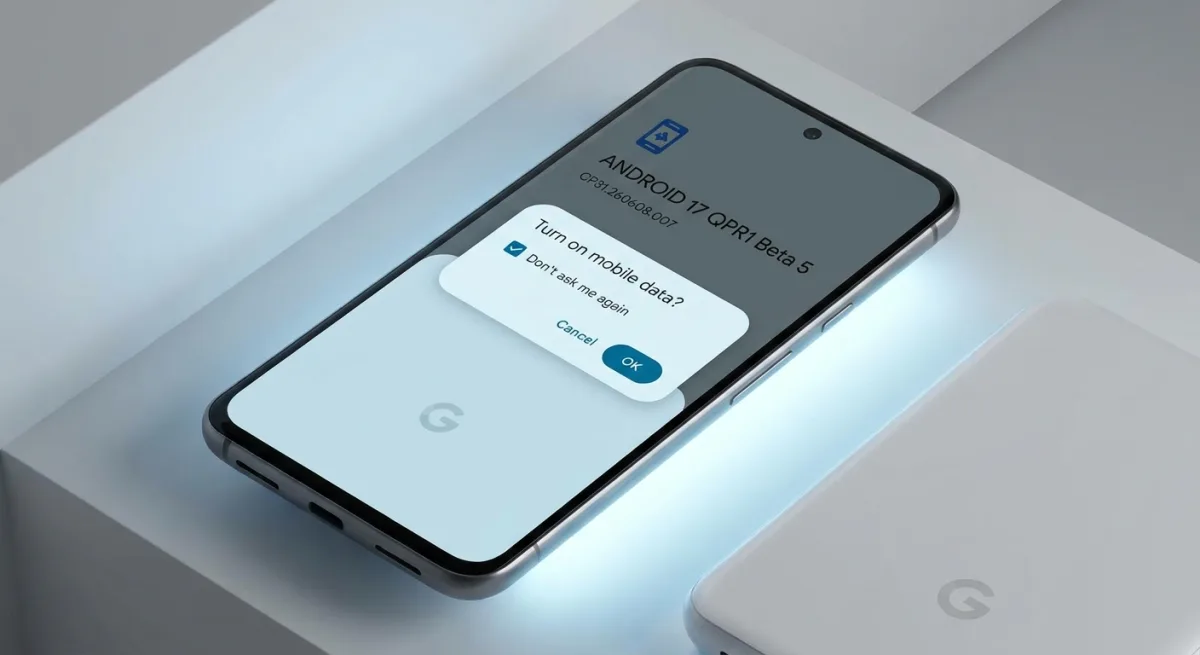
Just a week after Android 17 hit stable channels, Google is already pushing forward with the release of Android 17 QPR1 Beta 5 for Pixel devices. This update, carrying build number CP31.260608.007, focuses heavily on system stabilization and officially brings the Pixel 6 and Pixel 6 Pro back into the testing fold after they were skipped in the previous release.
The QPR1 (Quarterly Platform Release) betas give users an early look at the features slated for the upcoming September Feature Drop. According to Android expert Mishaal Rahman, who shared the news on X, this build is primarily a cleanup operation. However, Rahman also confirmed a minor but welcome UI tweak: a new "don't ask me again" toggle when turning on mobile data.
Complete Bug Fix Changelog
As expected from a late-stage beta, Google is in full cleanup mode. The official release notes highlight ten specific system and UI fixes designed to smooth out the user experience:
- An issue in the Game Dashboard where users were unable to stop screen recordings or save video files (Issue #296368569, Issue #328539170).
- An issue where the camera app temporarily freezes or stutters shortly after being opened from an idle state (Issue #330488811).
- An issue that caused the screen to freeze with a pixelated bottom bar when waking the device from Always-On Display (Issue #515393542, Issue #515497396).
- A timeout issue where the Download Manager failed to complete downloads when excluded from an active VPN connection (Issue #475985649).
- An issue causing inconsistent charging completion time estimates to display on the lock screen versus the charging screensaver (Issue #489503595).
- An issue causing the Private Space UI to crash and locked private apps to improperly appear in launcher search results (Issue #515631415).
- A system crash and device hang that occurred when downloading games (Issue #515364954).
- An issue where a non-functional bubble option incorrectly appeared in the context menu of archived apps (Issue #514585702).
- A system-level WebView rendering regression that caused Monopoly Go to freeze and crash when attempting to open mini-games (Issue #516576731).
- Home screen widgets would disappear or become unavailable in the widget picker after a device reboot (Issue #488125748, Issue #505117543, Issue #505671079, Issue #497140330, Issue #506685943, Issue #510967059).
How to Manage Your Beta Status
If you are curious to try QPR1 for the first time, you can get started by registering your Pixel device in Google's Android Beta Program.
Conversely, if you have been testing the Android 17 Beta and would rather make the move to the stable channel without wiping all your device's data, Google warns that you must take specific action. You should not install QPR1 Beta 5; instead, proceed to opt out of the program immediately to safely transition to the stable release.
Securing Privacy and Legacy Hardware
The extensive list of widget and UI fixes in this beta highlights the growing pains of Android's increasingly complex launcher environment. The Private Space bug - where locked apps leaked into search results - was a critical privacy flaw that undermined the feature's core purpose, making this patch essential for security-conscious users.
Furthermore, the reinstatement of the Pixel 6 series is a critical move. As these devices approach the end of their guaranteed update lifecycle, ensuring they receive a highly stable September Feature Drop is vital for maintaining user trust in Google's long-term hardware support commitments.