Business laptops equipped with the Intel Core 5 120U often deliver underwhelming 3D performance out of the box, leaving users frustrated when running graphics-intensive tasks. However, recent benchmark testing reveals that this limitation is frequently tied to default power profiles rather than hardware constraints. By adjusting system settings, users can unlock significant gaming capabilities that match competing devices.
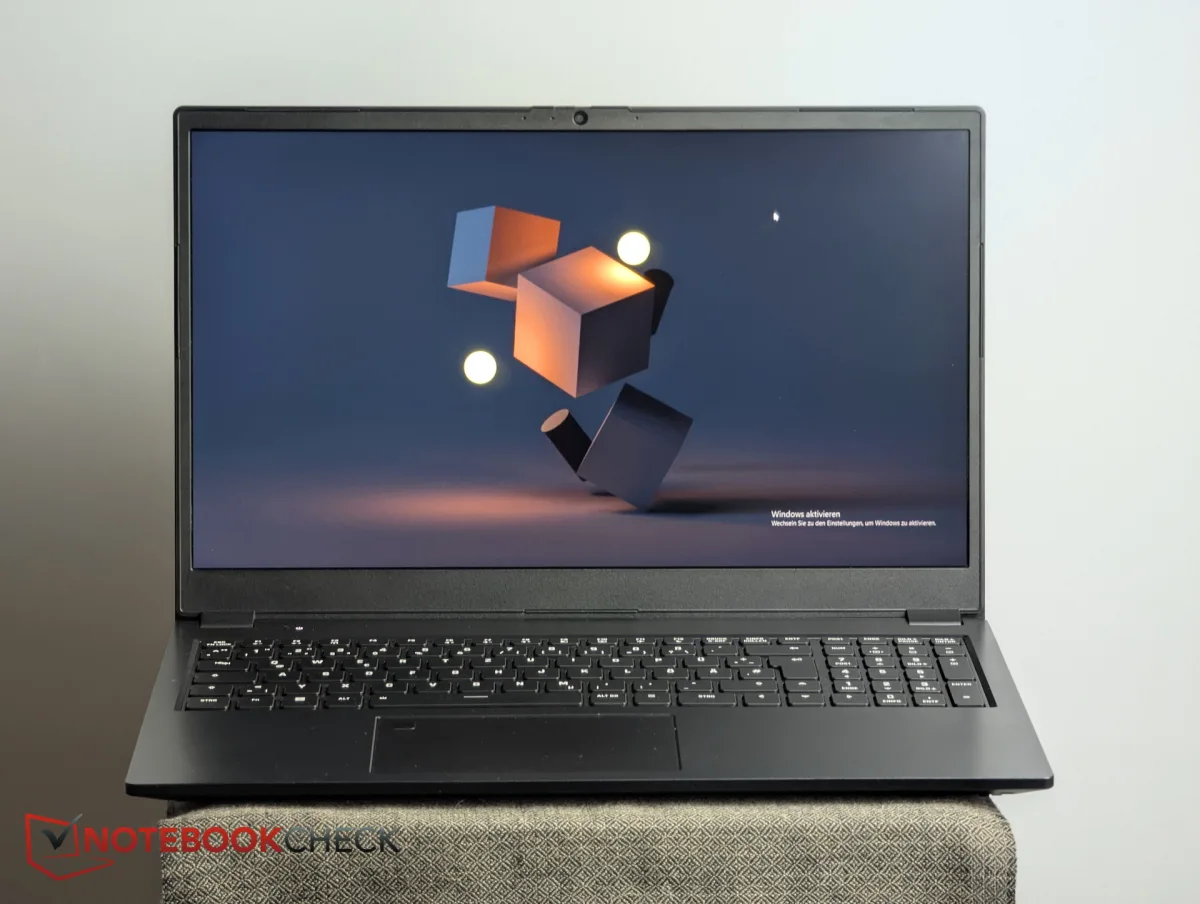
Initial tests of the Schenker Connect 15 in its default balanced mode showed disappointing results compared to the Lenovo IdeaPad Slim 3i, despite both machines utilizing the exact same Intel Core 5 120U processor and Iris Xe G7 80EUs integrated graphics. Schenker clarified that the balanced profile deliberately throttles the CPU to prioritize quiet operation and battery life. When retested in performance mode across Full HD resolutions with high to maximum settings, the Connect 15 completely closed the performance gap, landing virtually on par with the Lenovo IdeaPad Slim 3i.
How to Maximize Intel Core 5 120U Performance
- Access your laptop's proprietary control center or Windows power settings. This ensures you can override the default efficiency limits set by the manufacturer.
- Switch the active profile from Balanced to Performance mode before launching a game. This enables the processor to draw more power and sustain higher clock speeds during 3D rendering.
- Monitor the acoustic output and thermal levels during extended sessions. This ensures your system remains stable, as fan noise will noticeably increase under heavy load.
The impact of these settings is highly visible in sustained workloads. During a 30-minute test run of Cyberpunk 2077, the Schenker system effectively matched the Lenovo IdeaPad Slim 3i when running without artificial power constraints. However, there was one notable anomaly: in X-Plane 11.11, the Connect 15 slipped up and actually fell behind its own balanced mode result, highlighting that not all game engines scale perfectly with increased wattage.
| Device & Power Profile | Cyberpunk 2077 (Average FPS) | Acoustic Noise Level |
|---|---|---|
| Schenker Connect 15 (Balanced) | 5.95 fps | 33 dB |
| Schenker Connect 15 (Performance) | 8.50 fps | 39 dB |
| Lenovo IdeaPad Slim 3i 15IRU9 | 8.58 fps | Quieter than 39 dB |
The Hidden Cost of Silent Operation
The benchmark discrepancy between the Schenker Connect 15 and the Lenovo IdeaPad Slim 3i highlights a growing trend in the business laptop segment: aggressive thermal and acoustic throttling. Manufacturers are increasingly prioritizing a silent user experience over raw compute power, which makes sense for office environments but cripples the Intel Core 5 120U's integrated graphics. The jump from 33 dB to 39 dB in performance mode is a necessary trade-off for users who want to utilize their machine for light gaming or 3D workloads after hours.
Ultimately, buyers must look beyond the spec sheet when evaluating modern portable PCs. Two laptops with identical silicon can deliver vastly different experiences based entirely on how the manufacturer tunes the firmware. Understanding how to manually toggle these performance gates is essential for getting the full value out of your hardware investment.
This article was written by AI from reporting by notebookcheck.net.