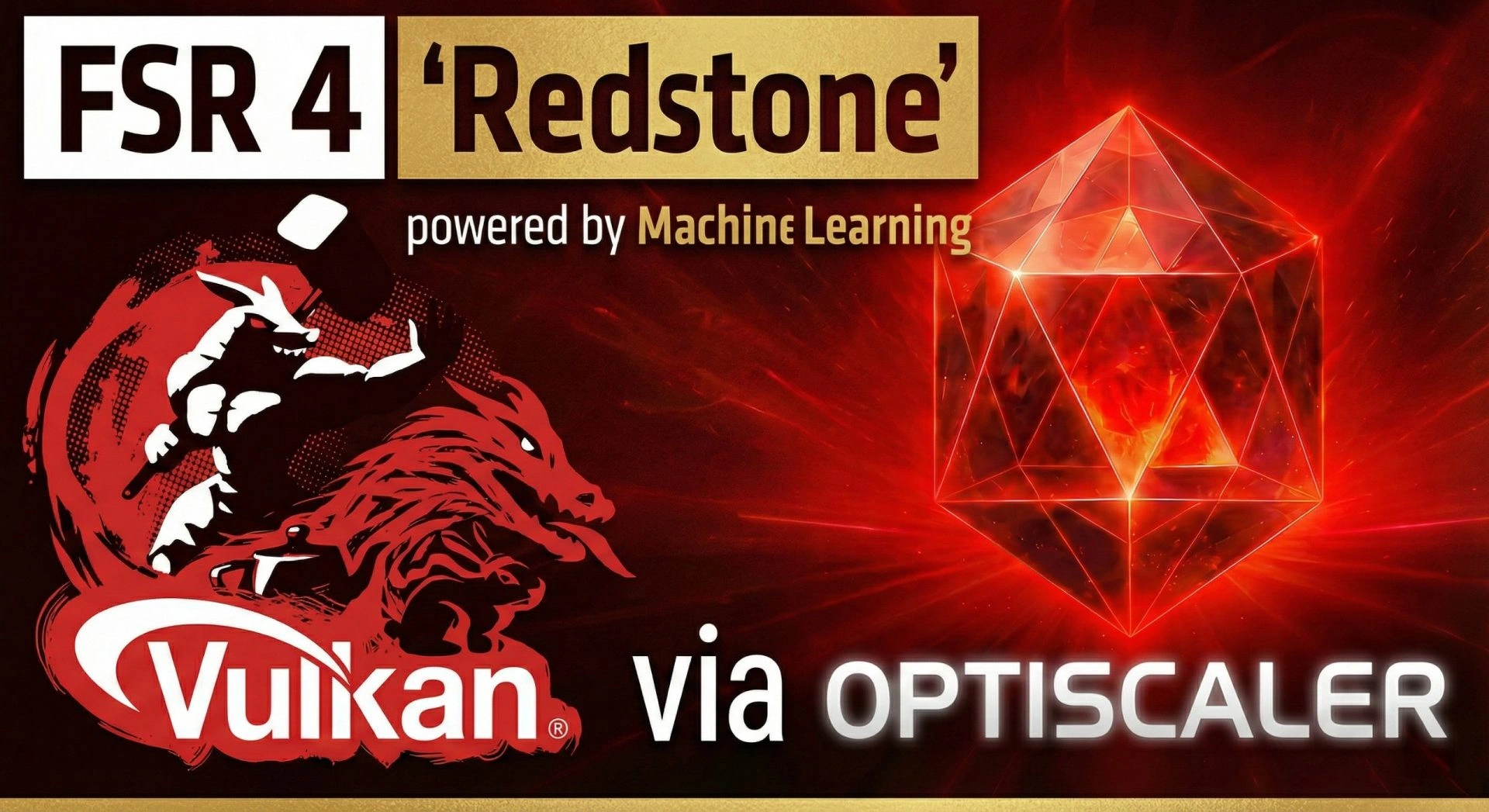
PC gamers can now bypass AMD’s official limitations by using OptiScaler to force FSR 4 upscaling into Vulkan-based titles, a feat previously described by the manufacturer as architecturally impossible. While AMD officially restricts its latest machine learning-based upscaling technology to RDNA 4 GPUs and DirectX 12 environments, the open-source community has developed a sophisticated workaround. This tool creates a background DirectX 12 device that intercepts critical datasuch as color buffers, depth buffers, and motion vectorsfrom the Vulkan game, processes the FSR 4 inference, and seamlessly returns the upscaled image.
This breakthrough is particularly significant for enthusiasts seeking superior image quality. The bridge replaces older FSR 3.1 implementations with advanced FSR 4 libraries, resulting in cleaner image reconstruction, significantly reduced ghosting, and more stable edges. Early tests indicate that even the Performance mode of FSR 4 often delivers better detail restoration than the Quality preset of FSR 3.1. The community compatibility list currently supports 525 games, including major Vulkan titles like Doom Eternal, No Man's Sky, and the upcoming Indiana Jones and the Great Circle.
Step-by-Step Installation Guide
To integrate this technology into your supported games, follow this precise procedure derived from the latest OptiScaler release (version 0.9.0-pre10):
- Download the Tool: Acquire the latest pre-release version (e.g., 0.9.0-pre10) from the official OptiScaler GitHub repository.
- Initialize the Config: Extract the files and run
Launch.bat. When prompted in the command window, press 7, then 1, then 1 to configure the environment. - Patching (id Tech Specific): For games running on the id Tech engine, such as Doom Eternal, you must use the OptiPatcher tool (included or linked in the description) on the game's executable file once to enable injection.
- In-Game Activation: Launch your game normally. Open the OptiScaler settings menu overlay, select the new FSR 3 option (which acts as a bridge to FSR 4), and choose your desired preset (Quality, Balanced, or Performance).
Hardware and OS Considerations
While this tool unlocks FSR 4 for a broader range of hardware, users on older architectures like RDNA 2 (RX 6000 series) should expect an experimental experience with approximately 20-30% performance overhead. If instability occurs, dropping the preset to 'Balanced' is recommended. Additionally, Windows 10 users may need to install the FsrAgilitySDKUpgrade to ensure compatibility, while Linux users can leverage DLSS inputs for effective operation. The tool also supports swapping other upscalers like DLSS and XeSS, providing a versatile solution for modern PC gaming.
My Take
The release of this OptiScaler update is a testament to the ingenuity of the PC modding community. It challenges the narrative that certain software features are strictly bound to specific hardware generations. By successfully bridging Vulkan data to a DX12 container for FSR 4 inference, the developers have proven that "architectural impossibility" is often a matter of resource allocation rather than physical limitation. For gamers with RDNA 3 cards who felt left behind by the RDNA 4 exclusivity, this is a vital tool that extends the lifespan and visual fidelity of their existing hardware.
This article was written by AI from reporting by wccftech.com.