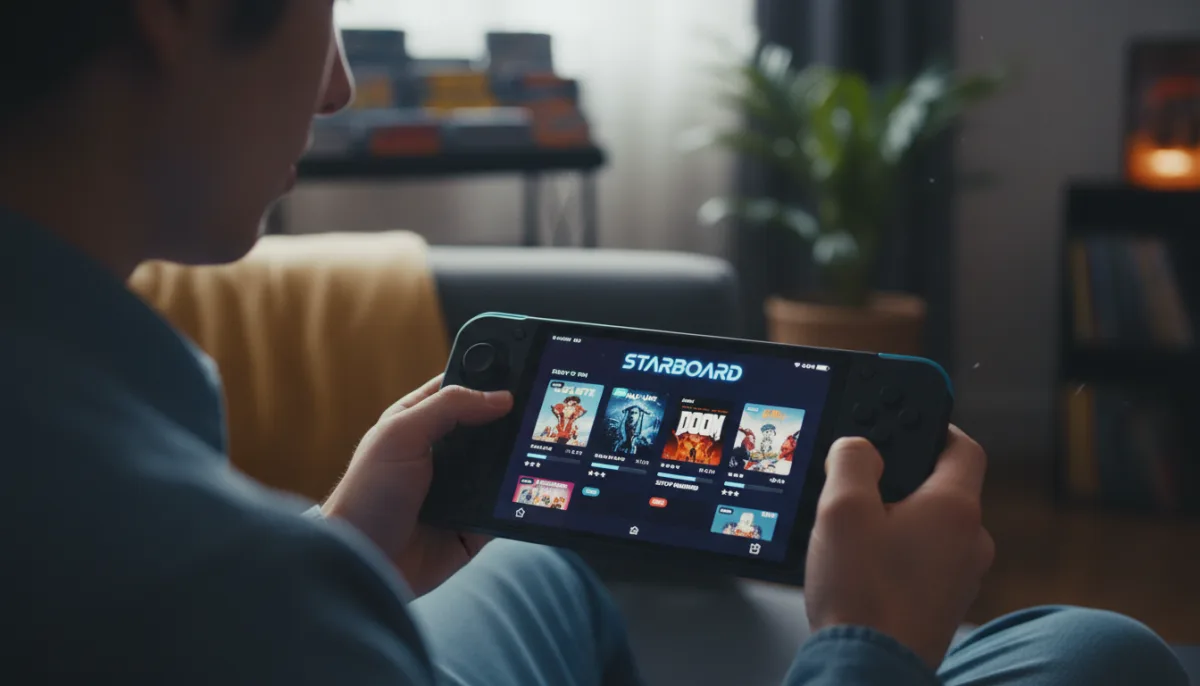
For years, Android gamers have watched Linux handheld owners enjoy a massive library of classic PC ports through PortMaster, wishing for a native mobile equivalent. That gap is officially closed with the release of the Starboard app, an unofficial PortMaster client that brings hundreds of ported Linux games directly to Android devices. By utilizing a Debian-based Linux runtime, this new tool transforms standard smartphones and Android gaming handhelds into versatile retro and indie gaming machines.
Available now via GitHub or Obtainium, the Starboard app acts as a bridge between Android hardware and the extensive PortMaster repository. According to the compatibility list, nearly 30% of the available games currently run flawlessly or are highly playable, though 63% of the library remains untested. To help users navigate this growing catalog, the app features a community-driven review system where players can rate performance, graphics, and controls based on their specific device models.
How to Play Games on the Starboard App
The library is divided into two distinct categories to streamline the user experience:
- Ready to run: These titles require zero configuration. You simply hit install and play. This category includes shareware versions of Doom and Diablo, alongside indie hits like Celeste, Spelunky, 2048, and Super Crate Box.
- Setup required: These are engine ports that require you to provide your own legally obtained original game files. Notable examples include Balatro, Undertale, Half-Life, Fallout 2, Doom 3, and Morrowind. You must manually copy the game assets into the appropriate directory.
During a two-week testing period on devices like the Retroid Pocket G2, the interface proved highly intuitive. Titles like the Tetris clone Apotris and the shooter nKaruga ran exceptionally well, with controls mapping perfectly to the handheld's physical buttons. For users without physical controllers, the app includes a built-in virtual gamepad, alongside a side menu for quick access to performance metrics and control mapping.
The Starboard app also supports installing games directly to a microSD card, which is a crucial feature for users with limited internal storage. If a game struggles to render graphics, players can toggle an experimental GPU acceleration setting or download known-good configuration profiles to troubleshoot the issue.
The Emulation Alternative Mobile Gaming Needed
While Android has long been a powerhouse for traditional console emulation, the arrival of the Starboard app represents a fundamental shift toward native-level engine ports. Running games through a Debian-based runtime rather than emulating an entire console overhead means titles like Half-Life and Morrowind can achieve significantly better battery life and performance on lower-end Android hardware.
Furthermore, by integrating a community-driven compatibility database directly into the UI, Starboard solves the biggest friction point of open-source gaming: the endless trial and error. As the 63% of untested games get verified by the community, this app is positioned to become as essential to Android handhelds as RetroArch.
This article was written by AI from reporting by androidauthority.com.