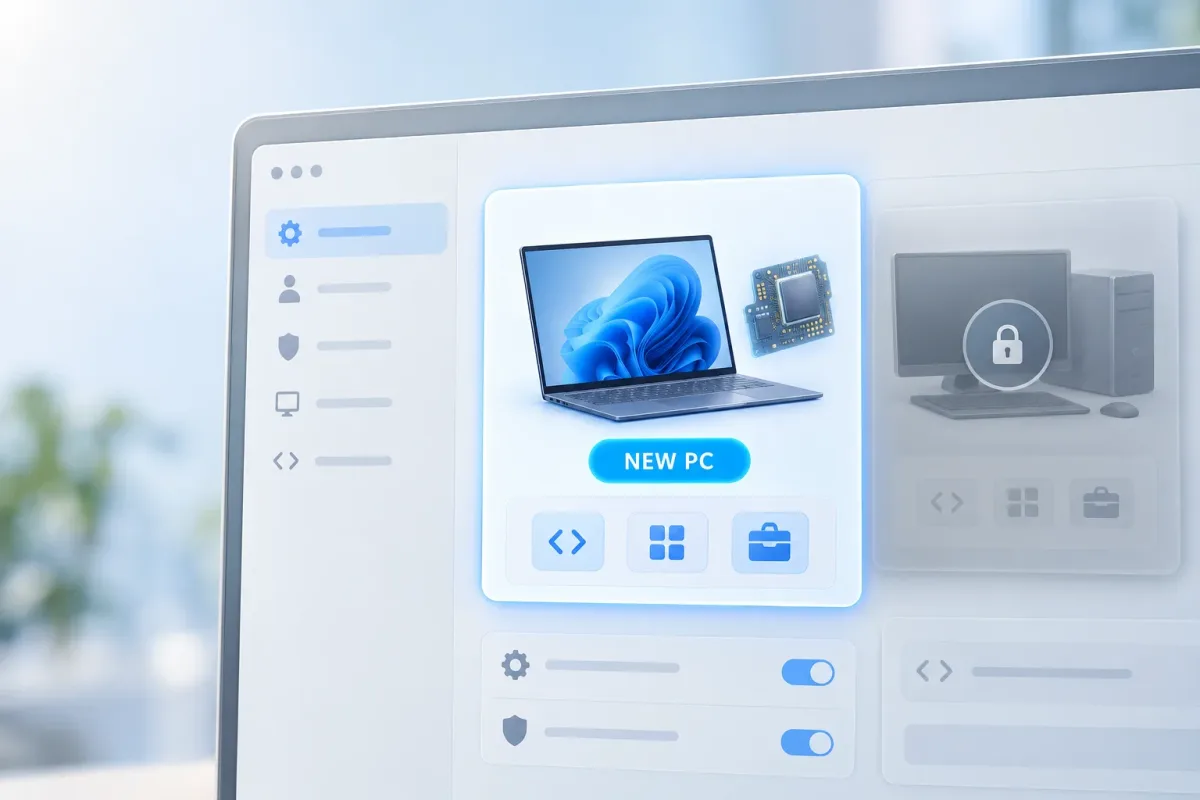
Microsoft announced a factory-configured Project Zenith Windows 11 experience for qualifying new developer-class PCs on September 4, 2026. Designed as a “ready-to-code” setup, Zenith ships directly on compatible hardware rather than as a documented standalone installer, ISO, or Windows Update package for existing machines, though Microsoft has not explicitly ruled out those options.
Preconfigured Settings and Developer Tools
Project Zenith delivers Windows 11 PCs with developer tools and system settings already configured out of the box, a concept also detailed in a September 14 IFA article on developer-class hardware. According to Microsoft’s announcement and a summary by How-To Geek, the configuration modifies several default behaviors across the operating system:
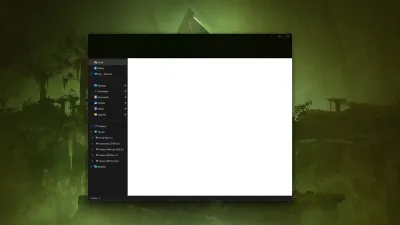
- File Explorer is preconfigured to display file extensions, hidden files, and the full folder path in the title bar.
- Start menu tips, account notifications, recently used files, and sync provider tips are turned off by default.
- Windows Terminal and Visual Studio Code come pinned directly to the taskbar.
- A curated set of preinstalled software covers programming languages, runtimes, source control, and productivity tools, which How-To Geek reports includes PowerToys, GitHub Copilot, PowerShell 7, and Azure CLI.
- Deeper Windows Subsystem for Linux integration is included for working with Linux containers.
Alongside software tweaks, Microsoft positions the qualifying hardware for local AI development. Help Desk Geek notes that calling Zenith a “bloat-free Windows 11” overstates what Microsoft has actually detailed. While the setup reduces system prompts and alters defaults, it adds developer software rather than confirming a stripped-down installation or defining a list of removed Windows apps.
Hardware Requirements and How It Compares
Zenith separates itself from a standard Windows 11 PC through its altered defaults, preinstalled developer suite, and high-end hardware targeted at local AI models. While current PC owners can manually replicate the File Explorer tweaks and install many of the same applications, doing so does not provide the qualifying hardware or Microsoft’s factory-packaged setup.
| Option | Who it applies to | What’s documented |
|---|---|---|
| Project Zenith PC | Buyers of qualifying new developer-class PCs | Devices require 64 GB or more of unified memory and 250+ GB/s of memory bandwidth. Zenith launches first on AMD Ryzen AI Halo systems, with additional devices from OEM and silicon partners arriving “in the coming months,” according to Microsoft. |
| Existing Windows 11 PC | Current PC owners | Users can manually adjust File Explorer and notification settings and install similar tools. Neither Microsoft’s announcement nor How-To Geek’s summary describes a Zenith download for existing PCs. |
The memory and bandwidth figures represent minimum thresholds for the hardware class rather than the exact specifications of a single computer. Microsoft states that developers using these systems can run AI models of 30B+ parameters locally and unmetered, though Help Desk Geek points out this describes the hardware class's capability rather than a guarantee for every workload or model.
Help Desk Geek also notes that it has not seen an independent benchmark comparing Project Zenith against a standard Windows 11 installation. Furthermore, while AMD Ryzen AI Halo systems will be the first to offer Zenith, Microsoft has not yet announced retail pricing or specific shipping dates for any qualifying PC.
Early Reaction
According to Help Desk Geek, it remains too early to gauge broad developer sentiment toward Project Zenith. Early coverage, including How-To Geek’s report, has centered on the steep memory requirements, the bundled software tools, and the fact that the configuration ships on new compatible PCs instead of arriving as a separate download.
Whether to Wait for a Project Zenith PC
Help Desk Geek advises current Windows 11 users to apply these workarounds on their existing machines and pause before purchasing a new PC solely for Project Zenith. Users who only want developer-friendly File Explorer defaults or fewer system suggestions can adjust those settings themselves without high-end memory.
For those who want the complete out-of-the-box coding environment, Help Desk Geek recommends waiting to see qualifying PCs and their published specifications. Ultimately, the outlet emphasizes that Zenith is a set of changed defaults and added tools rather than a stripped-down Windows build, with no documented general-purpose download or measured speed gain.
This article was written by AI from reporting by helpdeskgeek.com.