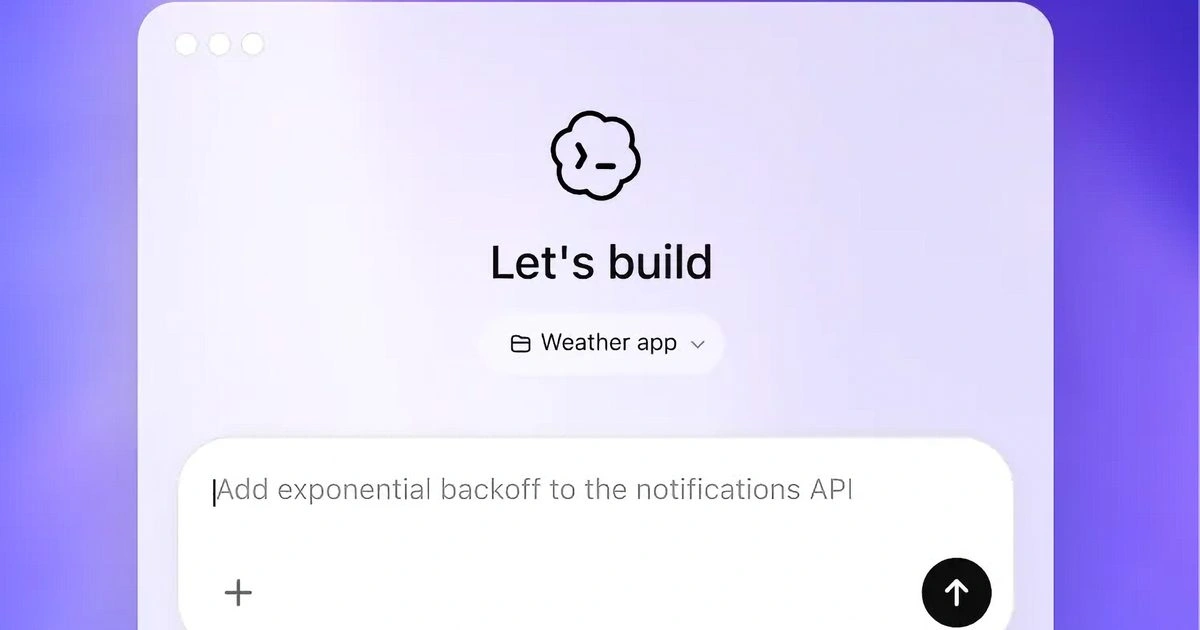
The new OpenAI Codex app for Windows has officially launched, delivering a native AI coding assistant built specifically for Microsoft's operating system. Designed for software engineers and developers, this release eliminates the need for awkward macOS ports by providing a dedicated PowerShell sandbox and deep integration with Windows developer environments. By bringing these tools natively to the platform, developers can now streamline project management, automate background tasks, and refine code directly within their preferred ecosystem without relying solely on Microsoft Copilot.
According to the official announcement made on March 4, 2026, the application allows users to manage multiple projects from a centralized interface. Instead of running a compatibility layer, the software operates natively using PowerShell inside a dedicated Windows sandbox. This ensures that the coding agent has secure, direct access to the local environment, providing a seamless experience that Windows developers have been waiting for.
All the core functionalities that popularized the platform on other operating systems are present in this release. Users can leverage Skills to discover and extend the assistant's capabilities by connecting it to external applications. Furthermore, Automations enable the agent to execute background tasks independently, while Work Trees allow developers to run multiple independent tasks simultaneously within the same project architecture.
OpenAI has also integrated platform-specific enhancements tailored for the Microsoft ecosystem. Developers building native applications can utilize a dedicated WinUI skill available in the skill gallery. Additionally, for those who rely on Linux environments, the software allows users to switch both the coding agent and the integrated terminal to run directly inside the Windows Subsystem for Linux (WSL).
Core Capabilities of the Windows Release
| Feature | Technical Description |
|---|---|
| Native Sandbox | Runs natively using PowerShell inside a dedicated, secure Windows environment. |
| Skills Integration | Extends capabilities by connecting the AI agent to other applications and services. |
| Automations | Allows the AI to perform background coding and debugging tasks without manual supervision. |
| Work Trees | Supports running multiple independent development tasks simultaneously within one project. |
| WSL Support | Enables the coding agent and integrated terminal to operate inside the Windows Subsystem for Linux. |
How to Install and Configure the Application
Setting up the new development environment requires a few straightforward steps to ensure proper authentication and system integration.
- Download the application directly from the Microsoft Store or via the official OpenAI website.
- Launch the software and authenticate using an active ChatGPT subscription or a valid API key.
- Configure your workspace by selecting either the native PowerShell sandbox or routing the terminal through the Windows Subsystem for Linux (WSL).
Frequently Asked Questions
Where can I download the new coding assistant?
The software is available for download through the official Microsoft Store or directly from the OpenAI developer portal.
Does the application support Linux development on a PC?
Yes, the software includes full support for the Windows Subsystem for Linux (WSL), allowing both the agent and the terminal to run in a Linux environment.
Is this just a web wrapper or a ported application?
No, OpenAI built this as a proper, native Windows experience that utilizes a dedicated PowerShell sandbox rather than porting the macOS version.
My Take
OpenAI's decision to launch a truly native Windows applicationcomplete with a PowerShell sandbox and deep WSL integrationsignals a strategic pivot in the AI coding landscape. By bypassing generic web interfaces and offering a dedicated WinUI skill, OpenAI is directly targeting hardcore software engineers who require deep system-level access. This move is particularly fascinating because it positions OpenAI's standalone tools as a highly capable alternative to Microsoft's own deeply integrated Copilot ecosystem. The inclusion of Work Trees and background Automations suggests that we are moving past simple code autocomplete; we are entering an era where AI agents act as autonomous junior developers managing parallel tasks directly within the host operating system.