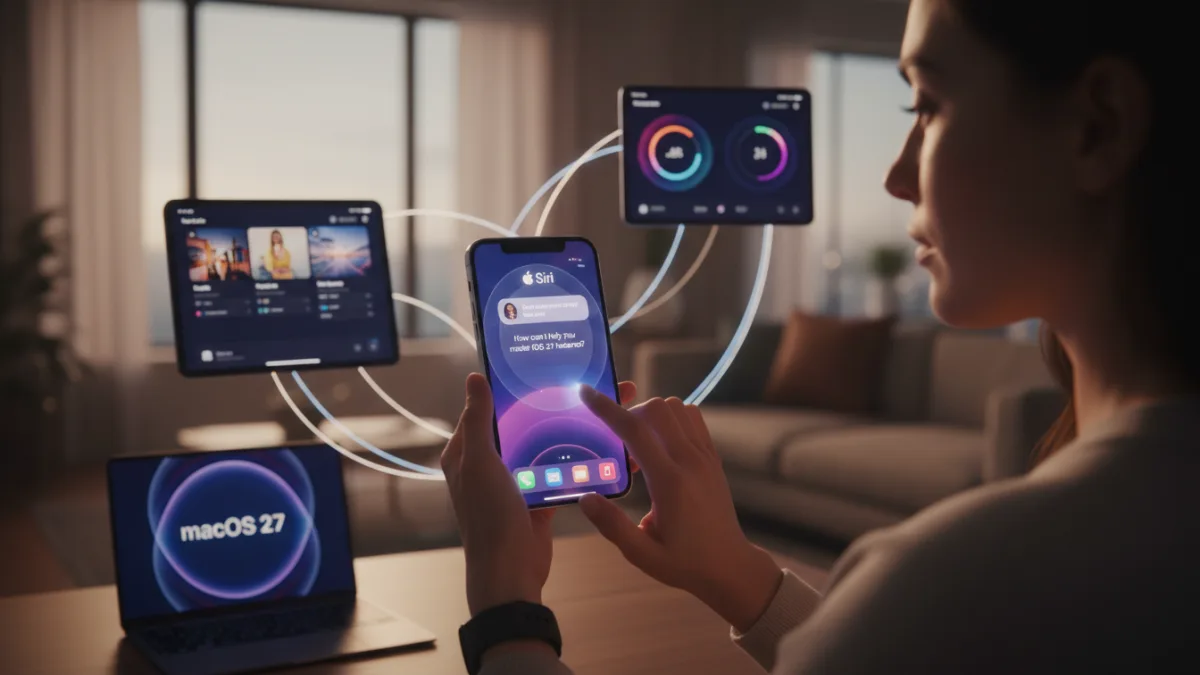
Apple is officially rolling out the highly anticipated iOS 27 update today, September 14, bringing a massive overhaul to millions of compatible iPhones starting at 10 a.m. Pacific Time (1 p.m. Eastern Time). iPhone users looking to supercharge their daily workflows can now access a ChatGPT-powered Siri AI, a refined Liquid Glass interface, and advanced Apple Intelligence tools.
Alongside the flagship mobile OS, Apple is simultaneously releasing iPadOS 27, macOS 27, watchOS 27, tvOS 27, and visionOS 27. With over 250 new features packed into this release, navigating the changes requires a strategic approach to ensure you are getting the most out of your hardware.
How to Install the iOS 27 Update
- Open the Settings app on your compatible iPhone. This grants access to your device's core configuration menus.
- Navigate to General, then tap Software Update. This prompts your device to ping Apple's servers for the latest firmware release.
- Download and install the iOS 27 package. This applies the new operating system, requiring a device restart to finalize the installation.
How to Master the New iOS 27 Features
- Activate the new Siri AI by pressing and holding the side button or opening the dedicated Siri app. This launches the ChatGPT-like assistant that draws on personal on-device data for advanced queries, though it requires an iPhone 15 Pro or newer and is currently unavailable in the EU due to European Commission regulations.
- Edit images using the new "Extend" and "Reframe" options in the Photos app, or generate photorealistic art in Image Playground. This leverages Apple Intelligence to manipulate media natively, while the Shortcuts app lets you build automations by describing them, and HomeKit Secure Video cameras gain generated video descriptions.
- Adjust the new Liquid Glass design slider in your display settings. This allows you to control the tint and clarity of the interface, which Apple notes features more uniform refraction and sharper app icons compared to iOS 26.
- Switch seamlessly between two iPhones using the same phone number via iPhone Handoff. This enables multi-device connectivity, though it requires carrier support; T-Mobile will charge $5 per month, with Deutsche Telekom, Verizon, and EE rolling it out soon, as detailed in Apple's support document.
- Split restaurant checks instantly using Siri mode in the Camera app (U.S. only). This uses Apple Cash and Apple Intelligence to scan a receipt, identify individual items, calculate tax and tip, and request the exact owed amount in Messages or Apple Wallet.
- Hide your location in the Find My app for a custom duration, such as exactly four days and six hours. This provides granular privacy control - perfect for planning a surprise - replacing the rigid presets of iOS 26, and allows you to pause sharing until the end of the day without notifying the other person.
- Stream video to your vehicle's display using CarPlay Video Apps via AirPlay. This keeps you entertained while parked or charging your EV, a feature Apple previously highlighted in a WWDC 2026 video.
- Experience faster system performance across the board. This update boosts app launches by up to 30%, loads Photos library images up to 70% faster, and accelerates AirDrop transfers by up to 80%.
Compatible iPhone Models
The iOS 27 update is compatible with the iPhone 11 series and newer. However, Apple Intelligence features require an iPhone 15 Pro or later. The full compatibility list includes:
- iPhone 18 Pro
- iPhone 18 Pro Max
- iPhone Duo
- iPhone 17e
- iPhone 17
- iPhone 17 Pro
- iPhone 17 Pro Max
- iPhone Air
- iPhone 16e
- iPhone 16
- iPhone 16 Plus
- iPhone 16 Pro
- iPhone 16 Pro Max
- iPhone 15
- iPhone 15 Plus
- iPhone 15 Pro
- iPhone 15 Pro Max
- iPhone 14
- iPhone 14 Plus
- iPhone 14 Pro
- iPhone 14 Pro Max
- iPhone 13
- iPhone 13 mini
- iPhone 13 Pro
- iPhone 13 Pro Max
- iPhone 12
- iPhone 12 mini
- iPhone 12 Pro
- iPhone 12 Pro Max
- iPhone 11
- iPhone 11 Pro
- iPhone 11 Pro Max
- iPhone SE (2nd generation and later)
The Hidden Cost of Apple's Software Evolution
The launch of iOS 27 marks a fundamental shift in how Apple monetizes its ecosystem. Historically, major iOS updates were entirely free value-adds that kept users locked into the hardware upgrade cycle. Now, Apple is explicitly laying the groundwork for software-as-a-service on the iPhone. The confirmation that expanded Siri AI access will eventually require a fee signals that the era of completely free, full-featured iOS updates is ending.
Furthermore, the introduction of iPhone Handoff reveals a new revenue-sharing dynamic with telecom carriers. With T-Mobile charging $5 per month for the privilege of using one number across two devices, Apple is allowing carriers to monetize native iOS features. This dual-layered monetization strategy - charging for advanced AI queries and partnering with carriers for connectivity fees - suggests that the true cost of owning an iPhone 18 Pro or iPhone Duo will extend far beyond the initial hardware purchase.
This article was written by AI from reporting by macrumors.com.