Entering a gaming gift card code only to be hit with an "invalid code" error is a frustrating roadblock for any player. For Roblox users and parents managing digital allowances, understanding the exact redemption sequence prevents lost funds and unnecessary account lockouts. While physical cards remain popular, the shift toward digital marketplaces requires a precise approach to claiming virtual currency without triggering security flags.
Before attempting to claim any digital currency, users must gather the correct materials and verify their account status. Attempting to force a code through the wrong interface is the leading cause of redemption failures.
- The 10-to-25 character alphanumeric redemption code (found under the scratch-off foil on physical cards or in the confirmation email for digital purchases).
- A standard desktop or mobile web browser (redemption is not supported within the standard mobile app or console versions).
- An account registered in the exact same region as the purchased gift card.
How to Redeem Your Roblox Gift Card
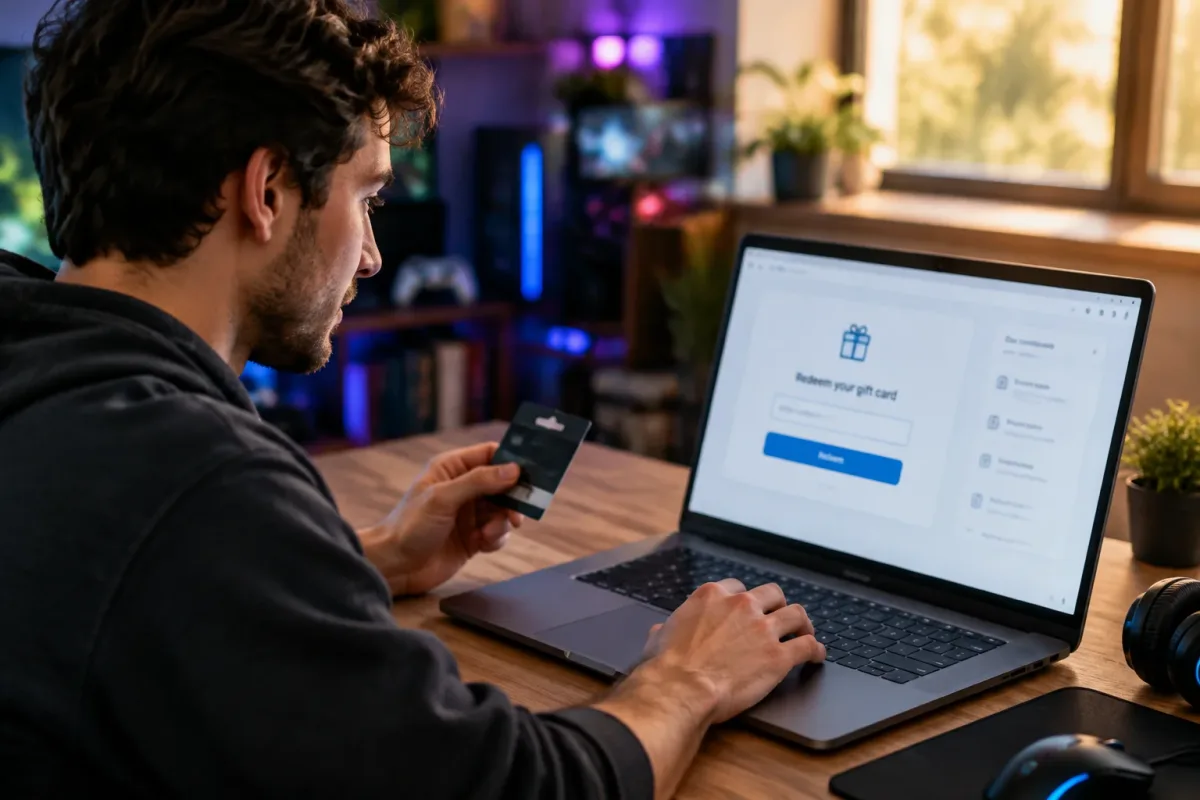
- Navigate to the official redemption portal at Roblox.com/redeem using a desktop or mobile web browser.
This ensures you bypass the mobile app restrictions that prevent direct code entry. - Log in to the specific account where you want the funds deposited.
This prevents accidentally applying the currency to an alternate or parent account, as transfers are not permitted after redemption. - Type the alphanumeric code exactly as it appears, paying close attention to easily confused characters.
This avoids triggering the system's anti-fraud mechanisms, which can temporarily lock the account after multiple failed attempts. - Click the Redeem button to finalize the transaction.
This instantly credits the account with either direct Robux or Roblox Credit, depending on the card type.
Note that cards purchased from Amazon or specific Party Packs deposit Robux directly into the account. Standard retail cards provide Roblox Credit, which must be manually converted or spent across the platform's billing settings.
Resolving Common Redemption Errors
If the portal returns an error, the most frequent culprit is a simple typo. Verify every character against the original receipt or physical card. If the code is accurate but still fails, it may have been compromised due to tampered packaging at the retail level, or it may be region-locked.
Gift cards are strictly tied to the account's registered country; a card purchased for a US account will fail on a European profile. When all troubleshooting fails, contact official support with the purchase receipt and account details rather than brute-forcing the entry.
The Hidden Cost of Region Locks and Retail Racks
The traditional method of grabbing a physical gift card from a grocery store rack is becoming increasingly inefficient. As highlighted by digital marketplaces like Lootbar, purchasing digital codes often bypasses the retail markup and eliminates the risk of buying a physically tampered card. However, this digital shift introduces a stricter enforcement of region-locking.
Publishers are aggressively segmenting their digital economies to prevent currency arbitrage, meaning consumers must be hyper-aware of their account's region settings before purchasing. The inability to redeem codes directly through console interfaces or mobile apps is a deliberate friction point designed to bypass app store commission fees from Apple and Microsoft. Until platform holders resolve these revenue-sharing disputes, players will be forced to rely on external web browsers to manage their digital wallets.