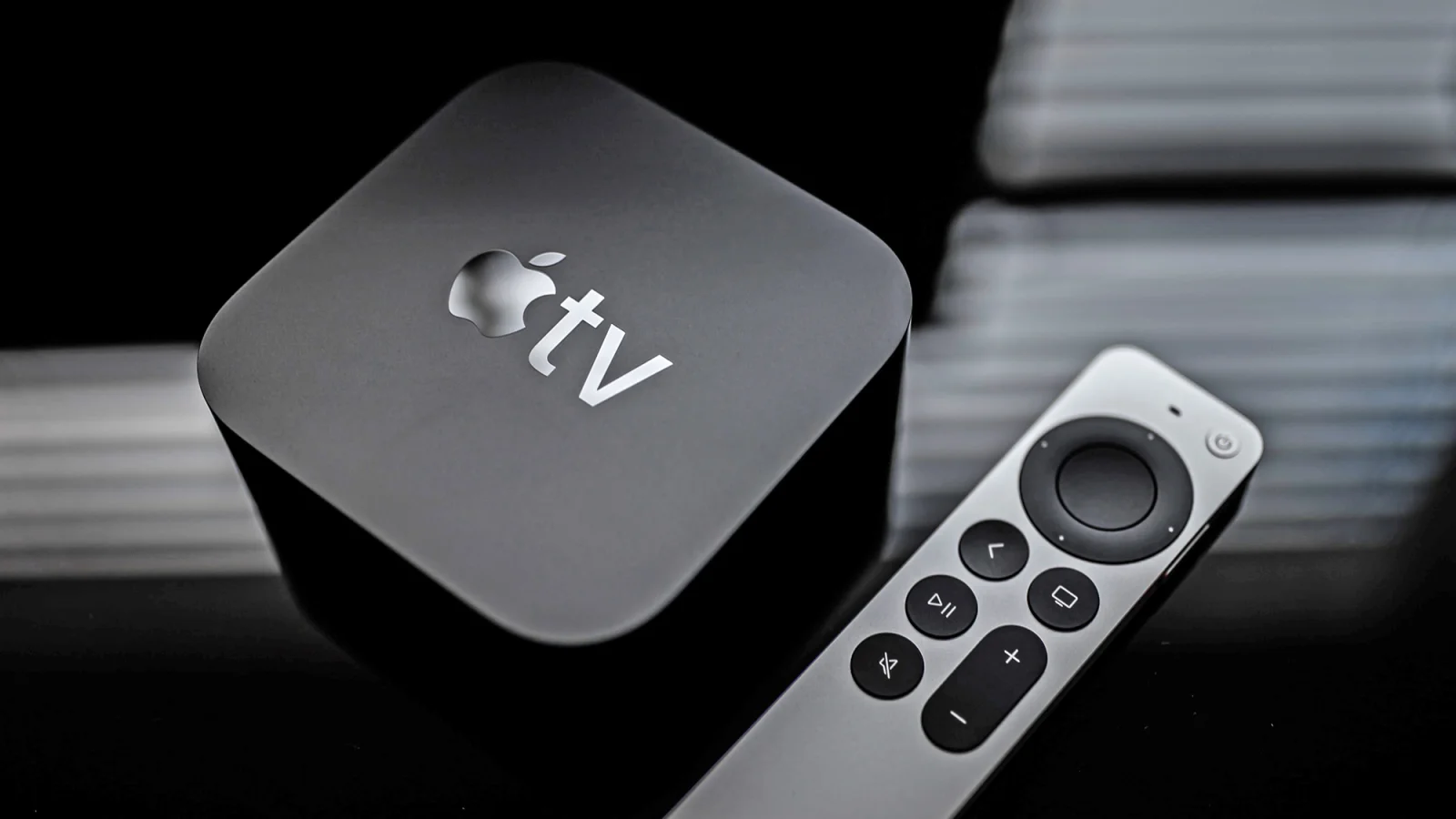
The Apple TV 4K (3rd generation) is engineered to last between 8 to 10 years, meaning devices purchased today will likely receive official software support until 2030 or 2032. For home theater enthusiasts and casual streamers alike, understanding this lifecycle is crucial for maximizing your $129 investment and avoiding sudden app compatibility issues.
This guide is designed for current Apple TV owners and prospective buyers who need to know exactly when their streaming box will become obsolete. By following these steps, you can predict when major apps like Netflix or Disney+ will stop working and plan your next hardware upgrade accordingly.
While the physical hardware of an Apple TV rarely fails due to its lack of moving parts, the true measure of its lifespan is dictated by Apple's tvOS update cycle and third-party developer support. When official updates dry up, users face broken compatibility and security vulnerabilities. Here is how to evaluate your device's remaining lifespan.
Steps to Evaluate Your Apple TV Lifespan
- Identify your specific hardware generation. Determine if you own the Apple TV HD (released in 2015), the 1st generation 4K (released in 2017), or the current 3rd generation 4K (released in 2022). Knowing your exact model is the baseline for calculating its remaining viable lifespan.
- Calculate the 10-year official support window. Add 8 to 10 years to your device's original release date. For example, the 2022 Apple TV 4K (3rd generation) will remain officially supported until at least 2030. Historically, the 2015 Apple TV HD received the recent tvOS 26 update, proving Apple's decade-long commitment to security patches.
- Monitor third-party app deprecation timelines. Watch for announcements from major streaming services, as they often drop support before Apple does. For instance, Netflix dropped older models in July 2024, and Disney+ will officially drop support for the 1st generation Apple TV 4K starting in December 2025.
- Evaluate your access to new tvOS features. Check if your device is receiving the full software experience or a stripped-down version. While the 1st generation 4K technically runs tvOS 26, it misses out on the new Liquid Glass redesign, which is strictly restricted to the 2nd generation 4K and newer models.
Frequently Asked Questions
Q: How much does the latest Apple TV 4K cost?
A: The 3rd generation Apple TV 4K starts at $129 for the Wi-Fi model, with an Ethernet-equipped version available for an additional $20.
Q: Will my Apple TV stop turning on after updates end?
A: No, the device will still power on and function locally, but you will face broken compatibility with streaming apps and potential security vulnerabilities as developers abandon the older software.
My Take
The gap between official Apple support and practical usefulness is widening significantly. While Apple generously provides tvOS updates for up to a decadeevidenced by the 2015 HD model getting tvOS 26third-party developers dictate the actual death of the hardware. Disney+'s decision to abandon the 1st generation 4K in December 2025, despite the device still receiving OS updates, signals a clear industry shift. Developers are increasingly unwilling to optimize for aging silicon. Consumers should view the practical lifespan of an Apple TV as 7 years for premium app experiences, rather than relying on the full 10 years of OS support as a guarantee of functionality.
This article was written by AI from reporting by slashgear.com.