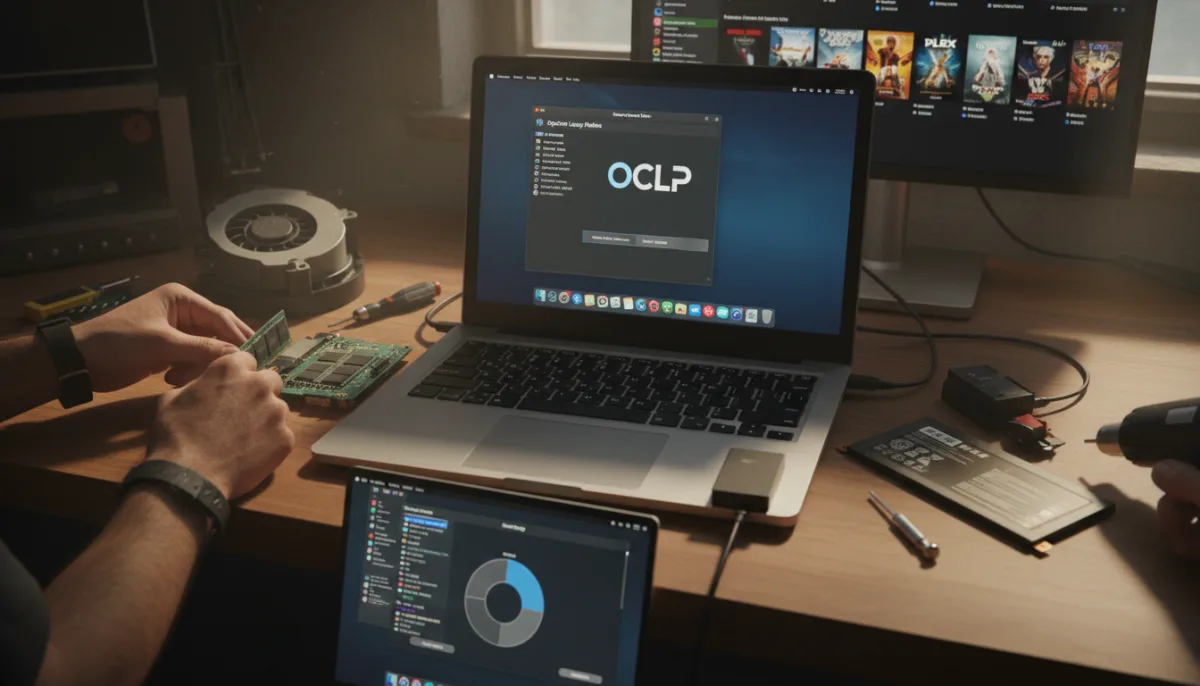
With macOS 27 Golden Gate dropping next month exclusively for Apple silicon (including the A18 Pro on the MacBook Neo), Apple is officially ending support for Intel-based Macs. However, if you are still using an older MacBook, Mac mini, or iMac as your daily driver, you do not have to abandon your hardware just yet.
By leveraging a few strategic software tweaks and hardware upgrades, you can significantly extend the lifespan of your Intel Mac. Whether you want to force a newer operating system or repurpose the machine entirely, here are the essential steps to get the most out of your aging computer.
- Update to unsupported macOS versions using OpenCore Legacy Patcher.
This enables your older Mac to run newer software like macOS 26 Tahoe, ensuring better third-party app compatibility and security, even though macOS 27 is not supported. Note that your Intel Mac may support Apple's latest software version natively, and Apple still releases security patches for some older macOS versions. - Clean your internal fans to improve thermal performance.
This ensures your Mac can push hot air away efficiently, preventing performance throttling during intense tasks. You can find teardown instructions for your specific model on iFixit. - Install Macs Fan Control to push your fans to their limits.
This enables direct manual control over your cooling system, allowing you to maintain high performance and prevent the system from slowing down during heavy workloads. - Upgrade the RAM and SSD to give your modular Mac a new lease on life.
This ensures faster startup times and better multitasking. The newest MacBook that supports upgradable RAM is from 2012, while the latest iMac is only from 2020. - Replace your degraded lithium-ion battery to extend the lifespan of your MacBook.
This restores your laptop's original battery capacity, giving you more unplugged time. Older MacBooks are easier to service yourself, while newer models might require a repair shop. - Download TurboBoostSwitcher to save on battery life and reduce heat.
This enables you to manually disable the Intel Turbo Boost feature, preventing the chip from overworking, which keeps the system cooler and extends battery longevity. - Install Windows natively via Boot Camp for dual OS access.
This ensures you can run Windows applications without buying a new PC by partitioning your hard drive. Apple still has an official Boot Camp guide to help you set this up. - Customize your Touch Bar using the BetterTouchTool app.
This enables you to add custom widgets, gestures, and functions to the Touch Bar, making the often-underutilized feature genuinely useful for your workflow. - Repurpose your old Mac as a dedicated external drive.
This ensures you can take advantage of its internal storage (like a 512GB drive) to back up important files and videos without spending money on new hard drives. - Set up Plex, Emby, Jellyfin, or Kodi to turn your old Mac into a media server.
This enables you to host your own digital media collection and stream movies, shows, and music to any device with an internet connection, effectively creating a personal Netflix.
The Hidden Value of Apple's Abandoned Architecture
The transition to Apple silicon has undeniably revolutionized Mac performance, but the rush to upgrade obscures the lingering utility of Intel-based machines. Apple's decision to cut off Intel Macs with macOS 27 Golden Gate is a predictable push toward planned obsolescence, yet tools like OpenCore Legacy Patcher and Boot Camp highlight a unique advantage of the x86 era: versatility. Unlike modern M-series Macs, which are entirely locked down and cannot natively boot Windows, Intel Macs remain the ultimate dual-purpose machines for users who need cross-platform compatibility.
Furthermore, the ability to upgrade RAM in a 2020 iMac or a 2012 MacBook stands in stark contrast to today's soldered-everything reality, where upgrading memory requires buying an entirely new machine at a premium. By repurposing these older devices as media servers or dedicated Windows partitions, consumers can extract hundreds of dollars in hidden value, proving that a computer's lifespan should be dictated by its utility, not its manufacturer's software roadmap.
This article was written by AI from reporting by lifehacker.com.