Finding the best Android TV apps is the only way to rescue your television from a cluttered, ad-filled interface and sluggish performance. Out of the box, most smart TVs are bogged down by manufacturer bloatware and pushy content banners that you never subscribed to. This guide is specifically designed for Android TV and Google TV users who want to reclaim their home screen, free up limited internal storage, and make their remote controls genuinely useful. By installing a few targeted third-party tools, you can transform a frustrating viewing experience into a highly customized, streamlined media hub.
Before beginning the optimization process, ensure you have the following prerequisites ready:
- An active Android TV or Google TV device connected to the internet.
- Access to the Google Play Store to download the required utilities.
- A smartphone (Android or iOS) for remote management features.
Follow these steps to completely overhaul your television's interface and functionality:
- Install Projectivy Launcher to replace your cluttered, ad-filled home screen.
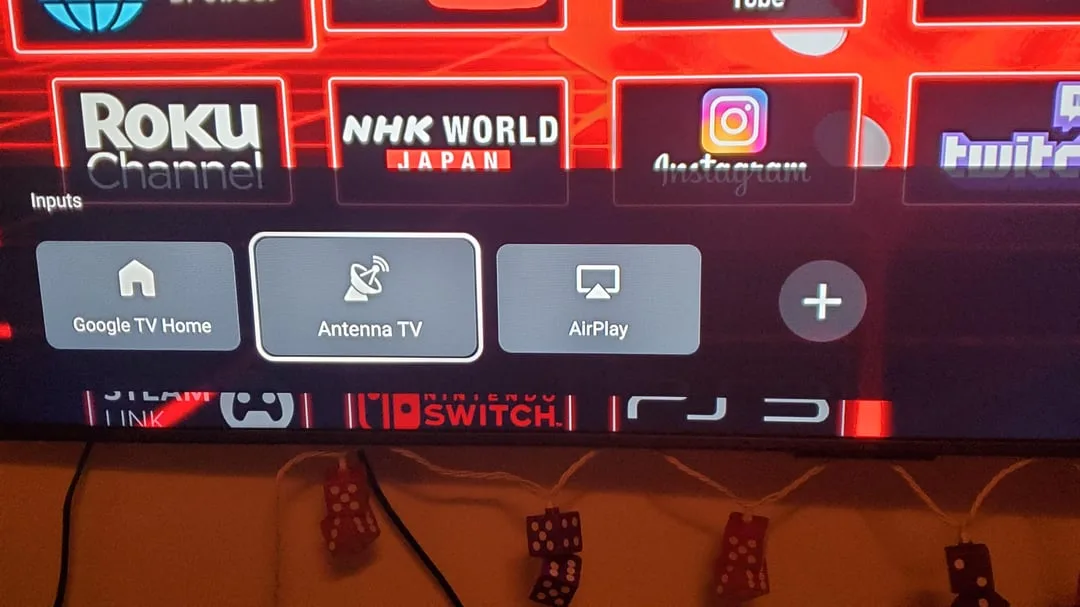
This ensures you have a clean interface displaying only inputs, apps, and a "Continue Watching" section, while enabling custom boot actions like launching YouTube automatically. - Download atvTools on your smartphone to manage your television remotely.
This enables you to sideload applications, monitor CPU and RAM usage, clear cache to free up space, and execute shell commands without navigating clunky TV menus. (Available on the App Store and Google Play). - Remove pre-installed bloatware using ADB TV: App Manager.
This frees up highly limited internal storage space by allowing you to uninstall manufacturer applications directly from the TV interface without requiring a PC setup. - Navigate the web comfortably by installing TV Bro.
This provides an open-source browsing experience specifically optimized for television remotes, complete with a built-in ad blocker, voice search, and customizable shortcuts. - Remap useless remote control buttons using tvQuickActions.
This allows you to assign custom single, double, and long-press actions to unused manufacturer buttons, granting instant access to custom docks or recent apps for a $4 one-time fee.
The Strategic Value of the Best Android TV Apps
The default state of modern smart TVs highlights a growing industry trend where manufacturers prioritize ad revenue and sponsored content over user experience. By locking users into cluttered interfaces and pre-installing undeletable apps, brands artificially limit the hardware's potential. Tools like ADB TV and Projectivy Launcher are not just cosmetic upgrades; they are essential utilities for bypassing these aggressive monetization strategies and reclaiming the limited internal storage that plagues budget and mid-range televisions.
Furthermore, the willingness of users to pay a $4 premium for an app like tvQuickActions demonstrates a clear market demand for hardware flexibility. When a television remote includes hardcoded buttons for obscure or unsubscribed streaming services, it creates daily friction. Remapping these inputs to trigger custom docks or system functions fundamentally changes how users interact with their screens, proving that open-source and indie developers are currently solving the usability problems that major TV manufacturers refuse to address.
This article was written by AI from reporting by makeuseof.com.