Apple's upcoming iOS 27 features are set to redefine the iPhone experience when the update is officially unveiled at the WWDC 2026 keynote on June 8. Expected for a public release in September, this major software iteration aims to address user demands for a more reliable operating system. Rather than overwhelming users with drastic visual overhauls, Apple is reportedly adopting a strategy reminiscent of Mac OS X Snow Leopard, prioritizing underlying performance, bug fixes, and system stability.
For iPhone users who have experienced software fatigue from recent updates, this shift toward quality assurance is a welcome change. However, the update is far from just a maintenance patch. Beyond the highly anticipated, personalized version of Siri, Apple is preparing a suite of targeted hardware integrations and smart utilities designed to make daily tasks more seamless.
5G Satellite Connectivity and Liquid Glass Enhancements
One of the most significant hardware-linked upgrades in the new operating system is the introduction of 5G satellite internet connectivity. This groundbreaking functionality is expected to be exclusive to the upcoming iPhone 18 Pro models, powered by Apple's next-generation C2 modem. This expansion of satellite capabilities will reportedly allow users to access Apple Maps via satellite and exchange photos through the Messages app even when entirely off the grid.
On the visual front, while major interface redesigns are not expected, Apple is refining its current aesthetic. The update is rumored to introduce a system-wide Liquid Glass slider, allowing users to precisely adjust the opacity of the interface. This builds upon the existing opacity slider currently available for the Lock Screen's clock, offering a more cohesive and customizable visual experience.
Smarter Typing and Visual Intelligence
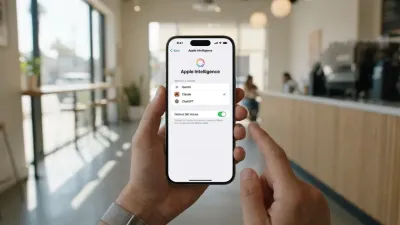
Text input is also receiving a substantial upgrade, with Apple reportedly testing an enhanced iPhone keyboard. Functioning similarly to Grammarly, this new keyboard expands traditional autocorrect by proactively offering alternative word choices to improve sentence structure. Furthermore, code discovered on Apple's servers by researcher Nicolás Alvarez reveals four new Apple Intelligence features destined for the iPhone 15 Pro and newer models.
These upcoming AI-driven capabilities focus heavily on bridging the physical and digital worlds:
- Visual Intelligence will allow users to scan nutrition labels on food packaging, automatically tracking calories and macronutrients directly within the Health app.
- Users will be able to scan phone numbers and addresses printed on paper or business cards, instantly adding them to the Contacts app.
- The Wallet app will gain the ability to scan physical event tickets and gym membership cards to generate usable digital versions.
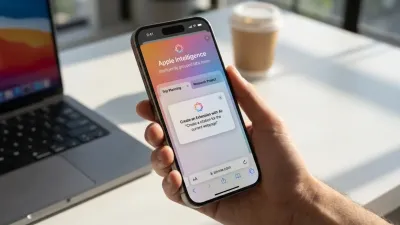
- The Safari app will automatically name Tab Groups based on the contextual contents of the tabs within that specific group.
The Strategic Shift Toward Refined Performance
The decision to model this update after the legendary Snow Leopard release is a calculated and necessary move for Apple. By focusing on quality and underlying performance, the company is directly addressing the growing complexity of its mobile ecosystem. As features like Apple Intelligence demand more processing power, ensuring the foundational OS is rock-solid prevents the user experience from degrading under the weight of new AI tasks.
Furthermore, restricting the 5G satellite internet to the iPhone 18 Pro highlights Apple's ongoing strategy of heavily differentiating its Pro tier through exclusive connectivity hardware. The integration of practical AI tools - like scanning nutrition labels or digitizing gym cards - demonstrates a pivot from generative gimmicks to high-utility, everyday conveniences that actually save users time.
This article was written by AI from reporting by macrumors.com.