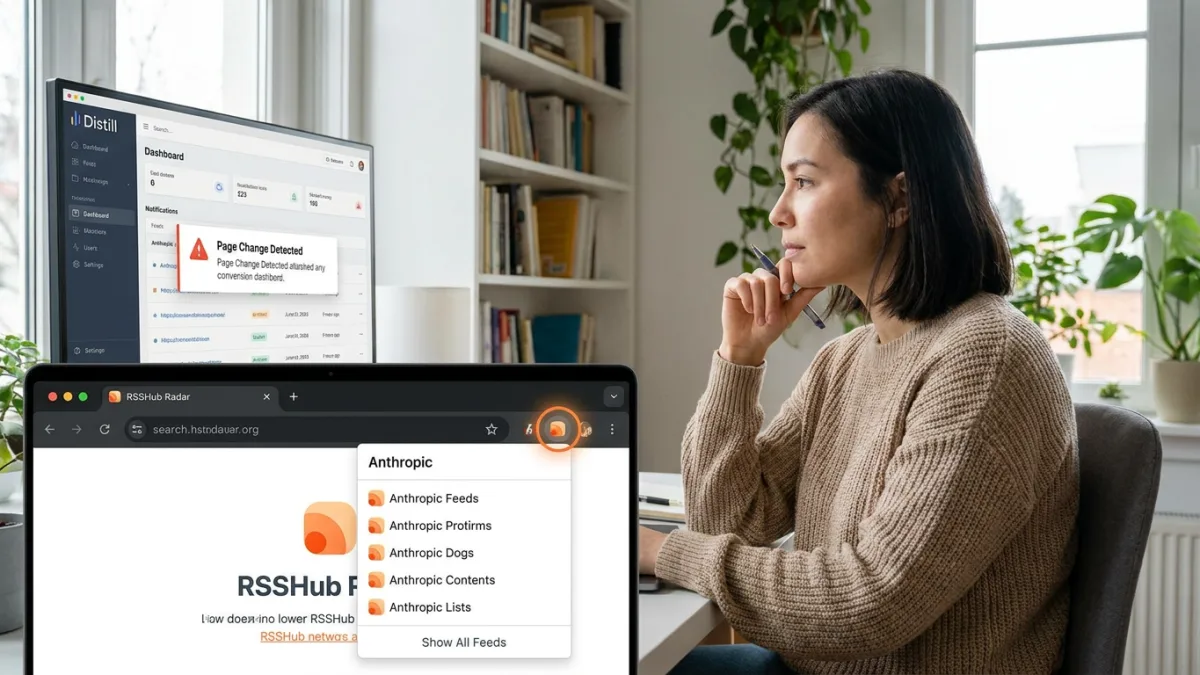
Websites that omit a newsletter or a visible RSS button often leave readers bookmarking pages and checking back manually so they do not miss updates. According to MakeUseOf writer Afam, free workarounds such as RSSHub Radar, Distill, and Visualping can help track sites that do not offer an RSS feed, depending on the website.
Finding hidden and community feeds with RSSHub Radar
The first tool Afam found effective is RSSHub Radar, a free, open-source tool with a Chrome extension. Rather than generating feeds on its own, the extension checks whether a web page advertises a feed and matches the site against routes written by RSSHub's volunteer community.
In Afam's testing on Anthropic's website, RSSHub Radar surfaced two feed categories: RSSHub for the current page and RSSHub for the current site. The first category provided three working routes - Engineering, News, and Research - even though Anthropic never built them. When added to the Feedly and Folo readers, all three loaded properly and displayed new and published works, whereas the second category linked only to RSSHub's documentation and could not be subscribed to.
Because the extension relies on existing community routes, no route means no feed, so RSSHub Radar will not work on every website. Where a route exists, setting it up takes three steps:
- Launch your Chromium browser and go to the RSSHub Radar extension page.
- Install and pin the extension to the browser.
- Open the website you want to follow and click the RSSHub Radar extension icon to reveal the available feeds.
RSSHub Radar supports a wide list of RSS readers; Afam configured Feedly so clicking the extension icon opens the feed directly in Feedly. Users who want more reliability than the public server provides can also self-host an instance of RSSHub.
Monitoring page changes with Distill and Visualping
When RSSHub Radar returns no feed for a site outside the volunteer community's coverage, Afam falls back to a page monitor. Instead of building a post feed, page monitors watch a full web page or specific sections of it and send an alert when something changes.
Afam notes that both Visualping - which runs from a web dashboard or browser extension - and Distill have worked well for him, though he prefers Distill's browser extension. Setting up Distill in a Chromium browser follows five steps:
- Launch your Chromium browser and open the Distill Chrome extension page.
- Install and pin the extension.
- Open the target website and click the Distill extension icon.
- Select either Monitor parts of page or Monitor full page. Monitor parts of page lets you target specific areas, such as a Latest News section that typically updates when new content is added.
- Click Save selections to open Distill's Options page, where you can set your preferred check interval and choose an action.
Distill splits its notification actions between free and paid tiers:
- Audio Notification (free plan)
- Popup Notification (free plan)
- Open Page In Tab (free plan)
- Email (free plan)
- Push Notification via Distill's iOS or Android app (paid plans)
- SMS (paid plans)
- Discord Notification (paid plans)
- Microsoft Teams Notification (paid plans)
- Slack Notification (paid plans)
- Webhook Call (paid plans)
Comparing RSS feeds and page change alerts
Afam always checks for a feed first with RSSHub Radar, and only turns to a page monitor like Distill when no feed exists or when a generated feed goes stale. While an RSS feed delivers the post itself, a page monitor only sends an alert that prompts you to revisit the site.
| Method | What arrives | Main catch |
|---|---|---|
| RSSHub Radar + reader | A stream of posts | Needs a working route; the public server can be unreliable |
| Distill | Alerts on a selected area | Local monitors require an open browser; cloud/email plans have small free quotas |
| Visualping | Alerts on a page or area | Five pages, about daily checks, and a pause when the quota runs out |
In Afam's Anthropic test case, the three working routes in Feedly and Folo meant a page monitor was unnecessary. For websites without a route, page monitors provide the cue to check back.
Keeping feeds and page monitors working over time
After picking a website and setting up a feed or page monitor, Afam advises rechecking the setup once a month. Website redesigns or stale routes can stop updates from coming through, and none of these tools will warn you when a feed or monitor fails.
This article was written by AI from reporting by makeuseof.com.