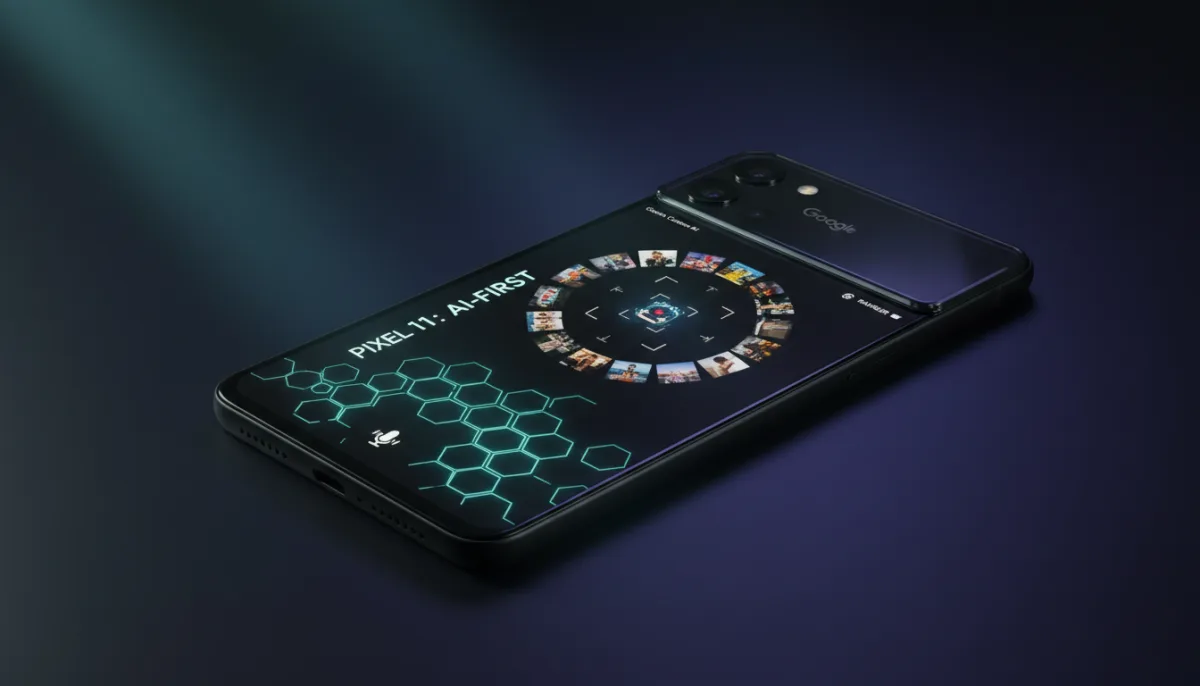
Google’s latest flagship has arrived, but the Pixel 11 feels more like a software update wrapped in familiar glass than a generational leap. For users holding onto devices from the past two to three years, this $899 handset offers refined AI tools and a lighter build, though early adopters might find the hardware changes underwhelming.
The physical footprint of the Pixel 11 remains largely unchanged from its predecessor, maintaining the chunky, stable feel users expect. The most notable design shift is the transition to a full glass camera bar, which helps shave approximately 7g off the total weight. Google also addressed previous complaints by integrating marginally stronger Pixelsnap magnets, making kickstands and accessories feel significantly more secure.
Performance and Connectivity Quirks
Under the hood, the new Tensor G6 chip powers the experience, though day-to-day performance feels virtually identical to the older G5 processor. Google has maintained RAM parity across the lineup with 12GB of memory, ensuring Android 17 runs smoothly. However, users will need to manually adjust their display settings, as the screen inexplicably defaults to 60Hz out of the box instead of the full 120Hz refresh rate.
Early testing revealed a concerning connectivity bug when combining a 5G network with a VPN. On the Three network in the UK, using Proton VPN or Google Pixel VPN caused severe connection drops. This required a quick toggle of Airplane Mode to restore data flow and refresh applications.
How to Maximize the Pixel 11 Camera and AI Tools
The Pixel 11 introduces several software-driven features that require a slight learning curve to master.
- Activating Camera Looks: Double-tap the Quick Access Controls within the camera viewfinder to bring up four tools, then scroll to access on-device Looks. For deeper adjustments, tap the Settings icon, select 'Looks,' and customize your output.
- Using Magic Capture: Hand the phone to a friend and let the Gemini Camera AI automatically extract the best high-quality stills from the moment, functioning similarly to pulling frames from high-frame-rate video.
- Dictating with Rambler: Tap the microphone icon to start speaking. Unlike previous real-time dictation, Rambler waits until you finish speaking to process the text all at once, perfectly correcting stutters and course changes in the background.
Battery Life and Charging Stagnation
Battery life remains reliable, delivering a minimum of six hours of screen-on time under mixed usage conditions like GPS navigation and light gaming. Unfortunately, charging speeds remain stagnant on the new device. Despite hopes for a 25W upgrade, the device retains the 15W Pixelsnap wireless charging speed introduced last year, making Extreme Charging Mode feel sluggish compared to modern standards.
The Hidden Cost of the Pixel 11's AI-First Stagnation
Google’s strategy with the Pixel 11 highlights a broader industry pivot: hardware innovation has taken a backseat to software tuning and AI integration. By keeping the Tensor G6 performance identical to the G5 and capping wireless charging at a pedestrian 15W, Google is betting entirely on features like Magic Capture to justify the $899 price tag.
This approach makes the device a tough recommendation at launch, especially when competitors are pushing boundaries in battery tech and thermal management. However, Google's historical pricing trends offer a clear solution for interested buyers.
Within a few months, aggressive trade-in deals and seasonal discounts will likely slash the entry barrier. This predictable price drop will transform a mediocre launch-day value into a highly compelling mid-cycle upgrade for those holding onto older devices.