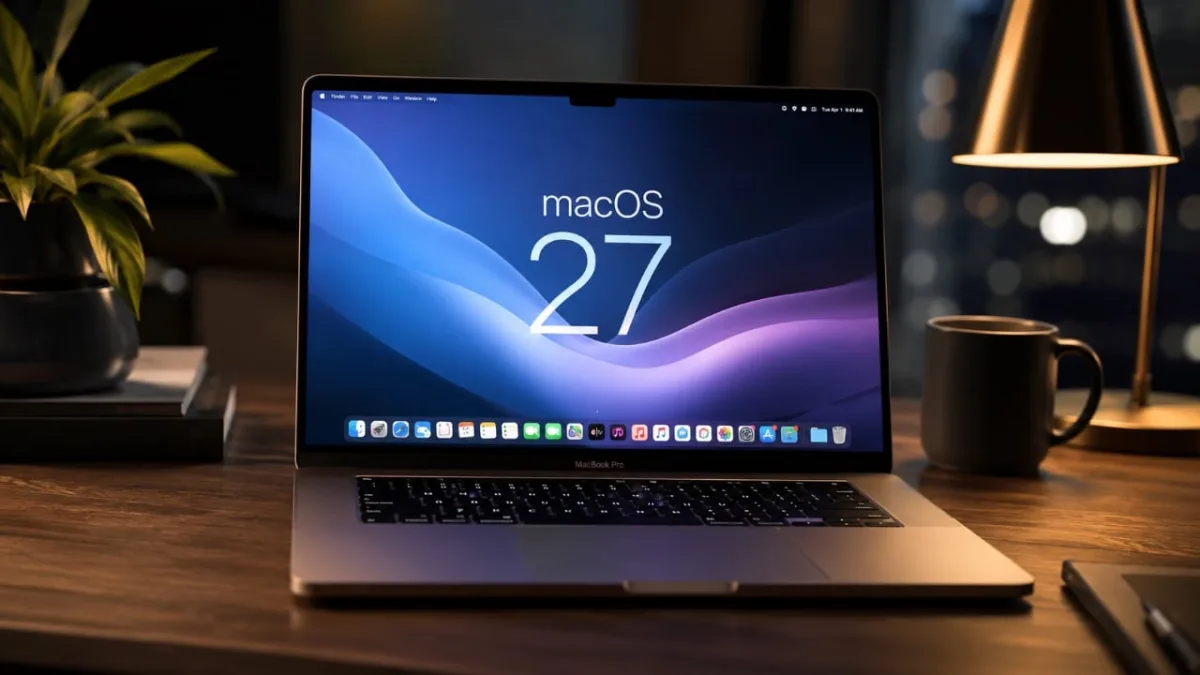
Apple is fundamentally reshaping the Mac experience with the upcoming macOS 27 update, pivoting the operating system from a passive workspace into an autonomous, AI-driven assistant. Expected to debut at WWDC, this release integrates agentic artificial intelligence directly into the system core while introducing subtle UI overhauls that strongly hint at future touchscreen hardware.
According to a recent breakdown by 9to5Mac, the update focuses heavily on streamlining workflows and reducing manual clutter. By combining advanced automation with an iPadOS-inspired design language, macOS 27 aims to deliver a more intuitive and forward-thinking user experience.
Agentic AI and the New Conversational Siri
Artificial intelligence takes a leading role in macOS 27, fundamentally changing how users interact with their machines. Siri has undergone a substantial upgrade, evolving into a conversational assistant with chatbot-like capabilities. Whether using text-based commands or voice interactions, Siri now provides context-aware responses, allowing users to ask the assistant to summarize an email thread or suggest the best time for a meeting based on their calendar.
Beyond standard voice commands, macOS 27 introduces agentic AI capabilities that allow users to automate complex workflows using natural language. You can instruct your Mac to organize files by project, schedule recurring meetings, or draft detailed emails without navigating through multiple apps. Additionally, AI-driven background task management optimizes system performance by prioritizing processes automatically.
Safari and Natural Language Shortcuts
Safari receives a significant upgrade focused on AI-powered tab management to improve productivity. The browser now automatically organizes tabs into groups based on activity, such as work, shopping, or travel. If you are researching a project while planning a vacation, Safari neatly separates these tasks into distinct tab groups, allowing effortless switching while maintaining enhanced privacy features.
Automation is also becoming significantly more accessible. Creating and managing workflows in the Shortcuts app now features natural language support. Users can simply describe the desired action - such as "Set up a shortcut to send weekly reports to my team" - and macOS will generate the corresponding automation, lowering the barrier to entry for complex task management.
Advanced Photo Editing Capabilities
The Photos app in macOS 27 introduces innovative tools designed to elevate the editing experience for both casual users and professionals. Key updates include:
- Extend: Seamlessly expand an image's boundaries to create a natural continuation of the scene, perfect for panoramic shots or creative compositions.
- Enhance: Use AI-powered adjustments to improve lighting, color, and overall image quality with greater precision and minimal effort.
- Reframe: Shift perspectives in spatial photos, allowing dynamic compositions and unique storytelling opportunities.
The Touchscreen Trojan Horse
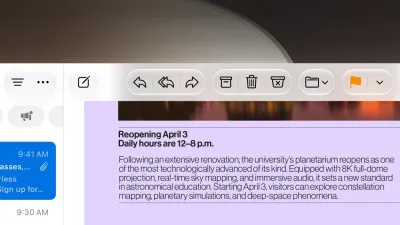
While AI integration dominates the feature list, the most consequential changes in macOS 27 are its subtle yet impactful UI refinements. By introducing touch-friendly elements like larger buttons, more responsive menus, and gesture-based interactions inspired by iPadOS, Apple is clearly laying the groundwork for the anticipated arrival of touchscreen Macs.
Gesture-based navigation, such as swiping between apps or pinching to zoom, provides a more intuitive interaction model that bridges the gap between Apple's desktop and mobile ecosystems. These refinements indicate that macOS 27 is not just a software update, but a transitional bridge designed to ensure a seamless user experience when Apple finally introduces touch-first Mac hardware to the market.
This article was written by AI from reporting by geeky-gadgets.com.