When users install macOS 27, codenamed Golden Gate, the operating system automatically removes the Rosetta translation environment. Writing for 9to5Mac, IT administrator Bradley Chambers notes that while traditional applications will prompt users to reinstall the software, background utilities may simply stop working, requiring IT departments to prepare a deployment strategy for their fleets.
The silent failure problem
Although macOS 27 removes Rosetta, the upcoming macOS 28 will drop support for it entirely. For traditional applications, macOS 27 presents an easy-to-follow graphical prompt asking the user to reinstall the translation environment. Chambers points out that this is a workable scenario because users are immediately alerted to the issue.
The primary concern lies with background tools, such as menu bar utilities, from vendors who have not yet released native Apple Silicon builds. In Chambers' testing over the summer, these utilities simply failed to work without displaying any error prompts. Because these silent failures offer no warning to the user, auditing an IT fleet before rolling out macOS 27 is critical.
Reinstalling Rosetta via device management
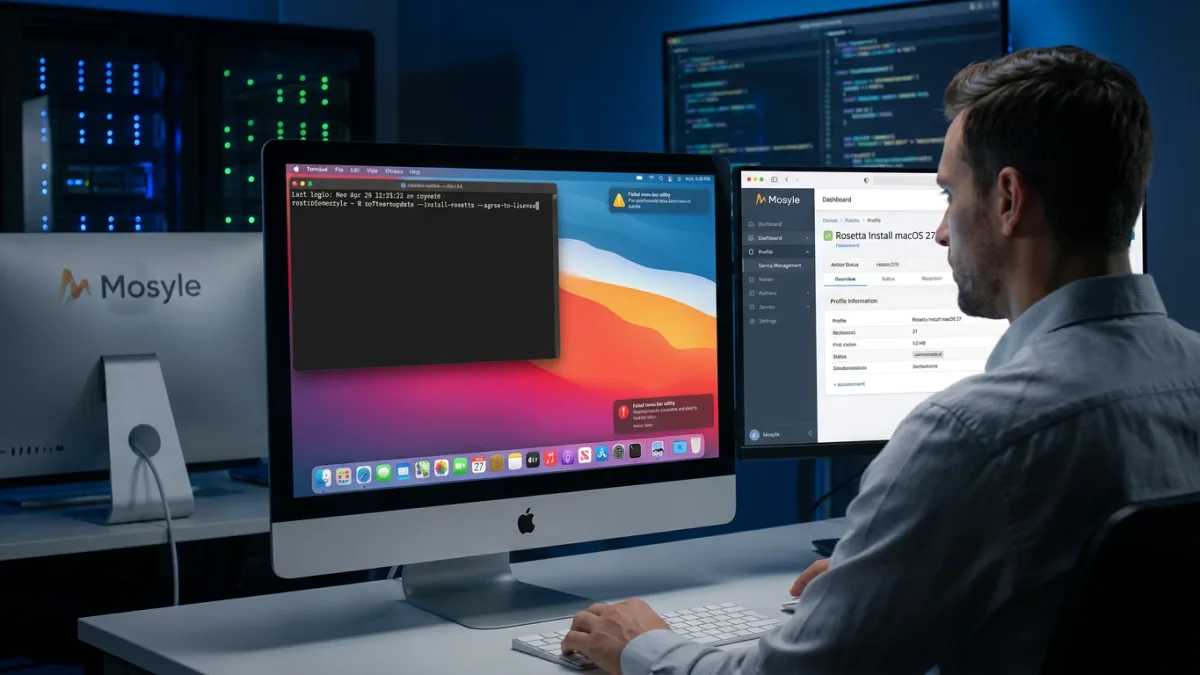
To prevent users from experiencing issues, IT administrators can automatically push a Rosetta reinstallation script to every Mac that joins a macOS 27 Dynamic Device Group. Using a device management system like Mosyle, administrators can create a new script profile with a clear name, such as “Rosetta Install macOS 27,” and enter the following command:
softwareupdate --install-rosetta --agree-to-licenseAfter selecting a preferred trigger under Execution Settings, the profile can be assigned to the dynamic group. Once a device appears in that group, the system automatically pushes the script, which hopefully installs Rosetta before the user encounters a problem. Chambers notes that while this is not a permanent fix, it buys time to transition to native builds.
Vendor delays with Apple Silicon
Apple Silicon originally shipped in late 2020, giving developers over five years to update their software before Rosetta stops working in macOS 28. Chambers argues that the delay is no longer a technical challenge or a resource issue, but rather a prioritization choice made by the IT teams managing the software.
Any vendor still telling customers that a native Apple Silicon build is “on the roadmap” before Rosetta stops working in macOS 28 has had five-plus years to solve this problem and has chosen not to.
Bradley Chambers, IT Administrator
Even if these vendors manage to ship native versions before macOS 28 is released, Chambers states that the extended delay makes him question their overall commitment to the macOS platform.
Next steps for IT administrators
Administrators who have not yet audited their fleets for Rosetta-dependent software should do so immediately. Most enterprise fleets are likely placing a 90-day block on Golden Gate for final testing and quality assurance, making this the ideal time to finalize a transition plan. While setting up the script workaround in Mosyle takes about five minutes, having difficult conversations with vendors or migrating to entirely new solutions will take significantly longer.
This article was written by AI from reporting by 9to5mac.com.