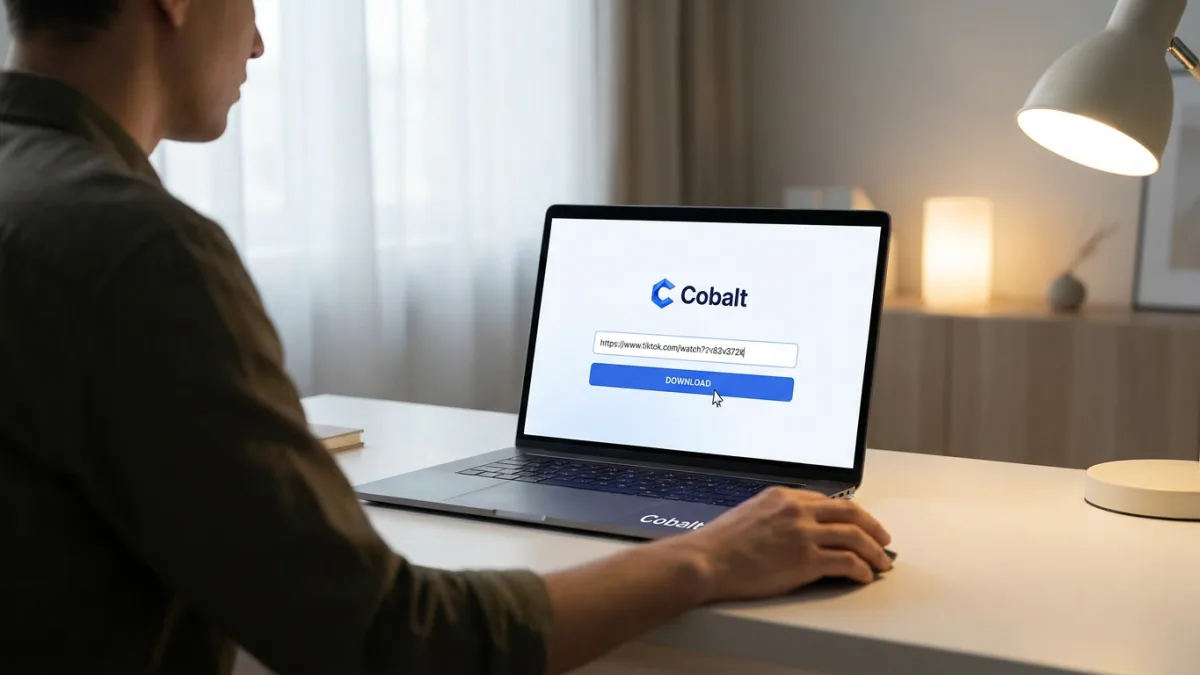
Finding a safe way to save videos from platforms like TikTok, X, and YouTube usually means navigating a minefield of sketchy websites, aggressive ads, and hidden paywalls. Users looking to archive memes or reaction clips are often forced to compromise their device security. Cobalt, an open-source media downloader, strips away the malicious redirects and tracking to offer a clean, privacy-first solution for archiving social media clips.
Available via its web interface, Cobalt requires no account creation or subscription fees. Users simply paste the target URL to retrieve the media directly. The tool supports a massive roster of platforms, including TikTok, X, Instagram, Reddit, SoundCloud, Vimeo, Tumblr, VK, Bilibili, and over 20 other sites, making it a universal utility for content archiving.
Advanced Codecs and Lossless Formatting
Despite its minimalist interface, Cobalt offers extensive customization for media enthusiasts. Users can pull video resolutions ranging from 144p all the way up to 8K+ on supported uploads. The platform allows users to select specific video codecs, including H.264 + AAC, AV1 + Opus, or VP9 + Opus, and package them in MKV, MP4, or WebM containers.
For audio-only downloads, Cobalt provides MP3, Ogg, WAV, and Opus formats, with adjustable bitrates spanning from 8 kb/s to 320 kb/s. It can even extract multi-language audio tracks from YouTube videos with dubbing support. A dedicated remux tab handles lossless container swaps locally, ensuring near-instantaneous format changes without degrading the original file quality.
Metadata management is equally granular. Users can customize filenames using four distinct presets: classic, basic, pretty, or nerdy. The tool also pulls embedded subtitles when available, or allows users to strip all metadata entirely for a cleaner file footprint.
A Strict Approach to User Privacy
Cobalt distinguishes itself from ad-supported downloaders through its aggressive privacy architecture. The platform features a tunnel files option that hides the user's IP address and bypasses local network restrictions, while also preventing files from downloading with gibberish titles.
Analytics are handled through Plausible, a cookie-less tracking system that strictly complies with GDPR, CCPA, and PECR privacy frameworks. Users can opt out of these analytics entirely. For maximum security, Cobalt allows users to route their downloads through custom community servers using an API key for authentication, though the default servers remain highly secure.
How to Self-Host Cobalt for YouTube
While Cobalt works seamlessly for most social platforms, YouTube actively blocks third-party downloaders and media players at the network level. Consequently, YouTube downloads no longer function on the public Cobalt instance. To bypass this restriction, users must self-host the tool locally.
Running a local instance requires Docker Compose. Follow this step to deploy your own private Cobalt server:
docker compose up -dOnce the container is running, route your YouTube URLs through your local instance. If Google's network still blocks the requests, you may need to manually configure your YouTube session settings within the local environment to authenticate the connection.
The End of the Ad-Supported Downloader Era
The media downloader ecosystem has long been plagued by predatory monetization tactics, relying on the desperation of users who just want to save a quick video. Cobalt proves that utility tools do not need to be hostile to be sustainable. By leveraging open-source development and community hosting, it completely bypasses the traditional ad-revenue model.
However, the ongoing cat-and-mouse game with YouTube highlights a broader industry trend: major platforms are aggressively locking down their APIs to force users into proprietary apps and premium subscriptions. As network-level blocks become more sophisticated, the ability to self-host tools via Docker will transition from a niche developer skill to a necessary workaround for everyday consumers who want to retain control over the media they consume.
This article was written by AI from reporting by makeuseof.com.