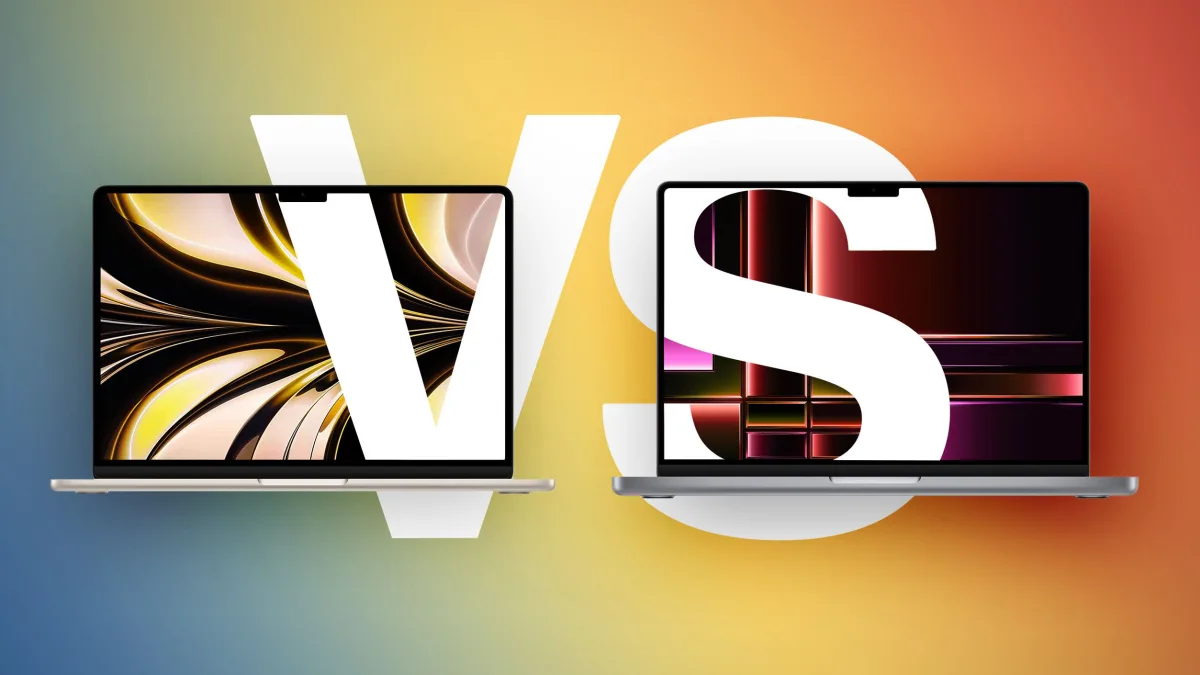
Deciding between the M5 MacBook Air and the M5 MacBook Pro requires understanding Apple's newly restructured laptop lineup. This guide is designed for professionals, students, and everyday users looking to upgrade to Apple's latest M5 silicon. By following these evaluation steps, you will be able to determine exactly which machine aligns with your daily workload and budget.
The decision has become more nuanced recently due to the introduction of the lower-cost MacBook Neo. This new entry-level option shifts the 13-inch and 15-inch MacBook Air into a definitive middle tier, sitting right below the premium 14-inch MacBook Pro. To make an informed decision, you must look beyond the shared M5 chip and examine the structural and hardware differences.
Follow these specific steps to evaluate which laptop will serve as your best long-term investment:
- Evaluate your sustained performance needs: Determine if your daily tasks involve long video exports, 3D rendering, or compiling large codebases. The MacBook Air utilizes a fanless, passive cooling design that is completely silent but may throttle under heavy, continuous loads. In contrast, the MacBook Pro features active cooling with fans, allowing the M5 chip to sustain peak performance for prolonged periods without thermal limitations.
- Assess your display and visual requirements: Compare the screen technology based on your professional needs. The MacBook Air features a standard LCD Liquid Retina display with a 60Hz refresh rate and up to 500 nits of brightness. If you require high-end color grading or smoother scrolling, step up to the MacBook Pro's Mini-LED Liquid Retina XDR display, which offers ProMotion up to 120Hz, 1,000 nits of sustained brightness, 1,600 nits peak HDR brightness, and a Nano-texture option.
- Determine your port and connectivity demands: Count the peripherals you use daily. The MacBook Air is limited to two Thunderbolt 4 (USB-C) ports. If you rely on external monitors, memory cards, or complex studio setups, choose the MacBook Pro, which provides three Thunderbolt 4 ports, an HDMI 2.1 port with multichannel audio support, and an SDXC card slot.
- Compare portability against battery capacity: Weigh the physical dimensions against your travel requirements. The 13-inch MacBook Air is incredibly portable at just 0.44 inches (1.13 cm) thick and 2.7 pounds (1.24 kg), offering an 18-hour battery life from its 53.8-watt-hour battery. The 14-inch MacBook Pro is thicker at 0.61 inches (1.55 cm) and heavier at 3.4 pounds (1.55 kg), but it houses a larger 72.4-watt-hour battery that delivers up to 24 hours of battery life.
- Weigh the price-to-value ratio at the high end: Calculate the financial jump from the 15-inch Air to the 14-inch Pro. The 13-inch MacBook Air starts at $1,099, and the 15-inch model starts at $1,299. If you are considering the 15-inch Air, recognize that for just $300 more, the $1,599 MacBook Pro offers a vastly superior display, active cooling, and expanded I/O, making it a highly resilient long-term investment.
Hardware Specifications Comparison
To further clarify the differences, review the exact hardware specifications across the three primary models. Both Air models feature a 12MP Center Stage camera and come in Silver, Sky Blue, Starlight, or Midnight, while the Pro is restricted to Silver or Space Black.
| Feature | MacBook Air (13-inch & 15-inch) | MacBook Pro (14-inch) |
|---|---|---|
| Display Size | 13.6-inch or 15.3-inch | 14.2-inch |
| Cooling System | Passive (Fanless) | Active (Fans) |
| Ports | 2x Thunderbolt 4 | 3x Thunderbolt 4, HDMI 2.1, SDXC |
| Audio | 4-speaker (13") / 6-speaker (15") | High-fidelity 6-speaker, Studio 3-mic array |
| Storage Options | 512GB, 1TB, 2TB | 512GB, 1TB, 2TB, 4TB |
| Power Adapter | 30W, 35W, or 70W | 70W or 96W |
| Starting Price | $1,099 (13") / $1,299 (15") | $1,599 |
My Take
The introduction of the MacBook Neo has fundamentally changed how we should view the MacBook Air. It is no longer the default entry-level machine; it is the definitive mid-range option. However, the most critical takeaway from this pricing structure is the dangerous upsell trap at the $1,299 mark.
If a buyer is already willing to spend $1,299 on a 15-inch MacBook Air, stopping there is often a strategic mistake. For a mere $300 premium, the $1,599 14-inch MacBook Pro provides a Mini-LED 120Hz display, active cooling, and a massive leap in connectivity. Unless absolute thinness is your primary metric, the 14-inch Pro represents the best value-to-longevity ratio in Apple's current M5 lineup.
Frequently Asked Questions
Does the M5 MacBook Air have a cooling fan?
No, the MacBook Air utilizes a passive, fanless cooling design, making it completely silent but subject to thermal throttling under heavy, sustained workloads.
What is the exact price difference between the 15-inch Air and 14-inch Pro?
The 15-inch MacBook Air starts at $1,299, while the 14-inch MacBook Pro starts at $1,599, creating a $300 price gap between the two models.
Which model offers the best battery life?
The 14-inch MacBook Pro offers up to 24 hours of battery life, whereas both the 13-inch and 15-inch MacBook Air models provide up to 18 hours on a single charge.
This article was written by AI from reporting by macrumors.com.